

Teams are under pressure to ship code faster, while improving security. This pressure often leads to burnout and oversight. Application Security tools aim to address this challenge by helping teams detect, triage, and remediate vulnerabilities across the software lifecycle, from source code and dependencies to APIs and runtime. Enforcing security without slowing down development.
Aikido Security's 2026 State of AI in Security and Development report found that 65% of teams admit to bypassing security tools, dismissing findings or delaying fixes due to noise and alert fatigue. The same report found that increasing the number of security vendors leads to worse security outcomes (more incidents, slower triaging and remediation).
It's no wonder security leaders are looking to consolidate. The goal is centralized governance across every application in the portfolio, consistent policy enforcement, and audit-ready evidence that doesn't require a spreadsheet. And if the platform doesn't fit into the workflows engineers already use, policies go unenforced and findings go ignored.
In this guide, we’ll explore the top AppSec tools teams are using to stay ahead of threats. We’ll start with a comprehensive list of the most trusted platforms, then break down which tools are best suited for specific use cases, from startups and SMBs to enterprises.You can jump to specific use cases below:
- Best 4 AppSec Tools for Developers
- Best 5 AppSec Tools for Enterprises
- Best 5 AppSec Tools for Startups and SMBs
- Best 3 Free AppSec Tools
- Best 5 AppSec Tools for CI/CD Pipelines
- Best 2 Cloud-Native AppSec Tools
- Best 3 Open Source Application Security Tools
TL;DR
Among the tools reviewed, Aikido Security stands out as the strongest option for organizations that want to centralize application security. It covers SAST, SCA, DAST, API security, AI pentesting, cloud posture, secrets detection, and runtime protection. Each of these is an enterprise-grade standalone product, which means teams can adopt modularly or deploy the full stack without trading depth for breadth. What separates Aikido Security from legacy platforms is that governance and developer experience aren't in tension. Security teams get centralized policy enforcement, RBAC, SSO/SCIM, audit trails, and compliance mapping across SOC 2, ISO 27001, PCI DSS, and GDPR. Developers get AI-powered triage that filters out noise, one-click fixes in their IDEs and PRs, and a platform that doesn't require them to context-switch into a security analyst's dashboard.
What is AppSec?
Application Security (AppSec) is the practice of identifying, fixing, and preventing security vulnerabilities in software applications throughout their lifecycle. AppSec tools are software solutions used to automate and manage this process.
AppSec tools help teams verify that every part of their application remains uncompromised, reducing the risk of breaches caused by insecure code, third-party libraries, or misconfigurations.
These tools can be grouped into these categories:
- Static Application Security Testing (SAST): Scans source code for security flaws without running the application.
- Dynamic Application Security Testing (DAST): Tests running applications for vulnerabilities by simulating external attacks.
- Software Composition Analysis (SCA): Identifies vulnerabilities and licensing issues within open-source components and third-party libraries.
- Infrastructure as Code (IaC) Scanners: Analyzes configuration files, like Terraform and Kubernetes manifests, for misconfigurations.
- Secrets Detection Tools: Scans code repositories and CI/CD pipelines for exposed credentials, API keys, and passwords.
Why AppSec Tools Matter
Here are a few things AppSec tools ensure:
- Cost Reduction: Finding vulnerabilities during development is far cheaper than fixing them in production.
- Enables DevSecOps: Automated security scans integrated into CI/CD pipelines, allows teams to “shift left”, catching bugs in code and builds, not after release.
- Reduces Alert Fatigue: Good AppSec tools prioritize real risks and cut noise. Fewer false positives means developers trust the tool and act on its findings, instead of tuning it out.
- Compliance Support: Regulated industries require comprehensive application security testing such as PCI DSS for finance and HIPAA for healthcare. AppsecTools help ensure you meet these standards.
- Broad Security Coverage: AppSec tools can scan all your code and apps continuously. This coverage is difficult to achieve manually, especially in organizations managing dozens of microservices and cloud resources.
How to Choose the Right AppSec Tool
Not all AppSec solutions are one-size-fits-all. When evaluating tools, keep these criteria in mind:
- Risk Prioritization: Does it perform context-aware analysis? How frequent are its false positives? Tools like Aikido Security use AI to filter out over 90% of false positives.
- Cross-Team Collaboration: Look for tools that support role-based access control and shared dashboards?
- Compliance Support: Does it have built-in compliance features? Does it support common standards like SOC 2, OWASP TOP 10, PCI DSS, ISO, and HIPAA
- Workflow Support: Does it support your team's tech stack (frameworks, programming languages)?
- Supported Analysis: What kind of analysis does it support? Prioritize tools with broad coverage.
- Developer UX: Was it designed with developers in mind? Does it provide remediation features, such as AI autofix, Inline suggestion, automated PRs?
- Pricing: Are its plans transparent and easy to estimate, or does each add-on require a discussion with customer support?
Top 14 AppSec Tools
1. Aikido Security
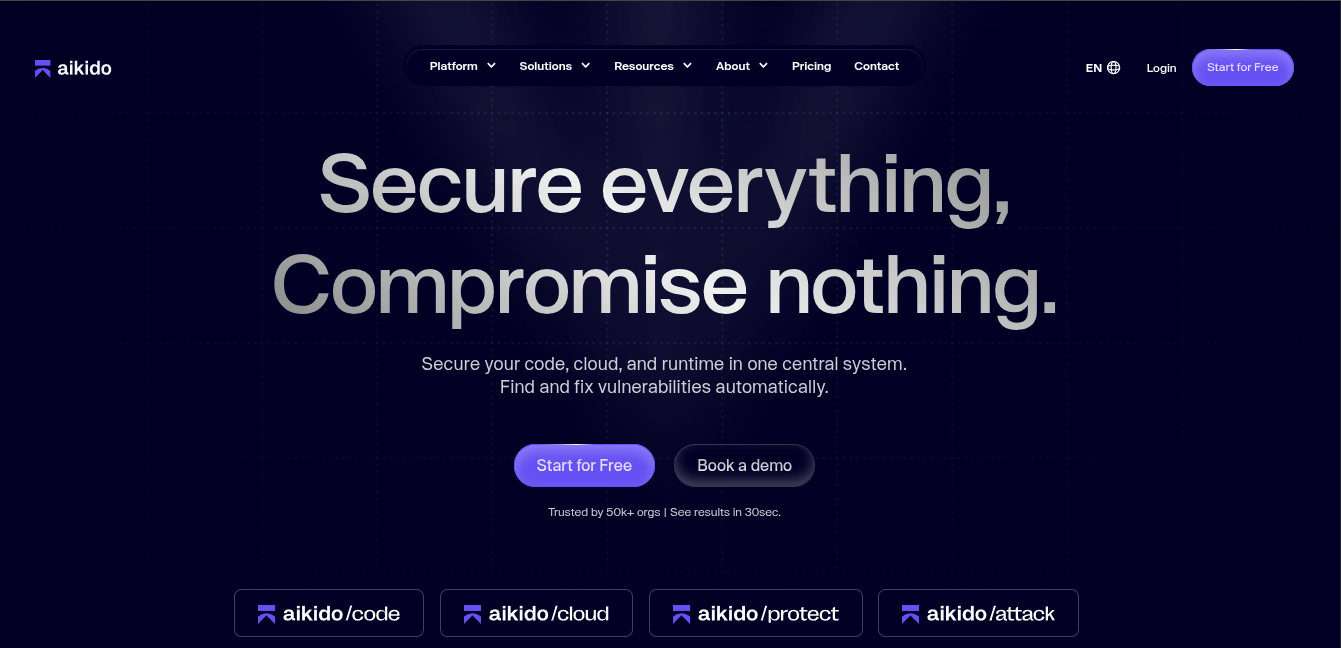
Aikido Security offers enterprise-grade SAST, SCA, DAST, API security, cloud posture management, secrets detection, and runtime protection. Each of these ships as a standalone product with its own depth, so teams can adopt what they need without compromising on coverage or capability.
Across all of them, Aikido Security uses reachability analysis and AI-powered triage to surface the vulnerabilities that are actually exploitable in your environment, filtering out the noise that causes teams to ignore findings altogether. Security leaders get centralized policy enforcement, RBAC, SSO/SCIM, and audit trails across the full application portfolio. Developers get fixes surfaced directly in their IDEs and PRs, which is what turns governance from a policy document into something that actually gets followed.
Developers get everything they need to fix issues:
- Clear explanations of risks and their impact
- Instant, AI-powered remediation suggestions
- Automated compliance checks for major frameworks (SOC 2, ISO 27001, PCI DSS, GDPR, and much more)
Teams can start with any tool and enable more as they grow, without introducing tool sprawl.
Key Features:
- Best-in-class tools: Offers SAST, SCA, secrets, IaC, containers, cloud configs, and much more.
- AI-powered Fixes: Provides automated pull requests for fixes, and one-click fixes for multiple findings.
- Runtime Security: Aikido Security provides an in-app web firewall (RASP) to block attacks in real time.
- Cloud Security: Aikido Security reduces the risk of incidents by 50% by also securing the underlying cloud infrastructure of applications, eliminating the need for separate cloudSec and AppSec tools.
- Data Residency and Private Scanning: Supports data residency requirements and private scanning configurations for organizations with strict data sovereignty or network isolation policies.
- Agentless Setup: Uses read-only APIs to connect with GitHub, GitLab, or Bitbucket . No installation agents required.
- End-to-End Attack Path Analysis: Aikido Security uses AI to link related vulnerabilities and highlights the most dangerous attack routes.
- AI Autotriage: Aikido security uses machine learning to perform automated context-aware analysis on findings from scanners.
- Reachability Analysis: It scans dependencies for vulnerabilities, highlighting those that are truly exploitable.
- Compliance Mapping: Supports compliance and security frameworks like SOC 2, ISO 27001, PCI DSS, GDPR, and much more.
- Low False Positives: Uses contextual filtering and AI triaging to suppress up to 90% of false positives, reducing alert fatigue
- Developer-Friendly UX: Provides instant AI suggestions, autofixes, and clear guidance in IDEs and pull requests to help developers fix issues quickly.
- Secrets Detection: Identifies hardcoded credentials or API keys before they reach production.
- Platform Agnostic: Supports all major programming languages and cloud providers out-of-the-box.
- Smart Prioritization: Deduplication and AI-powered auto-triage group related issues and filter out those that don’t actually affect your app .
Pros:
- Category-leading SAST, SCA, DAST, and cloud security products.
- Broad language support
- Robust compliance features
- Transparent pricing
- Comprehensive Software Bill of Materials (SBOM)
- AI-powered filtering
- Cross-platform support
- Developer-friendly UX
Pricing:
Aikido Security’s plans start at $300/month for 10 users.
- Developer (Free Forever): Ideal for teams of up to 2 users. Includes 10 repos, 2 container images, 1 domain, and 1 cloud account.
- Basic: Supports 10 repos, 25 container images, 5 domains, and 3 cloud accounts.
- Pro: Designed for mid-sized teams. Includes 250 repos, 50 container images, 15 domains, and 20 cloud accounts.
- Advanced: Includes 500 repos, 100 container images, 20 domains, 20 cloud accounts, and 10 VMs.
Plans are also available for startups (with a 30% discount) and enterprises.
Best For:
Organizations standardizing on a single security platform across their application portfolio. Enterprise teams get centralized governance (RBAC, SSO/SCIM, policy enforcement, audit trails) and consolidation outcomes. Organizations that have consolidated onto Aikido Security report reduced tool count, faster mean time to remediation, and significantly lower alert noise across their application portfolio. Dedicated migration support for organizations consolidating from multiple point tools, with onboarding that maps existing policies, integrations, and workflows into the platform. Smaller teams benefit from fast onboarding, a free tier, and a platform that scales with them rather than requiring a rip-and-replace later.
Gartner Rating: 4.9/5.0
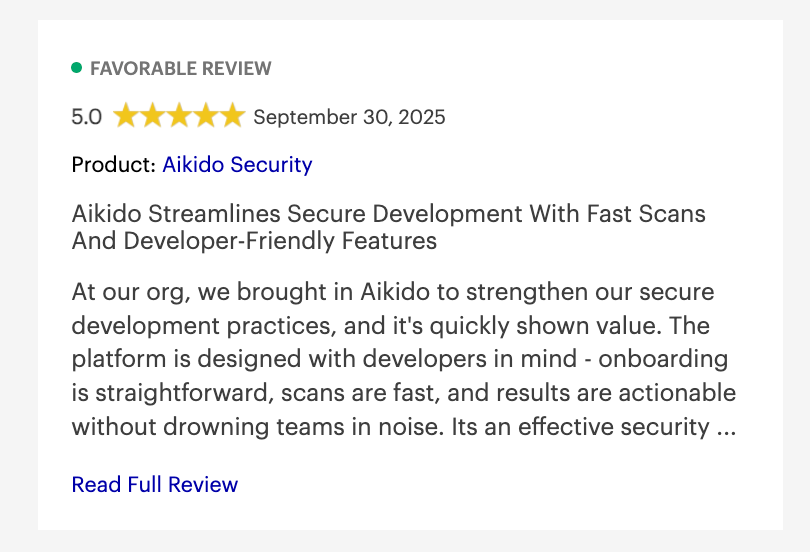
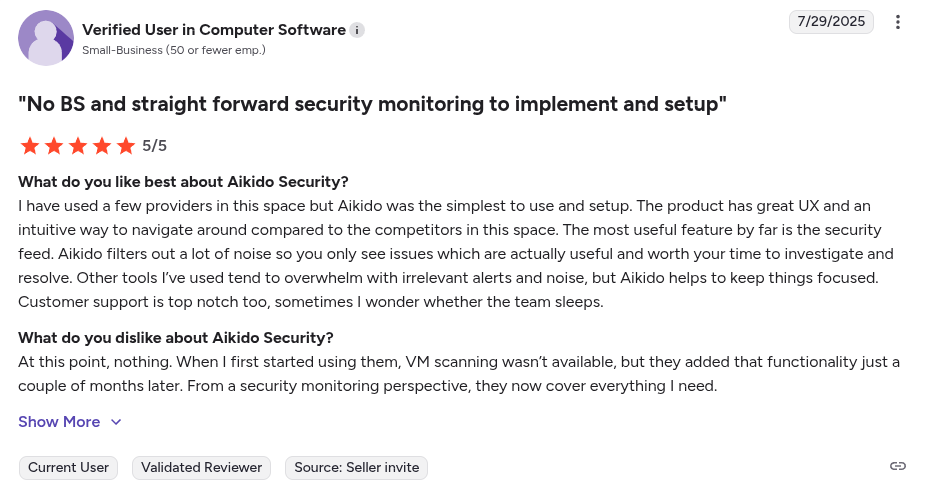
Aikido Security Reviews:
Beyond Gartner, Aikido Security also has a rating of 4.7/5 on Capterra, Getapp and SourceForge
2. Black Duck
Black Duck by Synopsys is a Software Composition Analysis (SCA) tool for managing open-source risks. It scans your application’s open-source components to identify known vulnerabilities, license compliance issues, and code quality.
Key Features:
- Deep Vulnerability Knowledge Base: Maps your dependencies against a database of known CVEs and advisories
- License Compliance Checking: It identifies open-source licenses in your inventory and flags conflicts or risky licenses.
- Snippet Scanning: Black Duck can detect code snippets copied from open-source projects.
Pros:
- Open-source component detection
- Robust vulnerability knowledge base
Cons:
- Primarily enterprise focused
- Steep learning curve
- High alert volume
- Initial configuration can be complex
- Scans on large codebases are slow
- Its User Interface (UI) is more security analyst focused than developer-centric
- Requires third party tools (SAST, DAST) for full AppSec coverage
Pricing:
Custom pricing
Best For:
Black Duck is ideal for large enterprise teams relying heavily on open-source dependencies and requiring strict compliance controls.
Gartner Rating: 4.5/5.0
Black Duck Reviews:
No independent user generated review.
3. Burp Suite
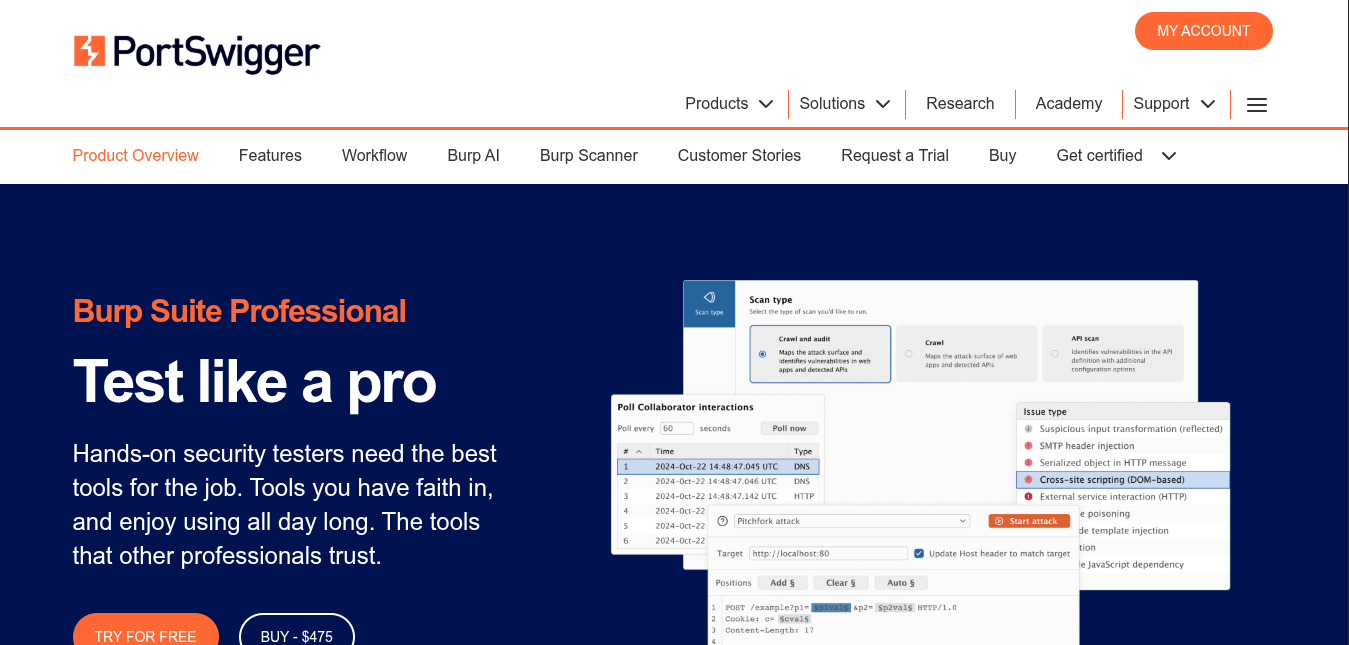
Burp Suite by PortSwigger is an integrated platform for manual and automated web application security testing. It serves as an intercepting proxy for web traffic, allowing users to intercept and modify requests.
Key Features:
- Intercepting Proxy: Burp’s proxy lets users inspect and tamper with HTTP(S) traffic between browsers and the target apps.
- Automated DAST Scanner: It scans applications to detect common vulnerabilities such as SQLi, XSS and CSRF.
- Extensibility Users can add community-created extensions to enhance scanning or add new exploit techniques.
Pros:
- Strong community support
- Granular manual control
Cons:
- Web focused
- High false positives
- Its scans can be resource intensive
- Lacks reachability analysis
- Steep learning curve
- Performs periodic scans rather than continuous
Pricing:
- Burp Suite Community Edition: Free
- Burp Suite Professional: $475 per user/year
Burp Suite Enterprise Edition: Custom pricing
Best For:
Burp Suite is ideal for security specialists performing web application pentests. .
Gartner Rating: 4.7/5.0
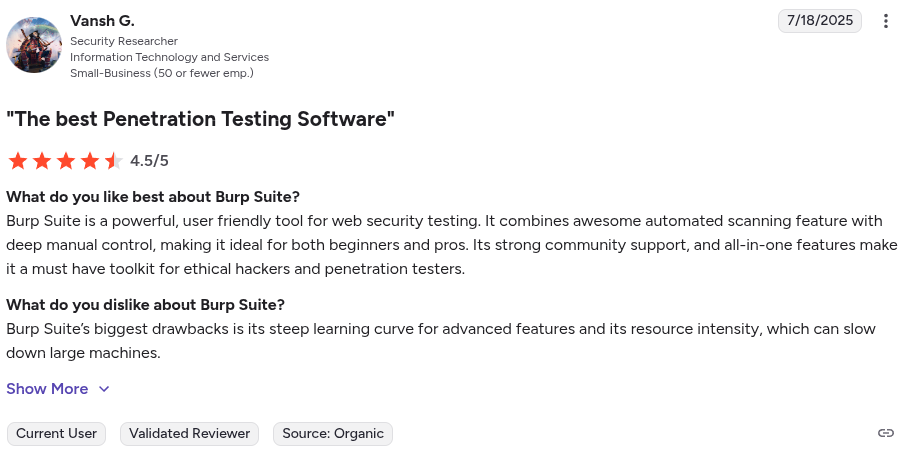
Burp Suite Reviews:
4. Checkmarx
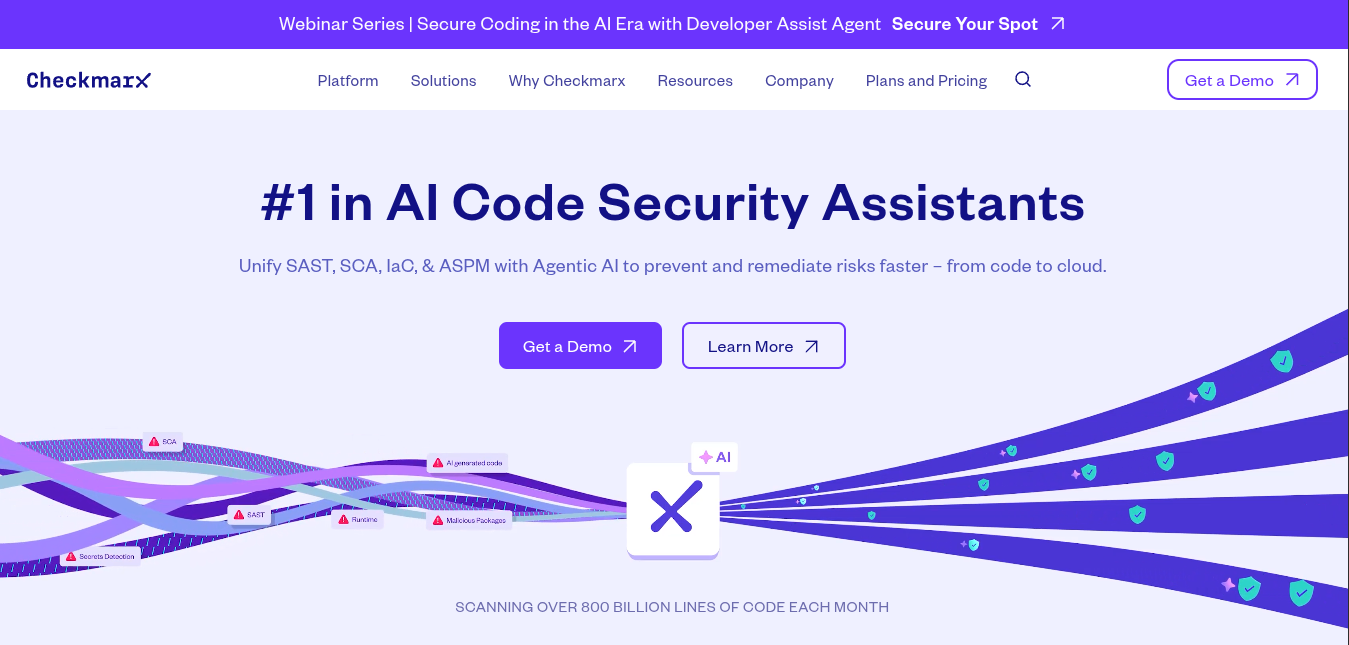
Checkmarx is an enterprise application security platform with a focus on Static Application Security Testing (SAST). It has now evolved into a unified platform for code security. . .
Key Features:
- Customizable Rules: Checkmarx allows teams to write custom queries to detect organization/project specific patterns .
- Unified AppSec Platform: It offers composition analysis (for open-source dependencies) and interactive testing.
Pros:
- Broad language support
- Robust security research and threat intel
Cons:
- False positives
- High alert volume
- Steep learning curve
- Heavily enterprise focused
- Dedicated pricing for each security module
- Scans can be slow on large codebases
Pricing:
Custom pricing
Best For:
Checkmarx is best suited for enterprises that need comprehensive static analysis across diverse tech stacks and large codebases.
Gartner Rating: 4.6/5.0
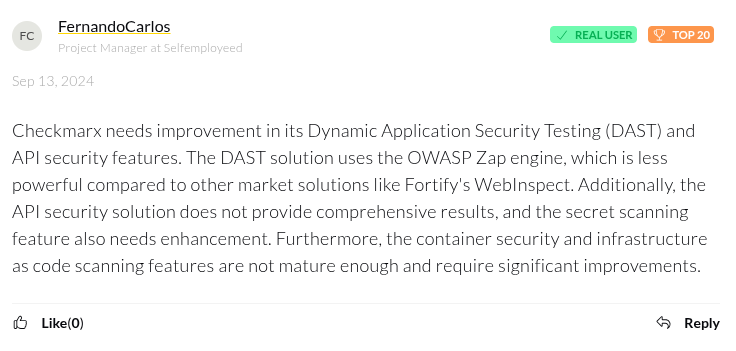
Checkmarx Reviews:
5. Contrast Security
Contrast Security is an application security platform with a focus on instrumentation. It provides both Interactive Application Security Testing (IAST) and Runtime Application Self-protection for Applications (RASP).
Key Features:
- Real-time Vulnerability Detection (IAST): Contrast’s IAST instruments the application on a test server and watches for insecure behaviors.
- Runtime Protection (RASP): It deploys agents inside applications to act as a dedicated self-contained Web Application Firewalls (WAF).
Pros:
- Actionable remediation guidance
- Runtime protection
- Supports common CI/CD platforms
Cons:
- Primarily enterprise focused
- Agents must be be deployed into the applications
- It can be difficult to configure
- Requires code execution to identify vulnerabilities
- Users have reported its user interfaces as cluttered
- Users have reported latency due to its agents
Pricing:
Custom Pricing
Best For:
Enterprise teams that need continuous real-time, usage-based feedback and can deploy agents in their applications.
Gartner Rating: 4.7/5.0
Contrast Security Reviews:
No independent user generated review.
6. Fortify

Fortify (part of OpenText) is an enterprise application security platform primarily known for its static code analysis and legacy language support. .
Key Features:
- Broad Language Support: It supports a wide range of modern and legacy programming languages such as ABAP, Classic ASP and COBOL.
- Enterprise Management: Provides a centralized management portal where all scan results are aggregated.
Pros:
- Legacy language support
- Strong reporting and compliance
Cons:
- Primarily enterprise focused
- High alert volume
- Steep learning curve
- False positives
- Initial configuration is complex
- Its User Interface(UI) is geared towards security analysts
- Limited cloud-native coverage
Pricing:
Custom pricing
Best For:
Large enterprises managing legacy systems that need centralized governance, compliance reporting, and static analysis.
Gartner Rating: 4.5/5.0
Fortify Reviews:
7. HCL/IBM AppScan
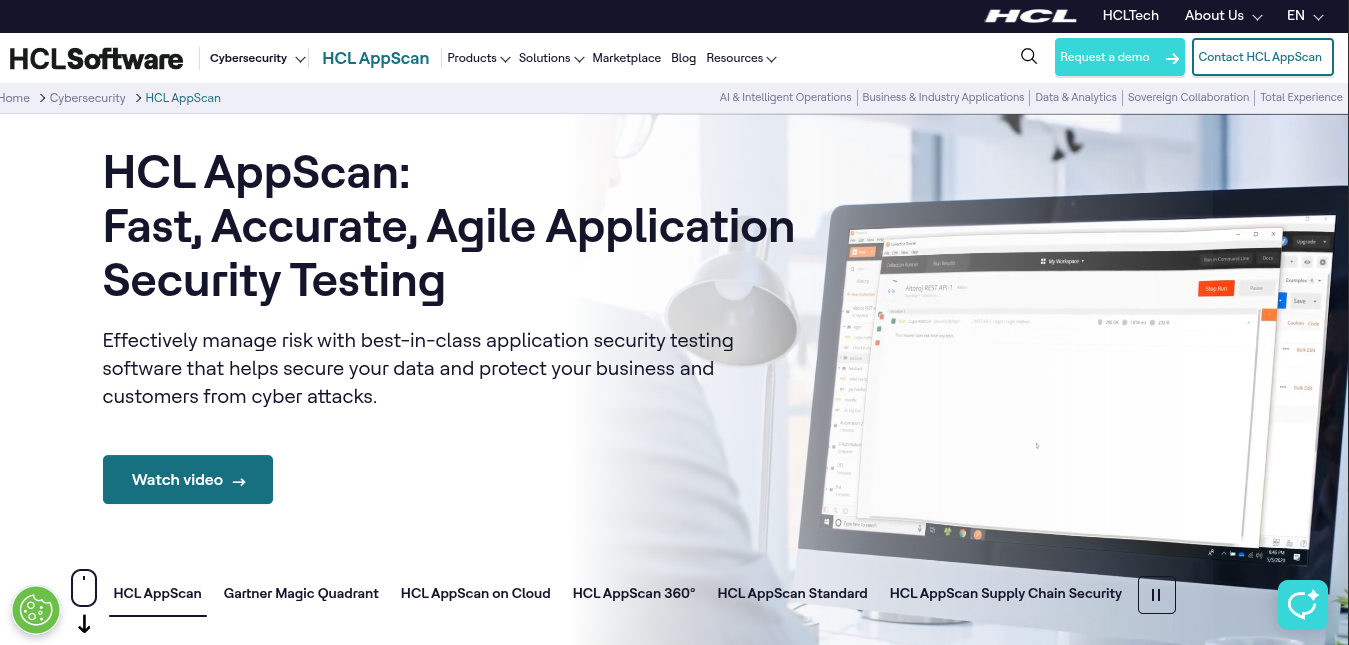
AppScan (originally IBM AppScan, now under HCL Technologies) is a suite of AppSec tools. It is primarily used for its dynamic scanning (DAST) and ability to analyse complex applications such as Javascript SPAs.
Key Features:
- Incremental Scanning: AppScan lets users perform incremental scans on new/changed parts to speed up re-testing.
- Comprehensive DAST Engine: It performs advanced crawling and attack simulation on single page javascript applications.t
- Report Generation: It generates reports with vulnerability details and fix recommendations
Pros:
- Actionable remediation guidance
- Broad language support
- Integrates with common CI/CD platforms
Cons:
- Enterprise focused
- False positives
- Steep learning curve
- Initial configuration is complex and time-consuming
- Scans can be resource intensive and slow
- Users have reported its User Interface (UI) as outdated
- It is not as developer-centric when compared to tools like Aikido security
Pricing:
Custom pricing
Best For:
Enterprise teams seeking a customizable DAST solution for their javascript web applications and APIs.
Gartner Rating: 4.7/5.0
HCL/IBM AppScan Reviews:
8. Netsparker (Now Invicti Security)
Netsparker (Now Invicti Security), is an automated web vulnerability scanner for enterprise environments. It confirms vulnerabilities by performing safe exploits using its “proof-based” scanners.
Key features:
- Proof-Based Scanning: It automatically exploits vulnerabilities in a non-destructive way to prove them.
- CI/CD Integration: Provides APIs and out-of-the-box integrations for common CI/CD tools.
Pros:
- Proof-based scanning
- Flexible deployment options
Cons:
- Enterprise focused
- Web application focused
- Steep learning curve
- Users have reported its User Interface as cluttered
- Its “proof-based” scan are slower when compared to other DAST tools
- Users have reported outdated documentation
Pricing:
Custom pricing
Best for:
Enterprises that need an accurate, scalable web app scanner.
Gartner Rating: 4.5/5.0
Netsparker (Now Invicti Security) Reviews:
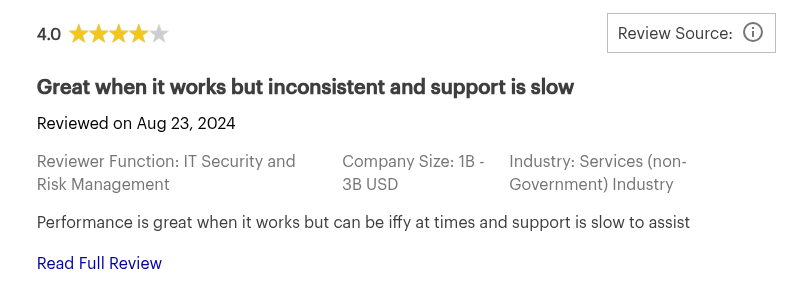
User sharing experience using Netsparker (Now Invicti Security)
9. OWASP ZAP
OWASP Zed Attack Proxy (ZAP) is an open-source Dynamic Application Security Testing(DAST) tool maintained by the OWASP project. It is used to identify web application vulnerabilities.
Key Features:
- Active and Passive Scanning: ZAP can operate in a “passive” mode where it observes traffic and flags issues without altering it. It also has an “active scan” mode where it launches attacks (SQL injection, XSS) to find vulnerabilities.
- Extensible via Add-ons: You can expand ZAP’s capabilities through official or community add-ons.
- Interception Proxy: Provides an interception proxy for testers to capture and modify HTTP(s) requests in real-time.
Pros:
- Open-source
- Strong community support
- Cross-platform support
Cons:
- False positives
- Outdated User interface
- Requires additional configurations for javascript-heavy web applications
- Support its primarily through forums
- Advanced features require significant security expertise
Pricing:
Open-source
Best For:
Teams looking for an open source DAST solution for their web applications.
Gartner Rating:
No gartner reviews.
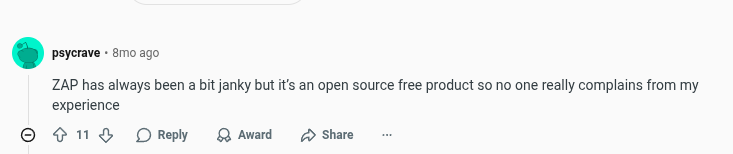
OWASP ZAP Reviews:
10. Qualys Web Application Scanner (WAS)
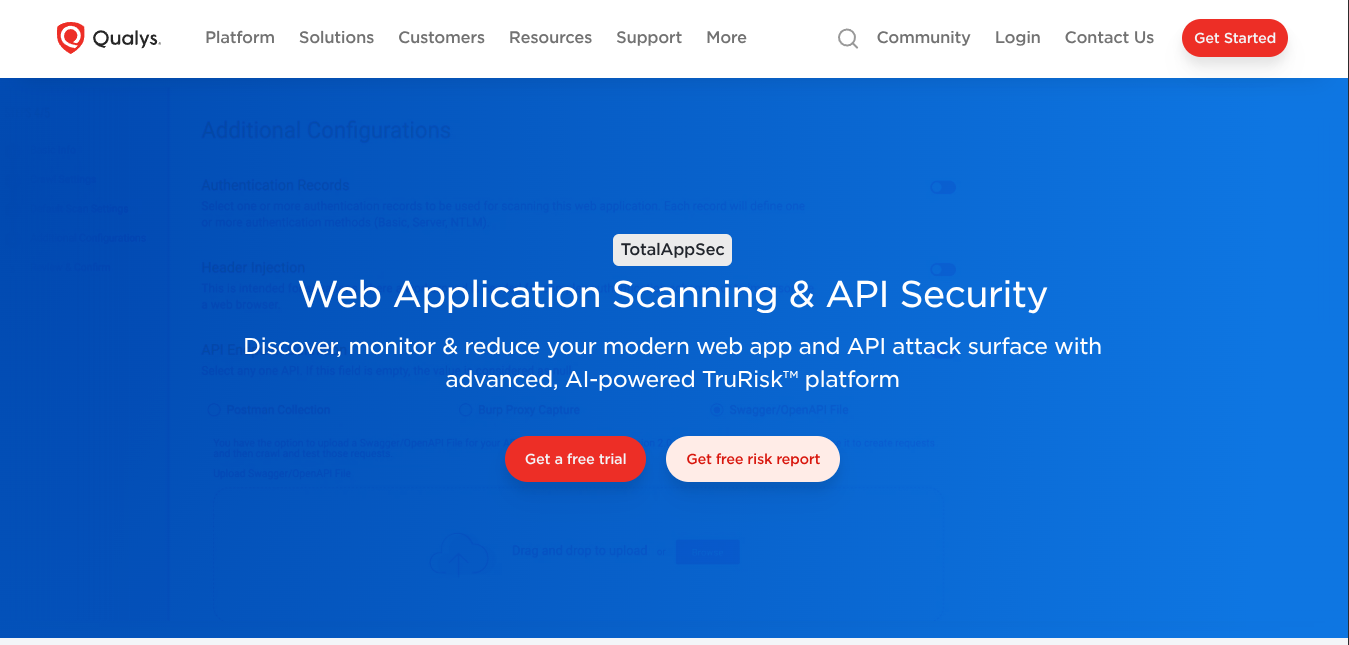
Qualys Web Application Scanning (WAS) by Qualys is a cloud-based DAST tool for performing automated scans on web applications for vulnerabilities. .the same “deep tweakability” as tools like AppScan or Burp, but it covers the OWASP Top 10 and more with a focus on reliability and integration.
Key Features:
- Cloud-based Scanning: All scans are done from Qualys’s cloud servers.
- Solid Vulnerability Coverage: Qualys WAS checks for common vulnerabilities such as, SQLi, XSS, CSRF, open redirects, as well as outdated libraries.
- Integration with Qualys Ecosystem: It integrates seamlessly with other Qualys services.
Pros:
- Cloud-based
- Integrates with Qualys ecosystem
- Detailed remediation guidance
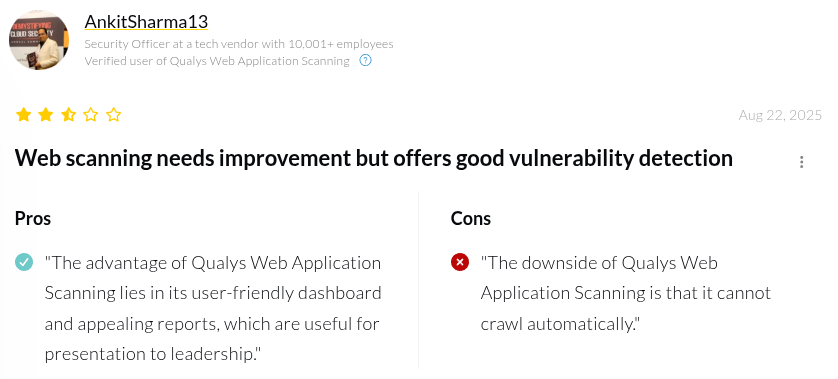
Cons:
- Learning curve
- Managing permissions can be complex
- Limited javascript crawling
- False positives
- Scans on large applications can be slow and resource-intensive
- Users have reported limitations in the number of concurrent scans
Pricing:
Custom Pricing
Best For:
Enterprise teams that are already using the Qualys ecosystem.
Gartner Rating: 4.4/5.0
Qualys Web Application Scanning Reviews:
11. Snyk
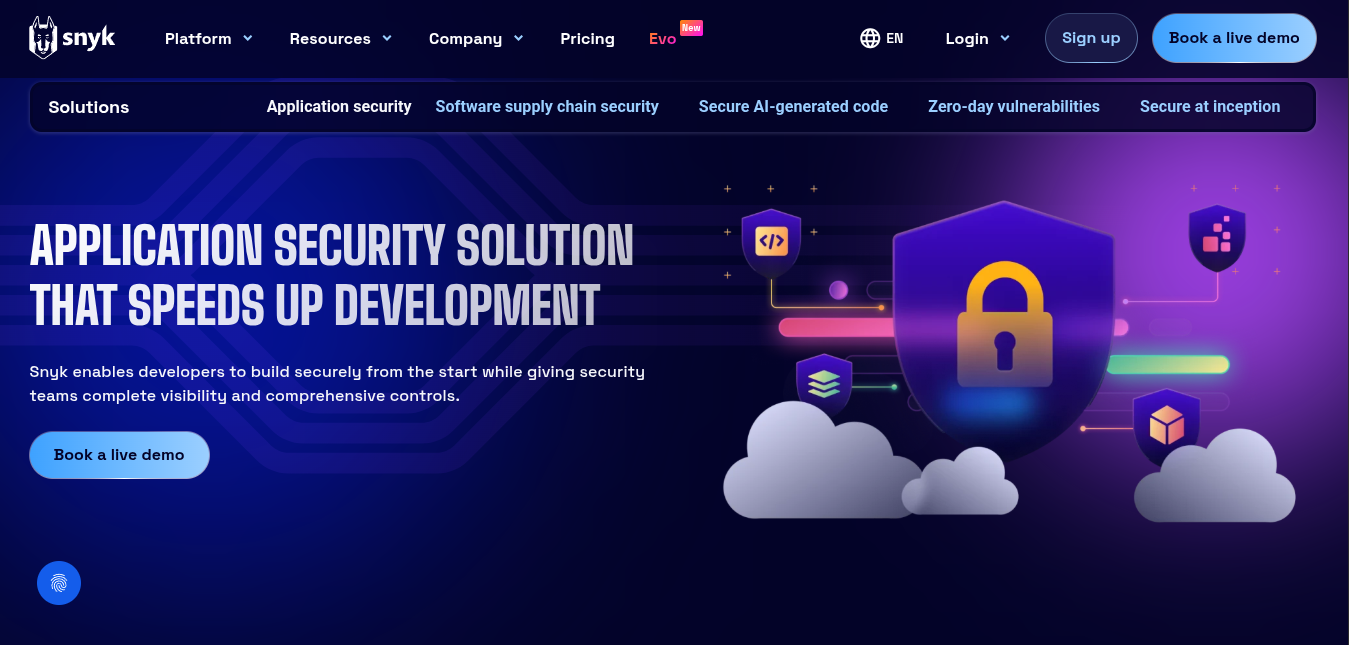
Snyk is anAppSec tool that uses machine learning to find security vulnerabilities and code quality issues across source code and dependencies.
Key Features:
- Open-source Dependency Scanning: Snyk scans your dependencies to find known vulnerabilities. .
- Automated Fixes: It can automatically open pull requests to upgrade a dependency version to one without a vulnerability. ,
Pros:
- AI-driven analysis
- Robust vulnerability database
Cons:
- Steep learning curve
- Prone to false positives
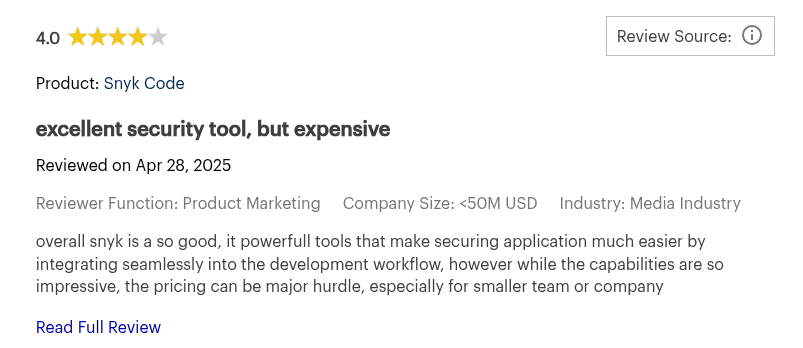
- Pricing can escalate quickly
- 1 MB file-size limit for static analysis
- Slow scans on large repositories
- Recommendations can be generic
- Requires additional tuning
- May miss struggle in proprietary codebases
Pricing:
- Free
- Team: $25 per month/contributing developer (min. 5 devs)
- Enterprise: Custom pricing
Best For:
Teams relying heavily on open source components and need security embedded into their development workflow.
Gartner Rating: 4.4/5.0
Snyk Reviews:
12. SonarQube
SonarQube is an open-source platform for code quality and security analysis. Developers use it for its ability to catch “code smells” and enforce quality gates.
Key Features:
- Multi-language Static Analysis: SonarQube support scans for several languages, such as Java, C#, C/C++,Python, JavaScript and Go.
- Security Hotspots vs Vulnerabilities: SonarQube categorizes issues as either true “vulnerabilities” which are clear-cut security issues, or “security hotspots” which are patterns that could be risky and need review.
Pros:
- Free community edition
- Customizable rule-sets and quality gates
Cons:
- Primarily focused on code quality
- Security rule depth varies by language
- False positives
- May miss complex vulnerabilities
- Lacks Dynamic Application Testing (DAST)
- Advanced security features and language support locked behind paid plans.
- Requires third party tools for full AppSec coverage
Pricing:
SonarQube’s pricing comes in two categories: cloud-based and self-managed.
Best For:
Sonarqube is ideal for teams that want to improve code quality while implementing basic security.
Gartner Rating: 4.4/5.0
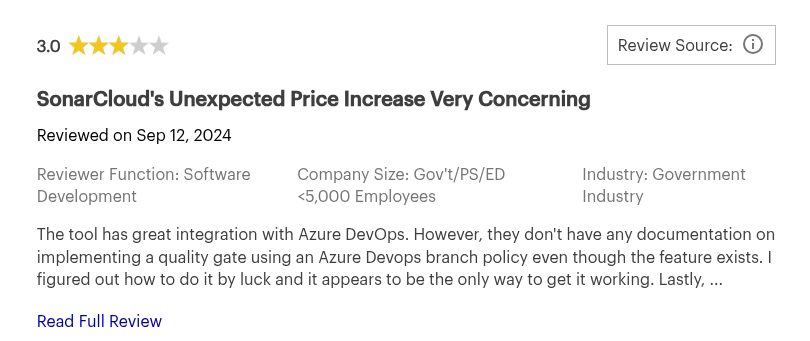
SonarQube Reviews:
13. Veracode
Veracode is a cloud-native AppSec platform built to help enterprises assess and govern application security at scale through centralized static, dynamic, and software composition analysis..
Key Features:
- Static Analysis (SAST): You can upload compiled applications or source code to veracode’s platform, and it will scan it for vulnerabilities.
- Policy Management: Users can define pass/fail policies to block application releases with high-severity vulnerabilities.
Pros:
- Strong Governance and Policy Enforcement
- Context-based insights
Cons:
- Primarily enterprise focused
- Poor Developer Experience
- Users have reported i issues appear in one scan and not the next
- Clunky User Interface (UI)
- Limited scan rule and query customization
- Its “upload-approach” can be inconvenient when compared to integrated workflow solutions like Aikido Security.
Pricing:
Custom pricing
Best For:
Enterprises seeking a vendor managed solution (Scanning as a Service) solution with strong policy enforcement
Gartner Rating: 4.6/5.0
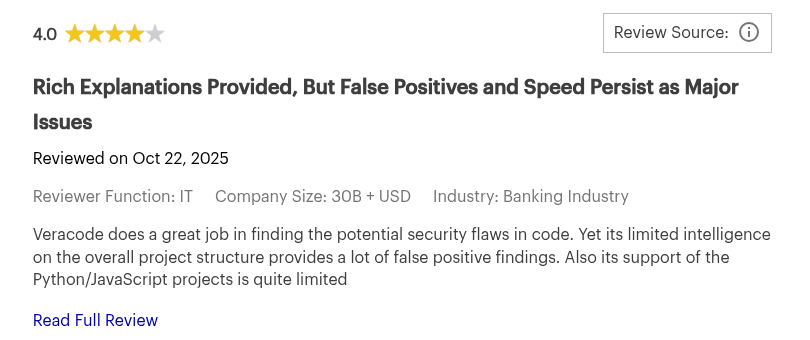
Veracode Reviews:
14. Opengrep
Opengrep is an open-source static analysis (SAST) tool. It is a community-driven fork of the Semgrep engine designed to find code vulnerabilities, with strong industry support from security platforms such as Aikido Security.
Key Features:
- Backward Compatibility: It is designed as a drop-in replacement with supports for JSON and SARIF output formats.
- Broad Language Support: Opengrep supports over 20 programming languages, including Python, Java, TypeScript, Go and Rust.
- Taint Analysis: It provides intra-file, cross-function taint analysis which detects 7 out of 9 multi-hop taint propagation cases.
Pros:
- Open-source
- Broad language support
- Cross-platform integration
- Community driven
Cons:
- It is still in its early stages.
- False positives
- Lacks built-in vulnerability mapping
- Lacks runtime error detection
- Its SAST engine is less comprehensive when compared to platforms like Aikido Security.
Pricing:
Open-source
Why Choose It:
Opengrep is ideal for teams migrating away from semgrep and seeking an open-source alternative.
Gartner Rating:
No gartner review.
Opengrep Reviews:
No independent user generated review.
Best 4 AppSec Tools for Developers
Key Criteria For Choosing AppSec Tools For Developers:
- Automation (incremental analysis,automated fixes)
- Workflow integration
- Low false positives
- Remediation Guidance
- Affordability
- Simplicity
Here are the Top 4 AppSec Tools Tailored For Developers:
- Aikido Security: Multi-module scanning, API-based setup, developer-friendly UX, forever free tier.
- Snyk: Fast dependency scanning, automated fix PRs, free tier
- SonarQube: Strong code quality and security rules, free community edition
- OWASP ZAP: Lightweight local DAST, easy automation, open-source
Best 5 AppSec Tools for Enterprises
Key Criteria For Choosing AppSec Tools For Enterprises:
- Threat coverage
- Governance features
- Enterprise workflow integration( SSO,JIRA)
- Vendor support
- Scalability
Here are the Top 5 AppSec Tools for Enterprises:
- Aikido Security: Centralized policy enforcement and RBAC across the full application portfolio, SSO/SCIM provisioning, audit trails, data residency options, and compliance mapping for SOC 2, ISO 27001, PCI DSS, and GDPR. AI-assisted triage and remediation drive adoption among engineering teams.
- Checkmarx: Strong SAST engine , broad language support, customizable rules
- Fortify: Comprehensive SAST/DAST suite, on-prem/cloud deployment
- Veracode: policy enforcement, cloud-native, centralized analytics
- Black Duck: OSS component tracking, license and vulnerability tracking, automated compliance alerts
Best 5 AppSec Tools for Startups and SMBs
Key Criteria For Choosing AppSec Tools For Startups and SMBs:
- Affordability
- Simplicity
- Automation
- Broad coverage
Here are the Top 5 AppSec Tools Tailored For Startups and SMBs:
- Aikido Security: Module security platform, AI-driven remediation, code-to-cloud coverage, free forever tier
- Burp Suite : Interception proxy, lightweight
- OWASP ZAP: Automated DAST, beginner-friendly
- Snyk: Open-source scanning, automated PR fixes
- SonarQube: Static code analysis, free community edition
Best 3 Free AppSec Tools
Key Criteria For Choosing Free AppSec Tools:
- Affordability (free tiers, open-source)
- Simplicity
- Broad threat coverage
- Automation
- Developer-first UX
- Scalability
Here are the Top 3 Free AppSec Tools:
- Aikido Security: complete software security platform covering the entire SDLC with enterprise-grade features, developer friendly UX, forever free tier
- OWASP ZAP: Free DAST suite, active/passive analysis
- SonarQube (Community Edition): Free static analysis, code quality, basic security
Best 5 AppSec Tools for CI/CD Pipelines
Key Criteria For Choosing AppSec Tools For CI/CD Pipelines:
- CLI and API support
- Automation-friendly
- Fast scans
- Native CI/CD plugins (GitHub Actions, GitLab, Jenkins, Azure DevOps)
- Configurable policies
- Headlessly deployment
Here are the Top 5 AppSec Tools Tailored For CI/CD Pipelines:
- Aikido Security: Multi-module security platform(SAST/SCA/DAST/Cloud), CI-first design, fast scans, auto-triage, build-breaker policies
- Checkmarx: Incremental CI scans, PR-level analysis
- OWASP ZAP: Free DAST for pipelines,, passive and active scans
- Snyk: Fast SCA/SAST/container checks, CI integrations,
- SonarQube: Quality Gates, CI pass/fail enforcement
Best 2 Cloud-Native AppSec Tools
Key Criteria For Choosing Cloud-Native AppSec Tools:
- Broad stack coverage (code, containers, IaC, runtime)
- CI/CD integration and automation
- Developer-friendly UX
- Compliance and governance
- Scalability (microservices, multi-cloud)
- Real-time visibility
Here are the Top 2 Cloud-Native AppSec Tools:
- Aikido Security: Developer-friendly interface, end-to-end cloud coverage, CI/CD integrations.
- Snyk: Container and IaC scanning, automated PR fixes
Best 3 Open Source Application Security Tools
Key Criteria For Choosing Open Source AppSec Tools:
- Community Support
- Customizability
- CI/CD integration
- Broad language support
- Clear documentation
Here are the Top 3 Open Source AppSec Tools:
- Opengrep: Broad language support, advanced static analysis
- OWASP ZAP: Automated web vulnerability scanning, Docker-friendly
- SonarQube (Community Edition): Continuous code inspection, static analysis
Conclusion
Modern application security requires visibility, automation, and developer alignment. By unifying SAST, SCA, DAST, API security, cloud checks, and runtime protection in one developer-friendly workflow, Aikido Security gives teams end-to-end visibility across their application stack.
Want full visibility across your applications? Start your free trial or book a demo with Aikido Security today.
FAQ
What common vulnerabilities do AppSec tools detect?
AppSec tools can identify a wide range of vulnerabilities including SQL injection, cross-site scripting (XSS), hard-coded secrets, insecure dependencies, misconfigured cloud resources, and weak authentication mechanisms. Advanced platforms like Aikido Security can also detect cross-file and multi-component vulnerabilities, helping teams catch complex issues and incidents early.
How do AppSec tools support organizational governance at scale?
Enterprise teams need more than vulnerability findings. They need consistent policy enforcement across every application, role-based access so the right people see the right data, SSO/SCIM integration for provisioning, and audit trails that satisfy compliance reviewers. Aikido Security provides all of these out of the box, alongside compliance mapping for SOC 2, ISO 27001, PCI DSS, and GDPR, so governance scales with the application portfolio rather than requiring manual oversight per team.
How do AppSec tools help in protecting software applications?
AppSec tools provide continuous visibility into your code, dependencies, and runtime configurations, automatically flagging security issues before they reach production. They integrate with IDEs, CI/CD pipelines, and version control systems to allow developers to fix vulnerabilities early. Solutions like Aikido Security offer AI-assisted prioritization and one-click fixes, reducing manual effort.
What are the challenges in integrating AppSec tools into CI/CD pipelines?
Integrating AppSec into CI/CD pipelines can be tricky because teams need to balance thorough scanning with fast build times, manage false positives, and set up build-failure rules without disrupting development. Tools that offer APIs, incremental scanning, and machine-readable outputs make integration easier. Platforms like Aikido Security streamline this process with CI/CD-friendly automation, ensuring security checks run efficiently without slowing down deployments.
How can AppSec tools be used to comply with industry security standards and regulations?
Many AppSec platforms provide audit-ready reporting aligned with SOC 2, ISO 27001, PCI DSS, and GDPR, enforce security policies, and track remediation efforts. Platforms like Aikido Security consolidate compliance evidence across code, dependencies, cloud, and runtime, simplifying governance at scale.
You Might Also Like:
- Top 10 AI-Powered SAST Tools in 2025 – Explore a key AppSec category.
- Top 10 Software Composition Analysis (SCA) Tools in 2026
- Top 13 Container Scanning Tools in 2026
- Best Tools for End-of-Life Detection: 2026 Rankings.
- The Top 13 Code Vulnerability Scanners in 2026
- Top Infrastructure as Code (IaC) Scanners in 2026
- Top Cloud Security Posture Management (CSPM) Tools in 20262


