

Navigating the AWS ecosystem is a complex undertaking. While its flexibility and power are significant advantages, securing your cloud environment presents a substantial challenge. And that challenge keeps getting bigger.
Your teams are shipping faster than ever. Your infrastructure is changing on the fly. You’re onboarding new team members frequently. And attackers? They only need one misconfigured bucket or one over-permissive IAM role to ruin your day.
The average cost of a data breach is approximately $4.44 million USD according to IBM's 2025 Cost of a Data Breach report. With 82% of data breaches involving data stored in the cloud, the right security tools are essential for protecting your AWS assets without hindering innovation.
This guide offers a comparison of the top AWS security tools for 2026. We will break down their strengths, weaknesses, and ideal use cases to help you find the best solution for your team.
TL;DR
Aikido Security is the goto AWS security tool, earning our top recommendation with its “shift-left on autopilot” approach. It covers the entire SDLC from code to cloud, protecting (automated application protection, threat detection and response) and attacking (detect, exploit and validate your entire attack surface, on demand) to make sure your resources on AWS are safe and secure.
Compared with the most talked about native AWS security tools; AWS Security Hub, Aikido Security goes beyond just reporting and enables actions with AI powered autofixes.
Comparison between Aikido and AWS Security Hub
What is AWS Security?
AWS Security is everything you do to keep your applications, data, identities, and infrastructure safe inside Amazon Web Services. And the first thing to understand is this: AWS doesn’t secure your environment for you.
AWS operates on a shared responsibility model, and its shared responsibility model isn’t one-size-fits-all. It depends on the type of services you use.
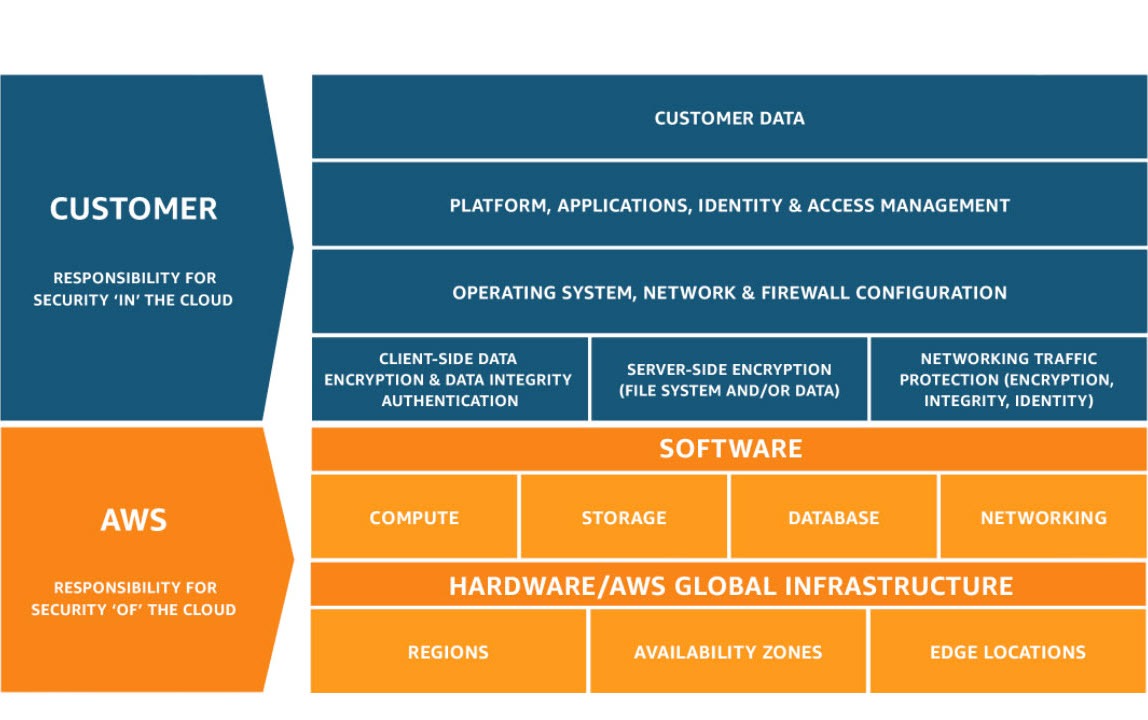
If you’re running mostly IaaS (EC2, EBS, self-managed Kubernetes, custom networks), you own the hard stuff:
- OS patching
- Network rules
- Identity and Access Management (IAM) hygiene
- Runtime security
- Data protection
- Misconfigurations end-to-end
You’re basically renting hardware and securing everything above it.
But if you’re a six-month-old AI startup building on FaaS (Lambda, DynamoDB, API Gateway, managed event-driven services), the responsibility shifts. AWS handles the servers, the runtime, the scaling, and most of the infrastructure layer. Your main risks move up the stack:
- Identity and Access Management (IAM)
- Data exposure
- Secrets
- Misconfigured permissions
- Overly permissive APIs
- Insecure integrations
Same cloud, completely different responsibility profiles.
That’s why “AWS Security” isn’t a single checklist. It’s an ongoing process of understanding your AWS environment and choosing the right tools to secure it.
The Need for AWS Security Tools
Up to 95% of organizations use cloud providers, and nearly a third use AWS. But the question is “how secure do you actually feel inside AWS?”
Think about your journey with AWS, at the first few weeks and even today. Can you confidently say you’d catch a misconfigured S3 bucket before an attacker does?
Or spot an over-permissive IAM role hiding in your environment?
Or detect a leaked access key before it gets abused?
Most teams can’t. Not because they are careless or inexperienced, but because AWS is massive, fast-moving, and easy to misconfigure in a hundred different ways.
And yes, AWS gives you native security tools like GuardDuty, Amazon Inspector, Amazon Macie and AWS Security Hub, but as you might have experienced they focus more on detection than remediation. More importantly they don’t have context of the other aspects of your Software Development Life Cycle (SDLC) beyond the cloud.
In today's landscape, you need AWS security tools that have full coverage of your SDLC, from code to cloud.
How We Evaluated the Top AWS Security Tools
To provide a balanced review, we assessed each tool based on criteria that are critical for modern development and security teams:
- Comprehensiveness: Does the tool offer broad coverage across different security domains like code, cloud, and containers?
- Ease of Integration: How well does it fit into existing CI/CD pipelines and developer workflows?
- Developer Friendly: Can developers use it? Or is it reserved for only "DevOps", "SRE", and "CISO/CTO". A "regular" dev typically does not have access to AWS. Which means, security flaws are left for later in the SDLC costing more time and resources to fix.
- Multi-Cloud/Hybrid Cloud Support: About 80% of companies use multiple cloud providers. Your AWS security tool should support integration with other providers to avoid juggling multiple tools and have unified visibility.
- Accuracy: How effective is the tool at identifying real threats while minimizing false positives?
- Actionability: Does it provide clear, actionable guidance for remediation?
- Pricing and Scalability: Is the pricing model transparent, and can the tool scale with your business?
The 8 Best AWS Security Tools
Here is our breakdown of the top tools to help you secure your AWS environment.x
1. Aikido Security
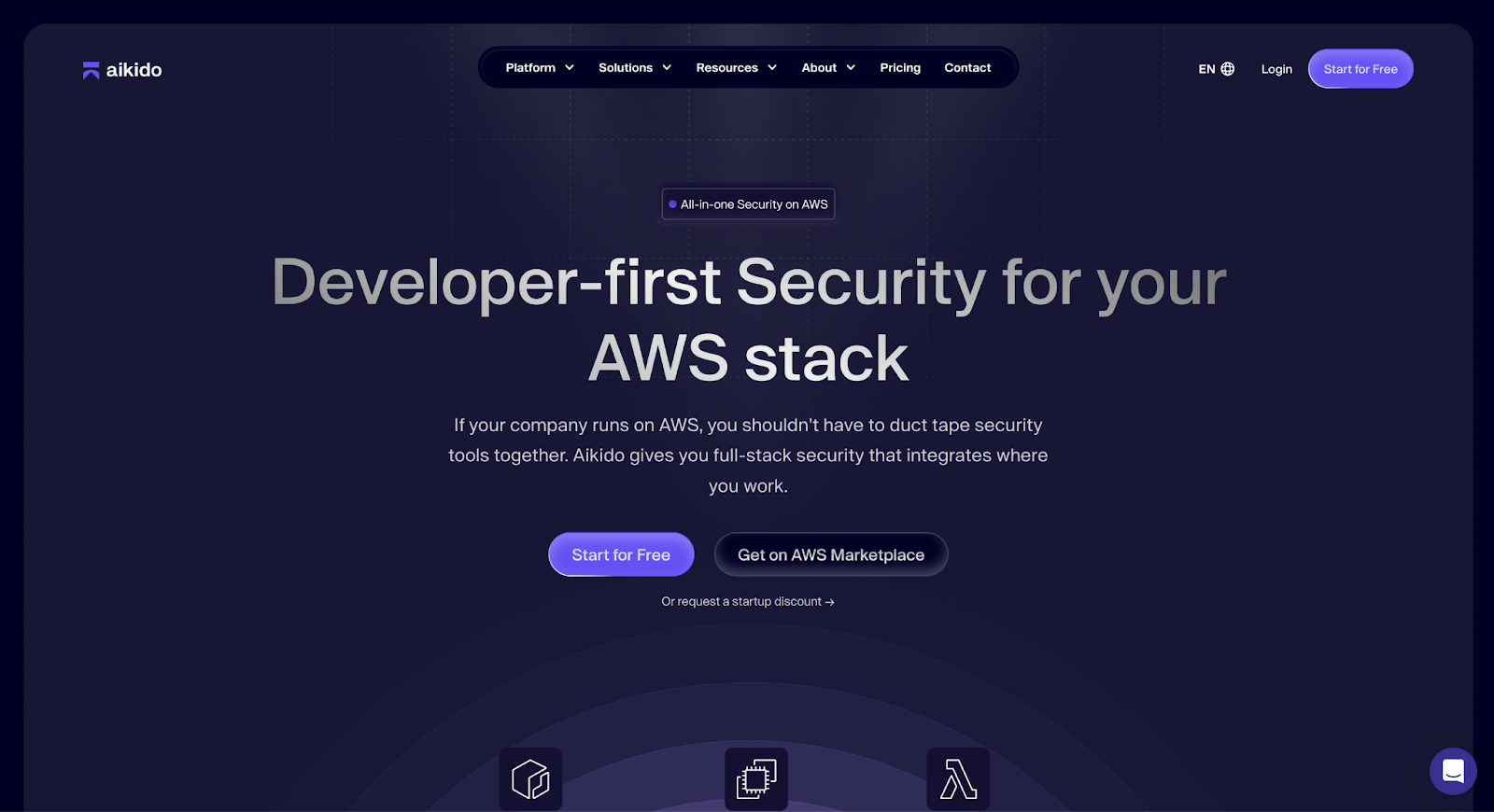
Aikido Security is the developer-first security platform for your AWS cloud. What sets Aikido apart from other AWS security tools is it gives you everything you need to secure your cloud.
Now you might be asking, “How does Aikido Security achieve this?”
Aikido Security offers a one-suite cloud platform with the best-in-class tools for cloud security:
- Cloud Security Posture Management (CSPM),
- Container and K8s scanning,
- VM scanning,
- IaC Scanning,
- On-prem scanning if you use AWS Outposts.
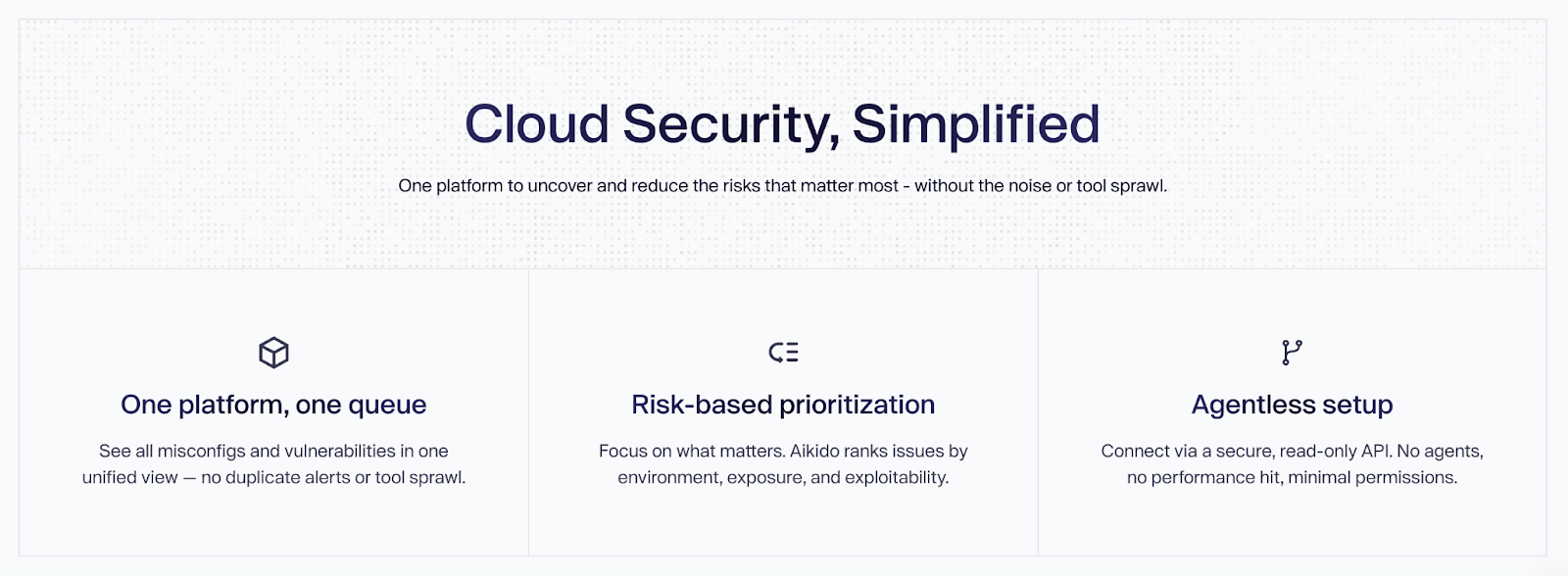
All working together to uncover and reduce the risks that matter most without the noise or need for additional security tooling.
The IaC scanner for example can scan AWS CloudFormation, Terraform, and Helm, so no matter how you design your infrastructure, you will always catch misconfigurations.
Seeing alerts for AWS assets are endless. Rather than overwhelming you with them, Aikido uses graph-based correlation to pinpoint real attack paths across code, containers, and AWS resources, reducing noise while exposing exploitable risks.
Key Features
- Best-of-breed cloud scanners: Aikido offers best-in-class scanners for any part of your cloud, and compared with other scanners, Aikido has shown better reachability analysis and auto remediations.
- Unified Multi-Cloud Visibility: You can see every workload, misconfig, and exposure across your various clouds in one platform. No blind spots or additional tooling required.
- Built for Security and Engineering Teams: With Aikido Security, everyone is happy. Your security teams get the visibility and governance they need. Engineering teams get clear, actionable insights. Together, they resolve risks without slowing down delivery.
- Real Risk Prioritization: When Aikido Security discovers risks, it doesn’t just notify you; because not all risks are equal. Aikido prioritizes vulnerabilities that are reachable and exposed, which helps to eliminate alert fatigue.
- Agentless VM Scanning: Scan your EC2 instances for vulnerabilities without any agents with assurance that your data is never stored or exploited.
- Connected “code-to-cloud” coverage: Aikido Security links code, cloud, and runtime in one seamless workflow. You can start with the module for (AWS IaC scanning, and runtime protection) and scale to use others like API security to gain deeper context as you expand.
- AI-Powered Autofix: Generates remediation suggestions directly within pull requests, significantly lowering the time and effort required to secure applications.
- Dev-friendly Integrations: Comes with 100+ integrations so engineering teams can have security checks run in the background of their normal workflow. No extra steps or “go log into x AWS dashboard” nonsense.
- Transparent Pricing: Offers a predictable, flat-rate cost without per-user fees, making it suitable for teams of all sizes.
Ideal Use Cases:
Aikido is well-suited for startups, scale-ups, and large enterprises that need a comprehensive security platform. It serves both fast-moving development teams and security leads who require broad visibility and actionable insights.
Pros:
- Multi-cloud support to get a single pane of glass view across all your cloud resources
- Fast and easy agentless setup, often completed in minutes.
- Reduces noise and alert fatigue with smart triaging.
- Combines multiple security layers into a single tool.
- Mapping remediation results to compliance standards like SOC2 and ISO.
- Includes a generous free-forever tier for core features.
Pricing:
A free-forever core tier is available with unlimited repositories and users. Advanced features are offered on flat-rate starting from $300/month for 10 users.
Recommendation:
Aikido Security is a strong all-around choice for AWS security, performing well in developer experience, comprehensive coverage, and effective risk reduction.
Aikido Security Reviews:
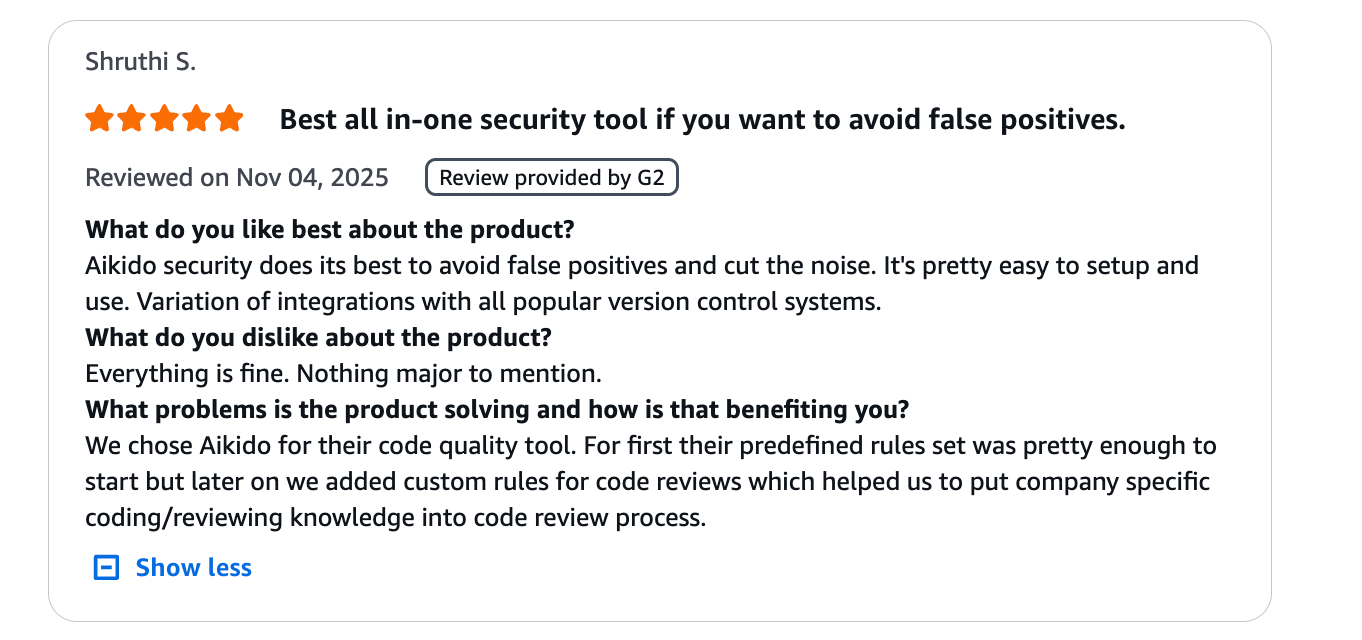
Aikido Security has Gartner of 4.9/5.0 and 4.7/5 on Capterra. Below are what AWS users are saying in the AWS Marketplace.

2. Amazon GuardDuty
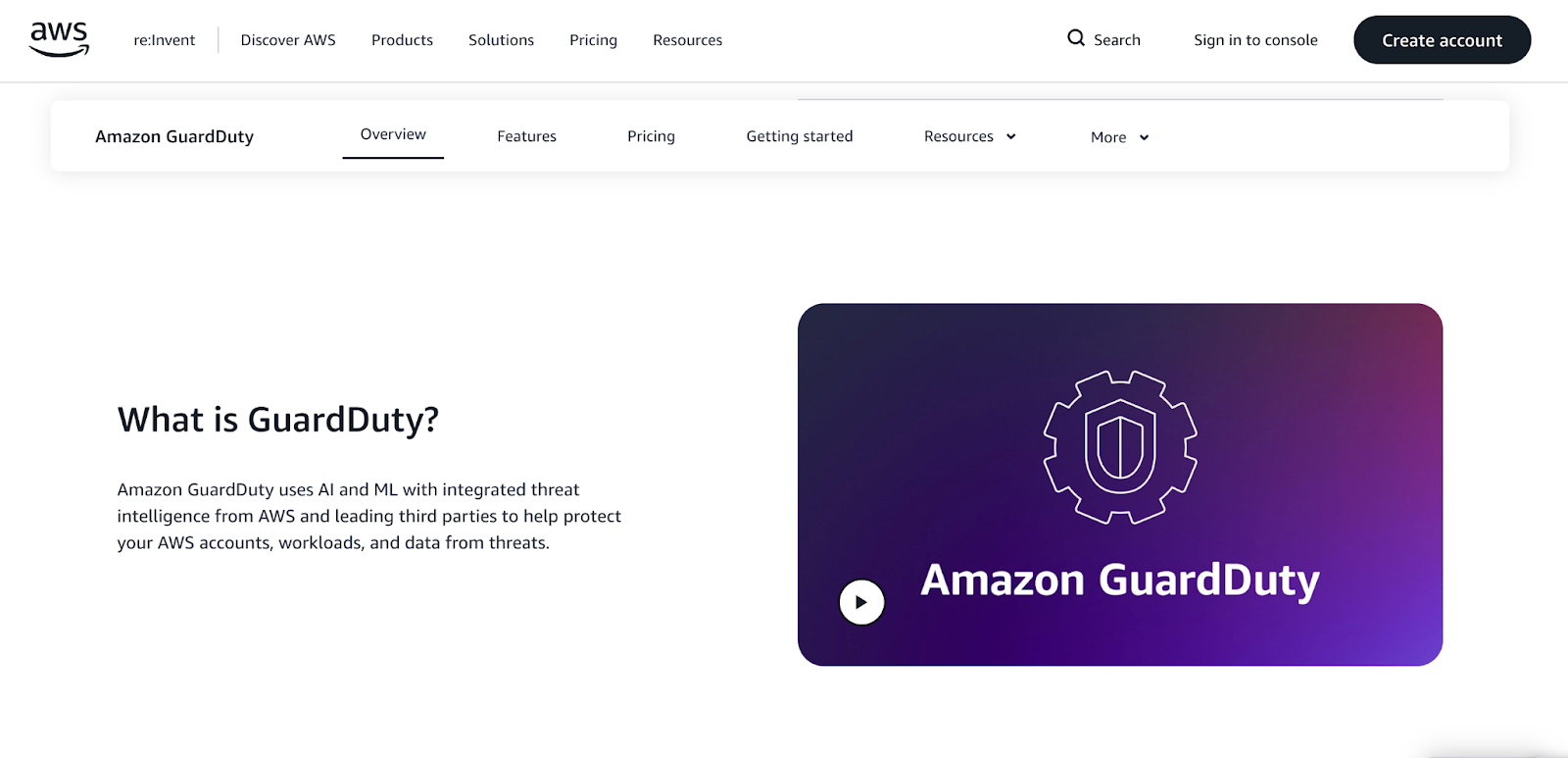
Amazon GuardDuty is a native AWS threat detection service that continuously monitors for malicious activity and unauthorized behavior. It analyzes various AWS data sources, such as VPC Flow Logs, CloudTrail logs, and DNS logs, using machine learning to identify potential threats.
Key Features:
- Native AWS Integration: As an AWS service, it offers seamless integration and is simple to enable across an entire organization. Its protection capabilities include:
- Compute protection: Which focuses on EC2, EKS, and Lambda protection.
- Storage protection: Supports only s3 and AWS Backup protection.
- Database protection: Tailored to AWS RDS DBs
- Intelligent Threat Detection: Uses machine learning and integrated threat intelligence to identify unusual activity, such as compromised EC2 instances or unauthorized access.
- Broad Log Analysis: Monitors key AWS data sources without requiring agents, providing wide visibility with minimal performance impact.
- Automated Response: Integrates with services like AWS Lambda to trigger automated remediation workflows.
Ideal Use Cases:
GuardDuty is a foundational layer for threat detection for any organization on AWS. It is particularly useful for security teams who need a "set it and forget it" monitoring solution.
Pros:
- Extremely easy to enable and manage.
- Cost-effective for the value it provides.
- Highly effective at detecting common AWS-specific threats.
Cons:
- It is a detection tool, not a prevention or remediation tool. You must configure other services to act on its findings.
- Focuses on runtime threats, not pre-deployment vulnerabilities.
Pricing:
Pay-as-you-go, based on the volume of logs and data analyzed. A 30-day free trial is available.
Amazon GuardDuty Reviews:
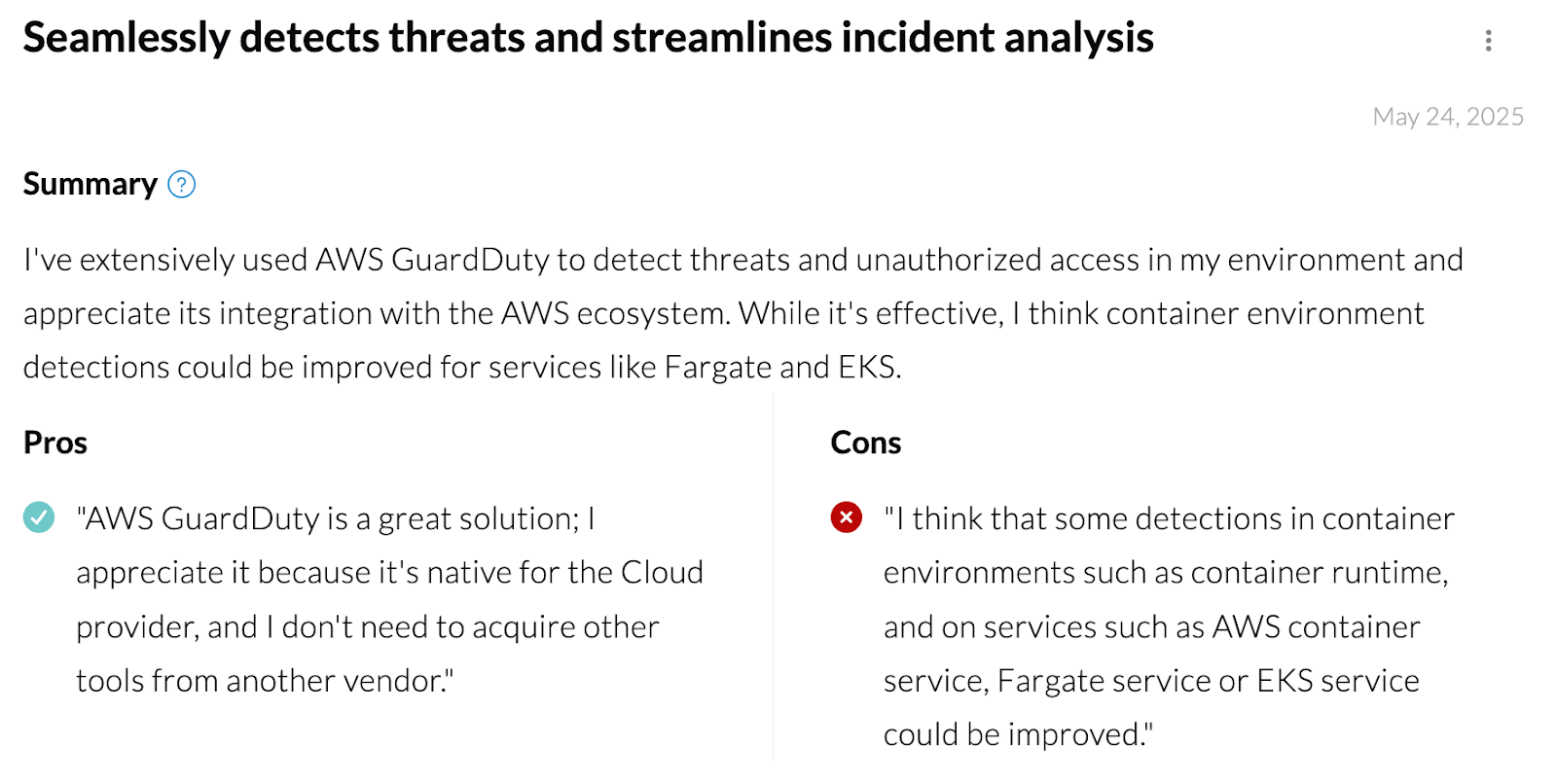
You can explore more feedback and ratings on SourceForge and PeerSpot to get further insights into Amazon GuardDuty’s features.
3. Wiz

Wiz offers an agentless approach to cloud security that provides full-stack visibility. It connects security findings across the cloud environment to create a graph-based view of risk, helping teams prioritize the most critical issues.
Key Features:
- Agentless Scanning: Scans the entire cloud stack without needing to deploy agents, allowing for rapid deployment and broad coverage.
- Security Graph: Correlates risks across different layers (cloud, network, workload) to identify toxic combinations and attack paths.
- Comprehensive Coverage: Provides CSPM, CWPP, vulnerability management, and IaC scanning in a single platform.
Ideal Use Cases:
Wiz is ideal for large enterprises with complex cloud environments that need deep visibility and context-aware risk prioritization.
Pros:
- Fast, agentless deployment model.
- Security graph provides deep insights into risk.
- Unified platform simplifies tool management.
Cons:
- Wiz lacks native IDE plugins, a modern user interface, actionable fixes, and developer-friendly UX.
- Pricing can be complex and may be high for smaller organizations.
- The sheer volume of data and false positives can be overwhelming without a dedicated security team.
- Limited code-level security as Wiz doesn’t offer full static code analysis and its SCA offers runtime-only detection.
Pricing:
Commercial, opaque custom pricing based on the size and complexity of the cloud environment.
Wiz Reviews:
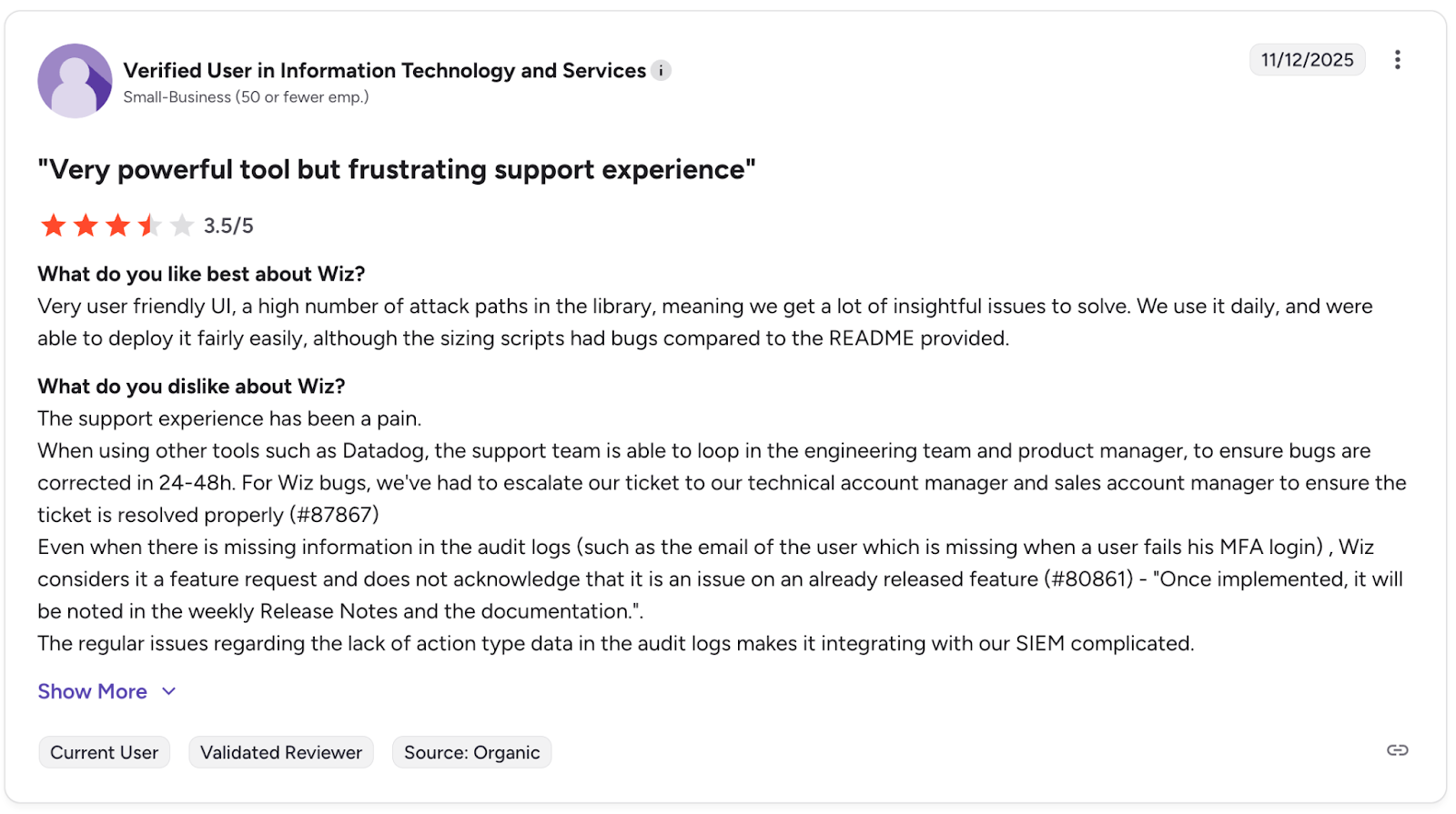
You can read more reviews about Wiz here.
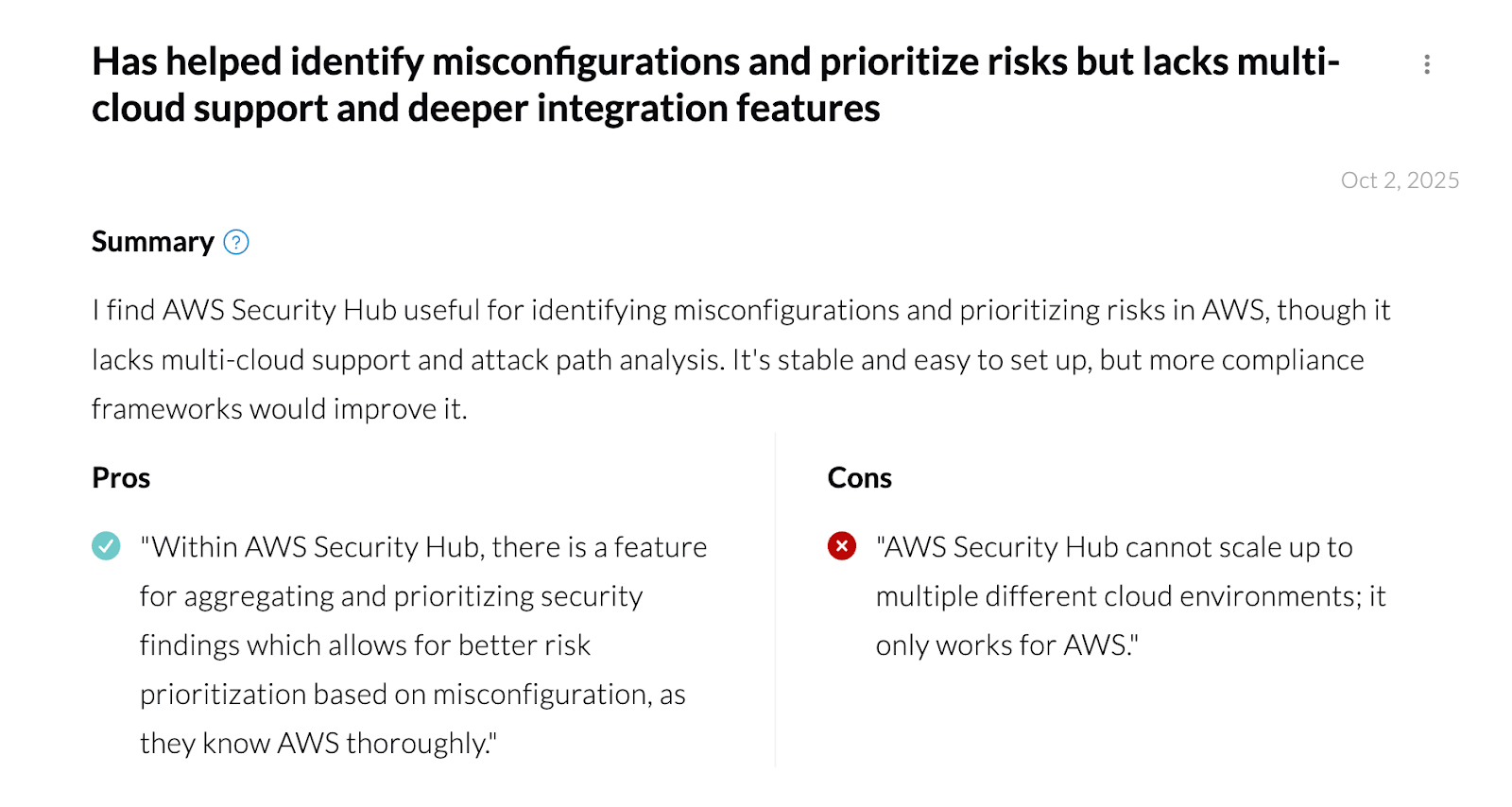
4. AWS Security Hub
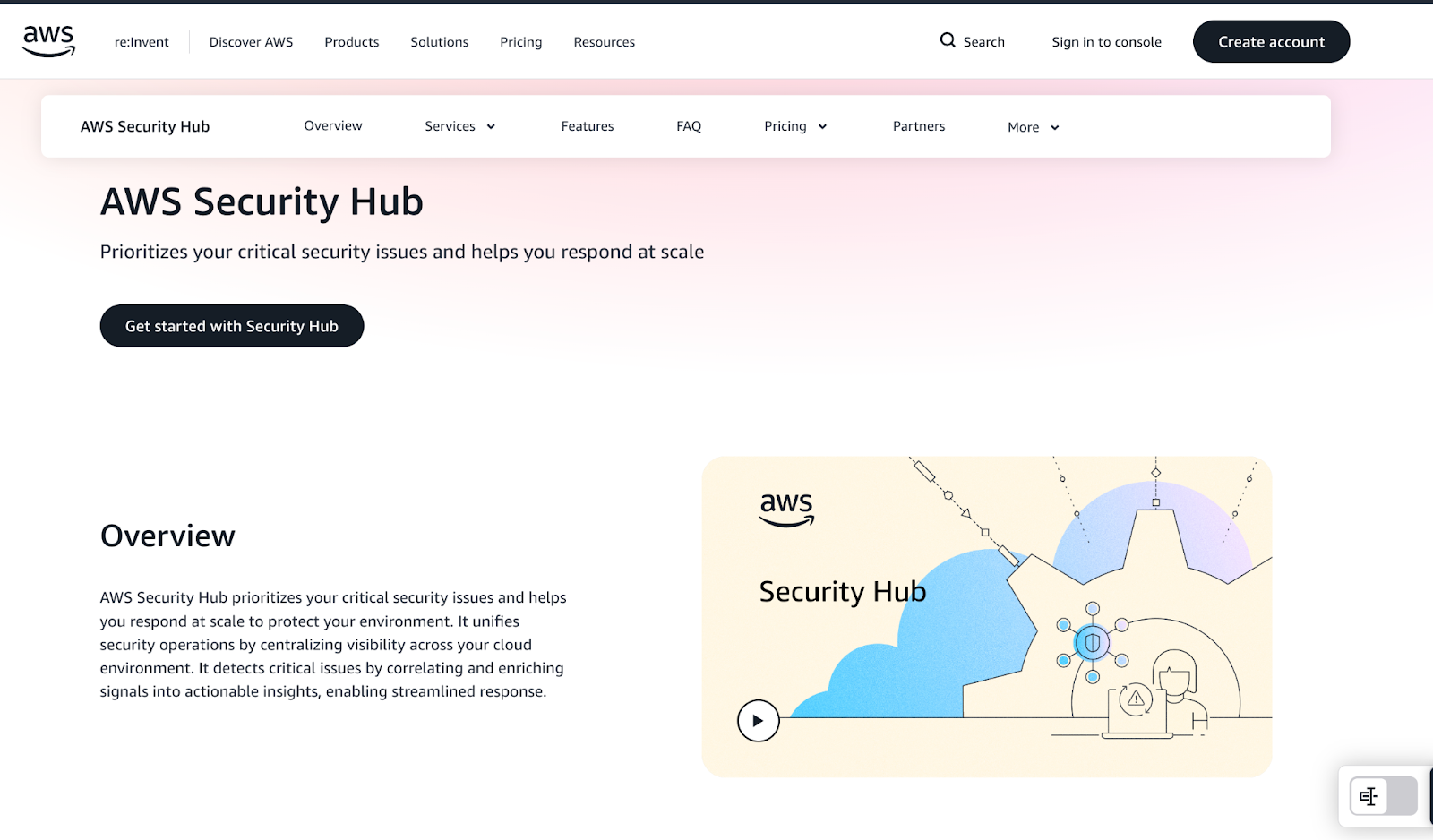
The AWS Security Hub is AWS’s unified security operations platform. It offers a centralized dashboard that prioritizes your critical security issues and helps you respond at scale to protect your environment.
AWS Security Hub doesn’t scan your environment itself, instead it aggregates, normalizes, and prioritizes alerts from other AWS security services like AWS Config, Amazon GuardDuty and IAM Access Analyzer.
Key Features:
- Unifies AWS security operations: Security Hub acts as the single pane of glass for AWS-native security. Instead of jumping between GuardDuty, Inspector, Config, Macie, IAM Access Analyzer, and multiple AWS accounts, Security Hub pulls all findings into one unified dashboard.
- Prioritization based on risks: Analyzes correlated security findings through near real-time risk analytics to determine which issues need immediate response and which don’t.
- Monitoring and exposure management: Can identify potential exposures and attack paths using near real-time analytics to understand and visualize how related threats, vulnerabilities, and misconfigurations could impact critical resources requiring immediate response.
Ideal Use Cases:
- Environments that want to aggregate findings but don’t need deep remediation
- Compliance teams requiring continuous checks against AWS-specific best practices
- Teams already committed to an AWS-only security stack
Pros:
- Fully native AWS experience
- Simple to enable across multiple accounts through AWS Organizations
- No agents or infrastructure overhead
- AWS compliance mapping out of the box
Cons:
- No direct scanning as it relies entirely on other AWS services
- No code scanning, pre-deploy checks, or developer workflow integrations
- No actionable remediation support beyond guidance.
- Can generate high alert volume with loads of false positives
- AWS-only. No support for multi-cloud or SaaS environments
Pricing:
- AWS Security Hub uses a pay-as-you-go model based on the number of security checks and ingested findings you generate.
- Offers a 30-day free trial
AWS Security Hub Reviews:
5. Orca Security

Orca Security agentless cloud security uses its SideScanning™ technology. It reads the runtime block storage of workloads out-of-band to detect vulnerabilities, malware, misconfigurations, and more without any performance impact.
Key Features:
- SideScanning™ Technology: Provides deep visibility into workloads without deploying any code on the assets themselves.
- Unified Risk Context: Consolidates findings from across the cloud estate into a single, prioritized view of risk.
- Attack Path Analysis: Identifies and visualizes how attackers could chain together different weaknesses to compromise assets.
Ideal Use Cases:
Orca is a great fit for organizations that prioritize rapid, frictionless deployment and require deep workload visibility across a multi-cloud environment.
Pros:
- Fast and easy to deploy.
- No performance impact on production environments.
- Provides comprehensive visibility of cloud resources.
- Multi-cloud support
Cons:
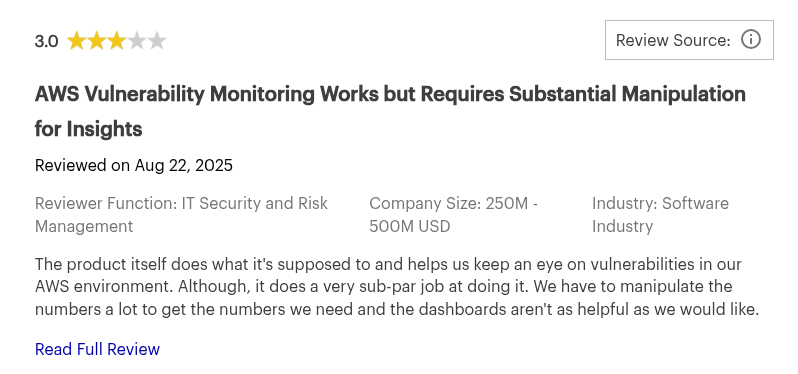
- Reliance on snapshot scanning means it is not real-time, which could delay detection of certain threats.
- Pricing can become expensive when scaling
- It doesn’t scan application source code
- Limited support beyond cloud and runtime environments
- Primarily enterprise focused
- Users have reported experiencing alert fatigue, during large scale data ingestion
Pricing:
Commercial, asset-based pricing.
Orca Security Reviews:
6. Lacework
Lacework is a data-driven security platform that uses machine learning and behavioral analysis to detect threats. It builds a baseline of normal activity in your AWS environment and alerts you to deviations, helping to uncover unknown threats.
Key Features & Strengths:
- Behavioral Anomaly Detection: Focuses on identifying anomalous behaviors rather than just signature-based threats, offering protection against zero-day attacks.
- Unified CSPM & CWPP: Combines cloud security posture management with cloud workload protection for a holistic view of risk.
- Automated Investigation: Provides rich context for alerts, helping security teams investigate and respond to incidents faster.
Ideal Use Cases:
Lacework is best for organizations that want to move beyond traditional security monitoring and embrace a data-driven, behavioral approach to threat detection.
Pros:
- Powerful at detecting unknown and sophisticated threats.
- Reduces alert noise by focusing on high-confidence anomalies.
- Strong support for container and Kubernetes security.
- Multi-cloud support
Cons:
- The initial learning period for the ML models can take time.
- Require more security expertise to manage effectively compared to simpler tools.
- Clunky User Interface (UI)
- Installation agents are required to access all its features
Pricing:
Custom commercial pricing.
Lacework Reviews:

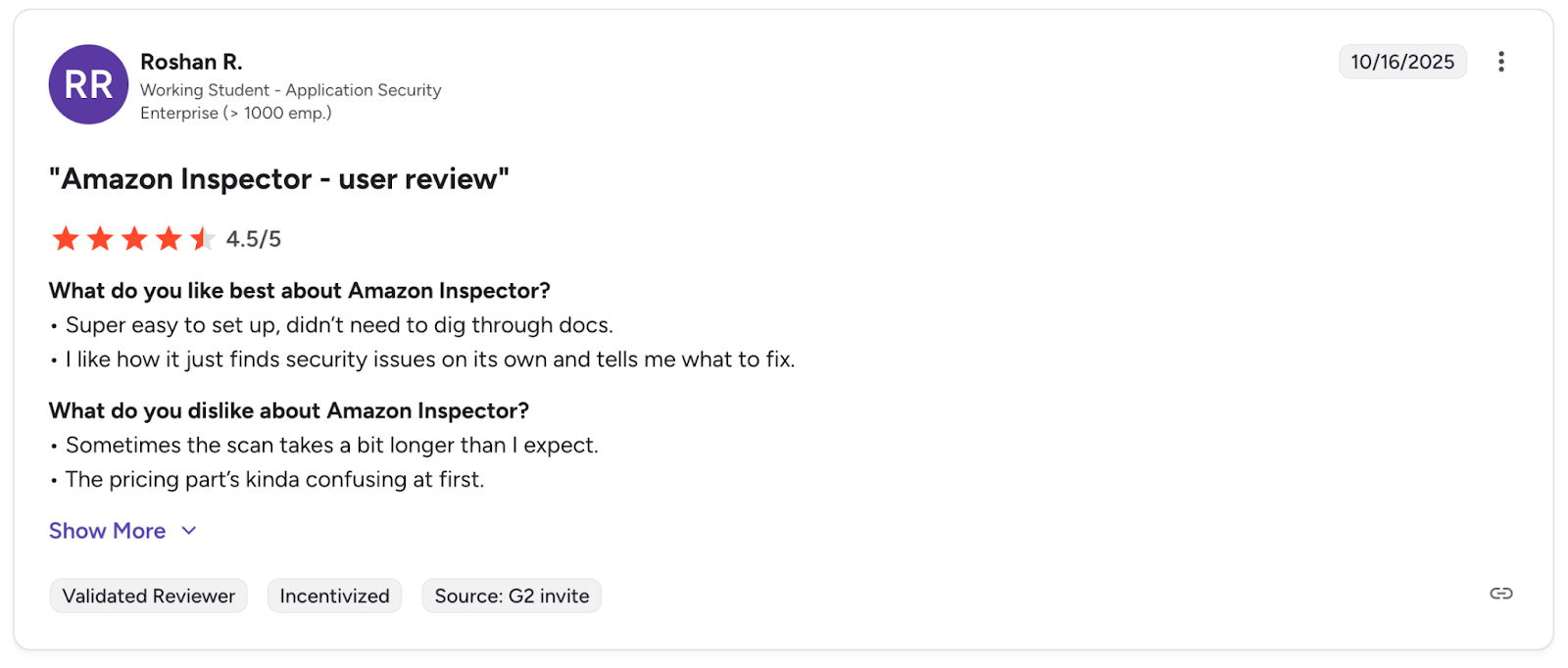
7. Amazon Inspector
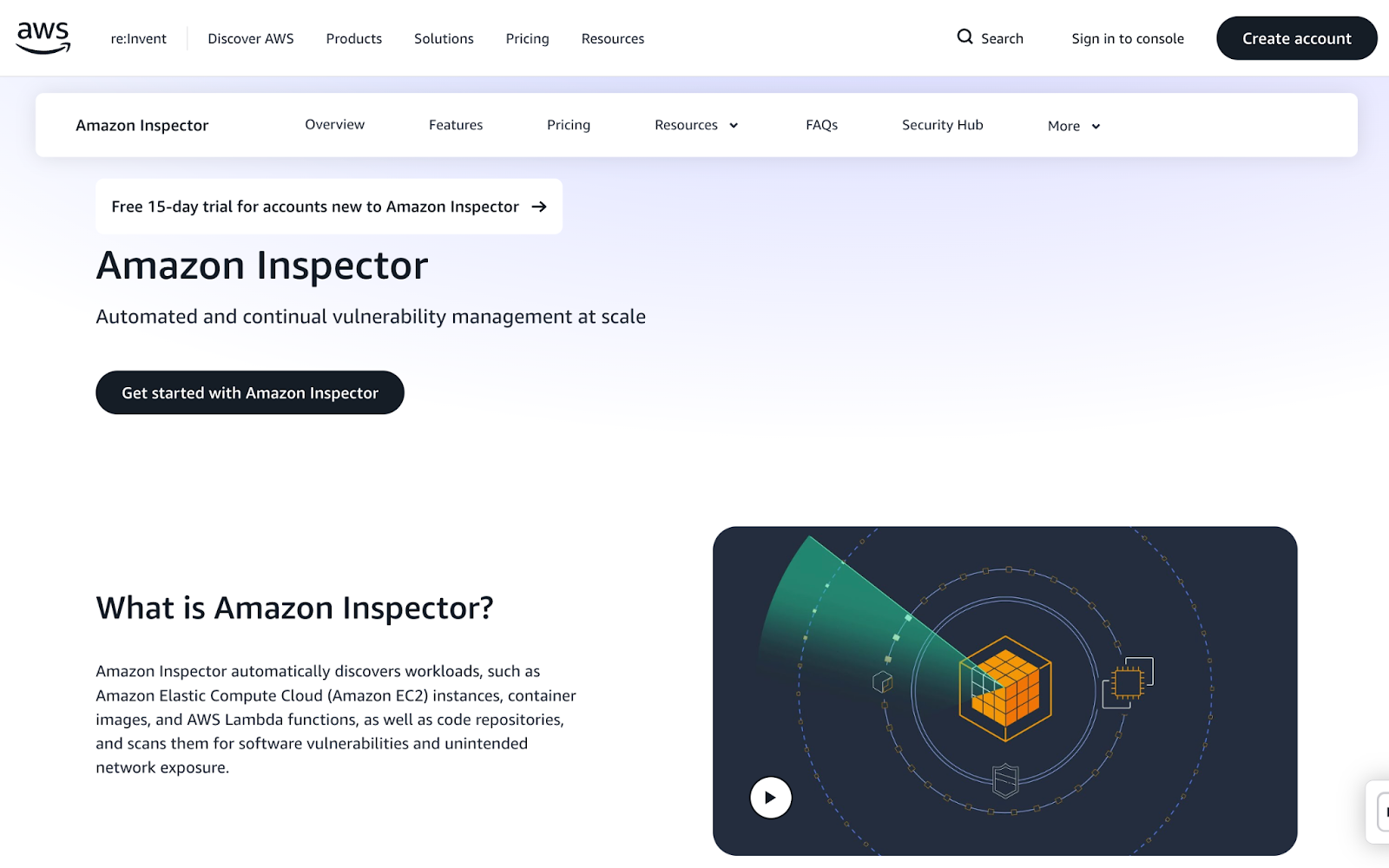
Amazon Inspector is an automated vulnerability management service that continuously scans AWS workloads for software vulnerabilities and unintended network exposure. It integrates with AWS Security Hub and Amazon EventBridge to centralize findings and automate responses.
Key Features:
- Continuous Automated Scanning: Automatically discovers and scans EC2 instances, container images in ECR, and Lambda functions.
- Risk-Based Prioritization: Findings are correlated with factors like network reachability to provide a contextualized risk score. Reducing mean time to remediate (MTTR).
- Native AWS Integration: Seamlessly integrates with the AWS ecosystem for easy management and a unified view of security.
Ideal Use Cases:
Inspector is ideal for teams looking for a simple, native solution to automate vulnerability management for their core AWS compute services.
Pros:
- Easy to enable and manage.
- Provides continuous scanning without manual intervention.
- Cost-effective for automated vulnerability management within AWS.
Cons:
- Limited to AWS workloads (EC2, ECR, Lambda).
- Does not provide broader CSPM capabilities.
Pricing:
Based on the number of instances and images scanned for different workloads, with a free trial available.
Amazon Inspector Reviews:
8. Check Point CloudGuard
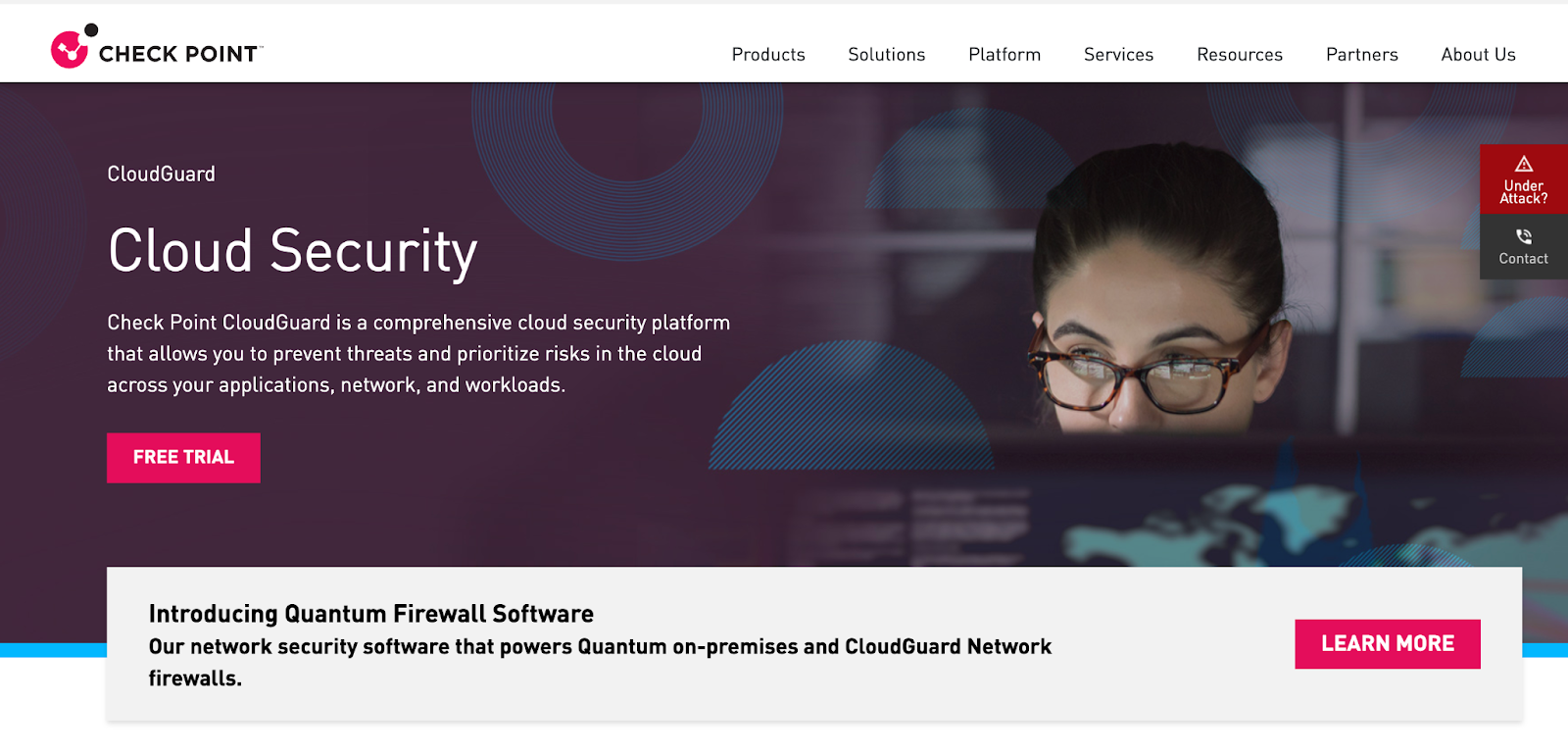
Check Point CloudGuard is an enterprise-grade cloud security platform that provides comprehensive protection across multiple clouds. It offers a wide range of capabilities, including CSPM, network security, threat intelligence, and workload protection.
Key Features:
- Deep Security Capabilities: Offers advanced features like threat prevention, high-fidelity posture management, and network security gateways.
- Compliance Automation: Helps automate compliance with a wide range of regulatory standards and frameworks.
- Multi-Cloud Support: Provides consistent security management across AWS, Azure, Google Cloud, and other platforms.
Ideal Use Cases:
CloudGuard is designed for large enterprises with complex, multi-cloud environments and stringent compliance requirements.
Pros:
- Extensive set of security features.
- Strong focus on compliance and governance.
- Unified management for complex, hybrid environments.
Cons:
- Complex to configure and manage.
- Some of its features require installation agents
- More security-team focused than developer-first
- Clunky User Interface
- May be overkill for smaller organizations or teams with simpler needs.
Pricing:
- Commercial, asset-based pricing.
- Pay-As-You-Go (PAYG)
- Bring Your Own License (BYOL)
- Enterprise Agreements
Check Point CloudGuard Reviews:


How to Choose the Best AWS Security Tool for Your Organization?
With so many AWS security tools on the market, choosing the right tool depends on several factors like your team's size, budget, security maturity and more. But whatever stage you are in your organization, ensure that your AWS cloud security tool do not compromise on these core four areas:
- Data Protection: Your tool of choice should protect your workloads, accounts, and sensitive data from unauthorized access across every layer of AWS and beyond. They must enable:
- Encryption at rest,
- Encryption key management,
- Access restriction policies.
- Detection of data exposure risks in S3, RDS, EBS, backups.
Data is usually the biggest prize for attackers. Make sure your tool treats it that way.
- Identity & Access Management (IAM): Most breaches in AWS start with identity misuse or over-permissioned roles. Choose a tool that helps you detect excessive privileges in real time and also take action.
- End-to-End Continuous Monitoring & Threat Detection: Full coverage of your SDLC, from code to cloud is non-negotiable. Your AWS security tool should not only protect your cloud, but your code in IDEs, builds, tests, and runtime. There should also be 24/7 support, and the customer service team should be responsive to all users to resolve queries quickly.
- Compliance & Data Privacy: To properly secure AWS you have to go beyond its native tooling. But it's also important that your choice respects your compliance and data privacy requirements. Tools like Aikido for example, never store your code for SAST. Aikido employs ephemeral containers for temporary scan environments. These containers are spun up during scanning activities, and after analysis, the data is wiped and the docker container is terminated. This approach ensures that sensitive data remains secure and is not stored unnecessarily, aligning with best practices in data privacy management.
Conclusion
Native AWS tools like Amazon GuardDuty and Amazon Inspector are excellent starting points for foundational threat detection and vulnerability management.
However, for startups, scale-ups, and developer-centric organizations, a tool approach that prioritizes action over alerts is often most effective. This is where Aikido Security excels.
By being able to detect and address AWS misconfigurations, eliminate false positives, and integrate into developer workflows with AI-powered fixes, Aikido empowers teams to build secure applications without friction. It directly addresses the common pains of tool sprawl and alert fatigue, making it a practical choice for modern development.
Ready to move beyond alert fatigue? Start your free trial or schedule a demo with Aikido Security today.
FAQ
How do AWS security tools help in safeguarding data and applications?
AWS security tools protect your data and applications by combining continuous monitoring, granular access controls, encryption, and automated threat detection. Native services like IAM, CloudTrail, KMS, and GuardDuty work together to enforce least privilege, track activity, secure sensitive data, and identify anomalies in real time. This layered approach reduces the attack surface while giving teams the visibility they need to respond quickly. And for organizations that want an additional layer of automatic oversight, modern developer-centric platforms such as Aikido Security complement these native protections seamlessly.
Why is it important to use AWS security tools when managing cloud resources?
Cloud environments are dynamic, which means traditional perimeter-based security alone is not enough. AWS security tools embed protection directly into the infrastructure, ensuring that every API call, configuration change, and deployed workload is monitored, validated, and secured. By leveraging these services, organizations prevent misconfigurations, detect threats early, and maintain compliance without slowing down innovation. To simplify this work across multiple teams and pipelines, solutions like Aikido Security provide an added layer of clarity and automation.
Which AWS security services should I use to secure my cloud environment?
Securing an AWS environment typically involves a combination of identity management, network protection, data security, workload monitoring, and compliance automation. IAM and Organizations control access; VPC, Security Groups, and WAF protect network boundaries; KMS handles encryption; GuardDuty, Inspector, and Security Hub provide continuous threat detection and posture management. The best setup is always a mix of preventive and detective controls working together. Teams often strengthen this foundation with unified security platforms like Aikido Security that bring everything into a single actionable workflow.
What is the shared responsibility model in AWS security?
The AWS Shared Responsibility Model divides security duties between AWS and the customer. AWS secures the underlying physical cloud infrastructure, hardware, networking, and managed service foundations. Customers are responsible for security in the cloud, including identity management, configurations, data protection, and application-level controls. Understanding this boundary ensures teams focus on the areas where they have full control. Many organizations pair this model with continuous posture monitoring platforms such as Aikido Security to ensure nothing slips through.
How do AWS security tools integrate with other cloud management services?
AWS security tools are designed to integrate natively with management, monitoring, and automation services like CloudWatch, Systems Manager, Organizations, and EventBridge. This allows teams to automate responses, centralize visibility, enforce guardrails, and streamline remediation across multi-account environments. Platforms like Aikido Security extend this integration by using AI to consolidate findings, reduce noise, and surfacing only the alerts developers actually need to act on.
You Might Also Like:
- Top Multi Cloud Security Tools in 2026
- Top Cloud Security Posture Management (CSPM) Tools in 2026
- Top Continuous Security Monitoring Tools in 2026
- Best 6 Static Code Analysis Tools Like Semgrep in 2026
- Top 10 AI-powered SAST tools in 2026
- The Top 13 Code Vulnerability Scanners in 2026
- Top 7 ASPM Tools in 2026


