
October 28, 2026
Aikido launches external network pentesting
Aikido launches external network pentesting: AI agents attack your internet-facing systems from the outside and report only findings they actually exploit.

Every mobile app you publish is a copy of your code that you hand to strangers. Anyone with an App Store or Google Play account can download it and start pulling apart how it talks to your backend. And they don't wait long. Digital.ai's 2026 Application Security Threat Report, built on telemetry from billions of app instances, recorded first hostile contact within one hour and fifty-six minutes of an app going live in the store. That's probably less time than your release retro.
So it felt like the right moment to finish what we started with Android pentesting. Aikido Security now pentests iOS apps too, which means you can test your Android app, your iOS app and the API they both rely on in a single assessment, with one setup and one report.
Pulling apart a compiled app used to take a specialist and a pile of tools that didn't talk to each other. A wave of open source projects shows how much that has changed in 2026.
Some of them plug reverse engineering straight into coding agents through MCP (Model Context Protocol), giving an agent one consistent way to investigate compiled software. They install and manage the underlying reverse engineering tools themselves, so the person asking doesn’t need to know which decompiler to run. The most popular of these passed 234,000 GitHub stars in about six months. What they give back is pseudocode and a map of how the app’s functions connect. For someone looking for the weak spots in your app, that's usually plenty.
Others boot a virtual iPhone on a Mac using Apple’s own Virtualization.framework. Some ship firmware variants that go all the way up to a fully jailbroken device, with a control socket so an AI agent can drive the virtual phone programmatically. Getting inside an iOS app used to mean hunting down a physical iPhone stuck on an old enough iOS version to jailbreak. Now it's an open source project and a Mac with a few security settings switched off.
Put those two together and you have an agent that can read your app's binary and a jailbroken iPhone to run it on, both free. The skill floor for attacking a mobile app, and an iOS app in particular, has dropped a long way.
For years, iOS was the platform teams worried about less, and the numbers backed that up. In 2023, iOS apps faced roughly half the attack rate of Android apps, a gap Digital.ai says justified much lower security spending on Apple's platform. By 2026 that gap had almost closed: 86% of monitored iOS apps faced attacks, compared to 89% of Android apps (Infosecurity Magazine, reporting on the Digital.ai report).
The report puts this down to AI making attacks cheaper. Attackers use it to reverse engineer apps and generate exploits, and it works across both iOS and Android (SecurityWeek). The extra effort that used to keep iOS apps out of reach doesn't count for much once an agent and a virtual jailbroken iPhone are doing the work.
So if attackers treat your two apps as one target, testing them as two separate projects doesn't make much sense.
The most useful thing in a decompiled app is what it reveals about the systems behind it:
A lot of mobile bugs get exploited through the API, using exactly what the app gave away. A permission check that only lives in the Swift code is a suggestion, as far as anyone calling your API directly is concerned. That's why a mobile pentest that stops at the app misses a big part of the risk.
Aikido's agents install your actual Android and iOS apps, log in as your test users and attack them the way an adversary would, working through the apps and the backend at the same time. Because both apps usually share the same test users and the same API, you set those up once and the findings for both apps and the backend end up in one report.
The difference from an attacker's view is the starting point. Someone reverse engineering your app is working from pseudocode. Aikido starts from your real source code, since mobile pentests are whitebox, and connecting your backend repository as well sharpens the API coverage. Before attacking anything, the agents build a recon report and an attack plan with threat scenarios, so you can follow their reasoning from start to finish.
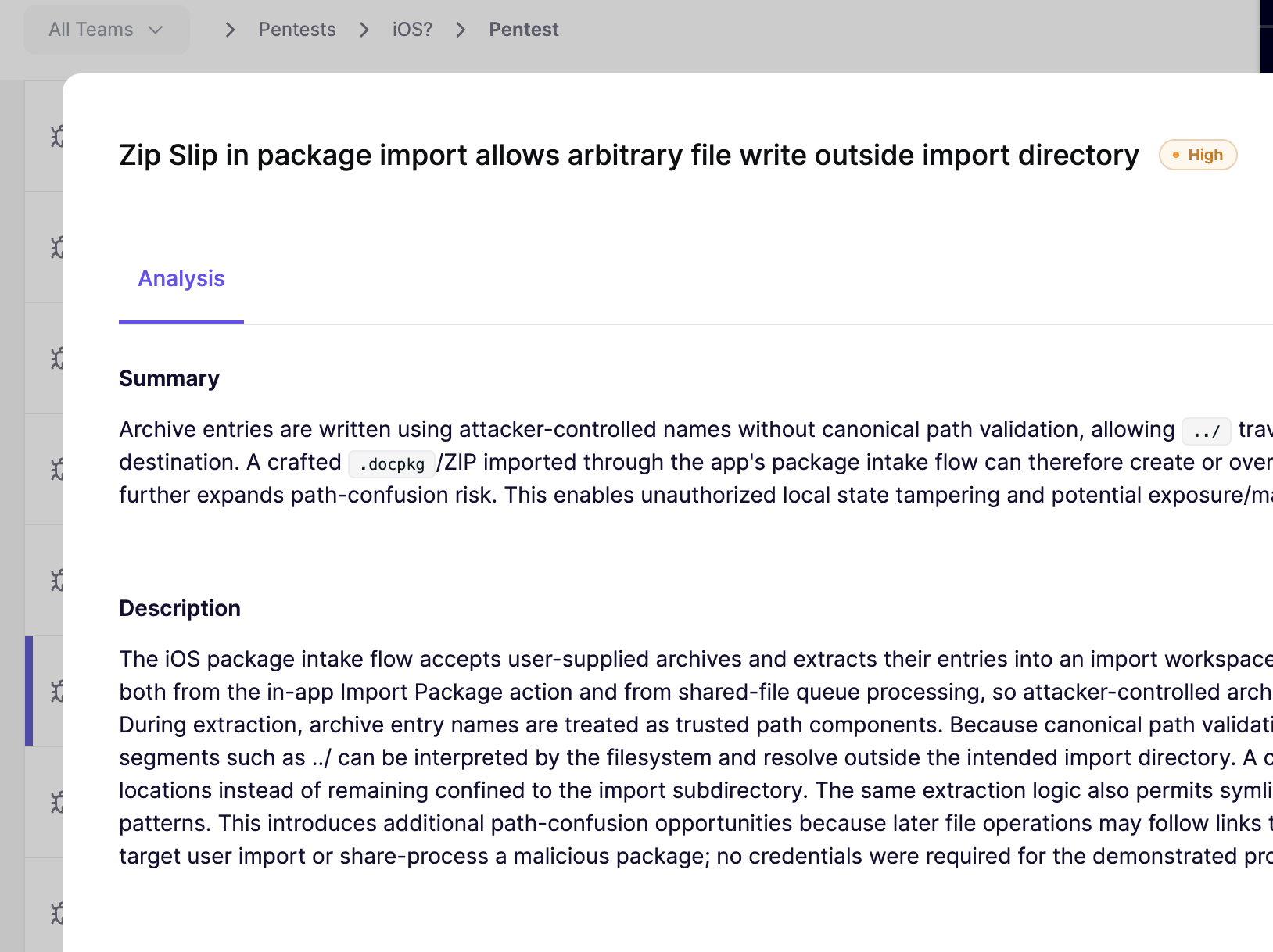
Every finding comes with an explanation of the risk and reproduction steps your team can follow. On Android those include the exact ADB (Android Debug Bridge) commands to reproduce the issue. Aikido verifies a finding by exploiting it and then stops, so everything that reaches the report has already been proven exploitable.
Assessments run on credits and are priced by scope. Aikido sizes the test to what's actually in your apps and shows you the cost before you launch.
You can also scope the test to the whole app or point the agents at specific features.
Everything from the Android launch applies to iOS as well, and it's the same AI pentesting you can already run on your web apps and APIs. You can run AutoFix on a finding and get a pull request with the fix, and mobile pentests produce the same report types as our web pentests, including the audit-ready PDF your compliance team will ask for.
Retests work a little differently on mobile, because the fix has to end up in a new build. Push the fix, rebuild the app, upload the new version from the assessment's overview tab and hit retest. Aikido uses the new build for every retest from then on and marks the finding as solved once it's confirmed fixed.
Your app has probably been unpacked by someone already. Might as well find out what they saw.