

See the attack path before it gets exploited
Aikido connects your cloud exposure, container vulnerabilities and IAM permissions into one graph, so you know exactly which CVEs an attacker can actually reach.
.avif)


CVSS score alone doesn't tell you what's exposed
Teams triage by severity score, not by what's reachable. A 9.8 on an internal pod gets the same urgency as one sitting behind a public load balancer with a path straight to your secrets.
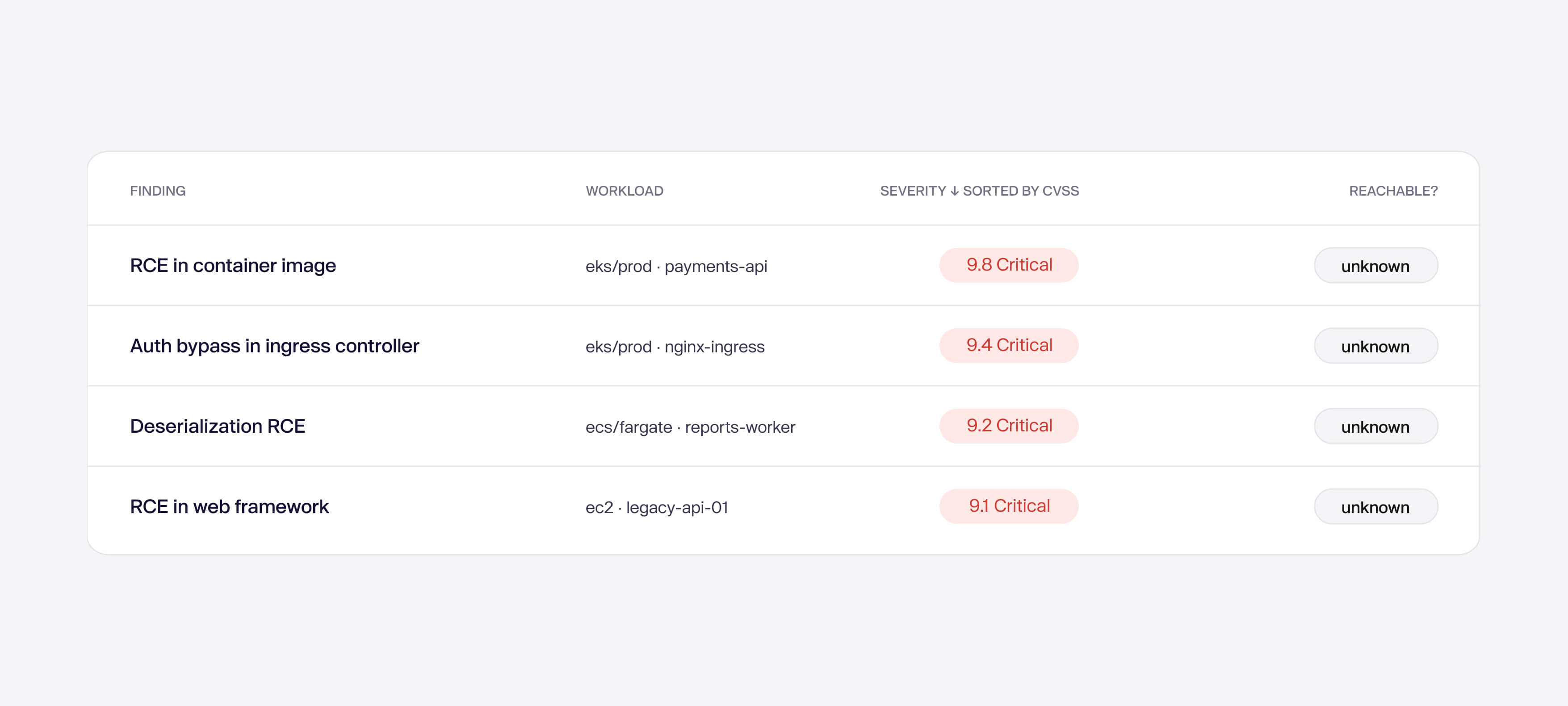
All your attack path, in one graph.
.jpg)
See what's reachable behind your ingress
Trace the full chain and pin the CVE to the pod that's reachable.
Nothing hides behind your CDN
Trace straight through your CDN to the exact serverless function running the vulnerable package.
Know what your compute can reach
Connect network exposure to what a VM's permissions can reach, like secrets and encryption keys.
Where attack paths work




Why teams use cloud attack paths
Cut alert fatigue
Only CVEs that is on a real path from the internet generate alerts for your team
Free up engineering time
Security stops creating tickets for unreachable paths, engineers focus on truly urgent issues
Catch exposure before attackers
See the full path from internet to asset, and close it before its exploited
Start audits with evidence
Prove your team prioritizes fixes based on mapped exposure not only severity scores.
See all your cloud attack paths, at a glance.
Connect a repo to discover what the reasoning agents find in your codebase. Or run it alongside your current SAST and see what you’re what's missing.


FAQs about cloud attack paths

It maps the real network path from the internet through your cloud infrastructure to a specific container or VM that has a vulnerability. Instead of just showing a CVE exists, it shows whether an attacker can actually reach it, and exactly how.
Severity scores (CVSS) are assigned without knowing your environment. A Critical CVE on a VM with no public network path is far less urgent than a Medium CVE on a container directly exposed to the internet. Reachability tells you what is actually exploitable in your specific setup.
No. Reachability is inferred from Security Groups, VPC settings, subnet configuration, and cloud infrastructure metadata. No active probing or port scanning is performed.
Aikido automatically downgrades the severity and shows "No network reachability" in the scoring breakdown. For specific packages, Aikido goes further and auto-ignores the issue entirely when the relevant port is not reachable.
Currently: OpenSSH and openssh-server (port 22), Telnet (port 23), Redis (port 6379), MongoDB (port 27017), and n8n (ports 80, 443, 5678). This list continues to grow.
For VMs: Security Groups, VPC settings, subnet configuration, load balancers. For containers: Kubernetes ingress controllers, load balancers, API gateways, AWS Lambda function URLs, and other cloud entry points.
No. Reachability analysis runs automatically once your cloud and container registry are connected to Aikido. No additional configuration is required.
Two ways: hover over a VM in the Virtual Machines tab and click "View Virtual Machine Reachability," or open any VM issue in the feed and click the reachability diagram link from the issue detail view.
Wiz and Orca provide attack path context but are cloud-only platforms. Aikido combines reachability analysis with full AppSec scanning (SAST, SCA, DAST, secrets, IaC) in one platform. You get the prioritization context without needing a separate tool or login.