

TL;DR: Aikido now pentests Android apps. The same agents that test your web apps and APIs can now work through your APK, log into the app, and reason through it, alongside the backend it talks to, in a single assessment. Findings come back with reproduction steps and are ready for an AutoFix, the same as any other Aikido pentest.
Aikido has been running autonomous pentests against web apps and APIs since November 2025. You point it at a target, the agents think like an attacker, chain weaknesses into real exploit paths, and hand back findings your developers can fix or AutoFix. Today, the same agentic pentest comes to Android.
Mobile tends to be the part of the stack that gets tested least. A manual Android pentest is pricey, usually happens once a year (if you're lucky), and often stops at the app itself. The backend the app authenticates against gets treated as a separate job, or skipped entirely. That's a strange place to draw the line, because the app and its backend make constant assumptions about each other, and the disconnect between those assumptions is where a lot of the interesting bugs can be found.
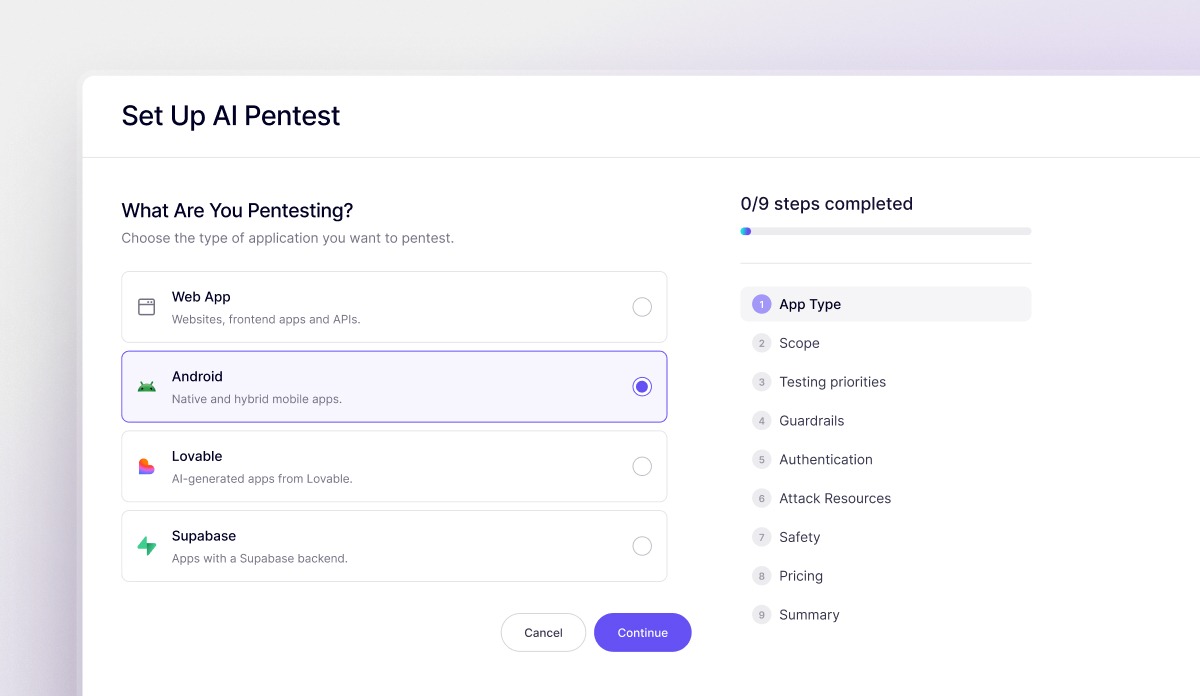
What it does
An agentic Android pentest tries to break your app the way a real attacker would. The agents install the actual build and test it from the inside. From there, a finding only reaches your report once it's been exploited and confirmed real.
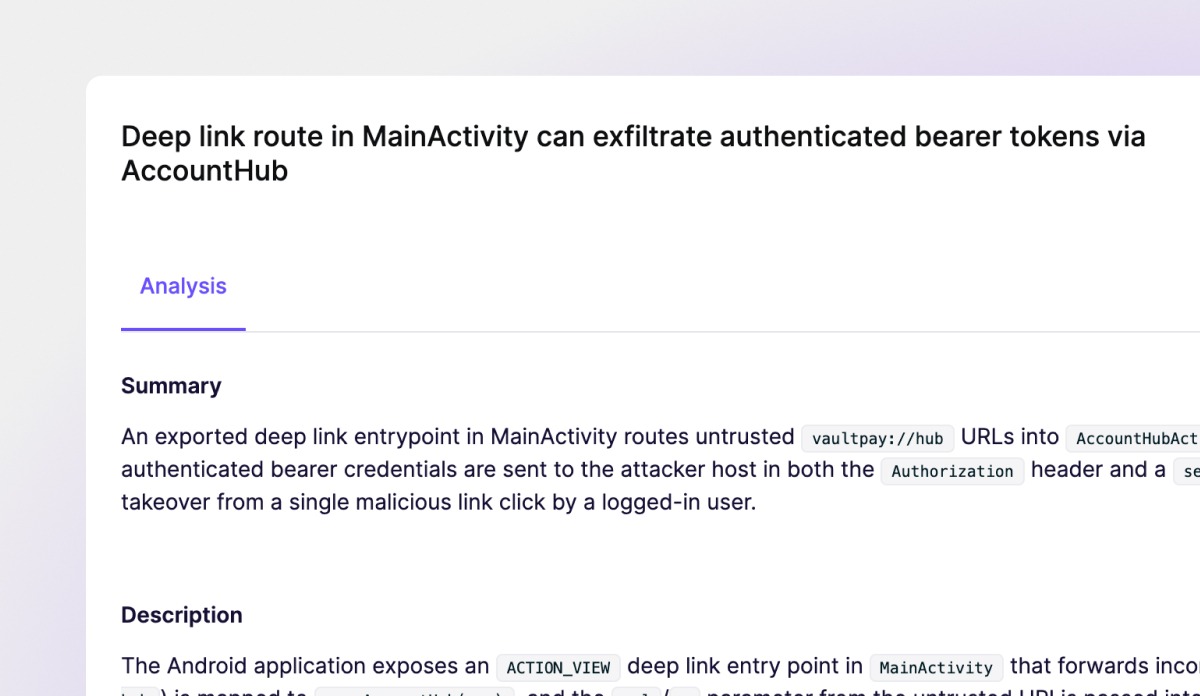
To run an Android pentest you need to provide:
- The APK - the build you want tested.
- The Android source repository - For now, Android pentests are whitebox only, so the code is required to run the test. Blackbox support is coming soon.
- Test users - The agents log in the way your users do, whether that's username and password or through biometric login.
Attach your backend API too, so the agents test both the app and the API it depends on , in the same run. That way, the parts users never see get tested as hard as the parts they interact with.
Findings you can actually reproduce
Every finding comes back with a summary, a description, the risk, and the steps to reproduce it, including the exact ADB commands to run. ADB (Android Debug Bridge) is the standard way to talk to an Android app from your machine, so the reproduction steps are exactly what an engineer would type to see the bug for themselves.
You can also open the attacker agent's trace and watch how it worked. It reads through your codebase and loads its mobile testing capabilities, then tries exploiting the app over ADB to confirm the issue is real.
Pentest results come with the same report types you'd get from a web pentest. The recon report and attack plan come with diagrams, threat scenarios, and the full plan the agents worked through, including the vulnerabilities they went after and the ones they thought to be exploitable but couldn't actually exploit.
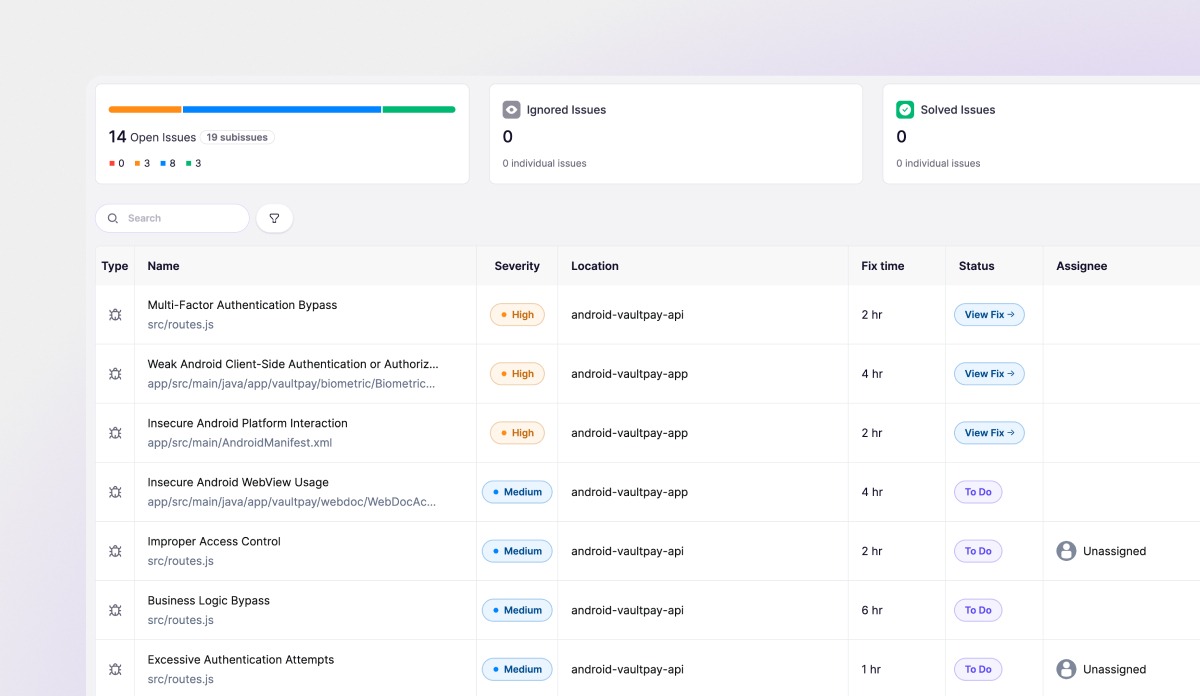
The app is only half the target
An Android app doesn't do much on its own. The conversation between the Android app and the backend is where a lot of the vulnerabilities are. An authorization check the app enforces on the screen might not be enforced on the server. An endpoint the app only ever calls one way might behave very differently when it receives a request it wasn't expecting.
Because you can attach both the Android code and the backend API code, Aikido tests the whole path in one assessment. This means that API issues end up in the same report as the apps, instead of a separate backend engagement.
If you've used Code Security Audit to reason through mobile source before there's a live build, you’re already familiar with this part. The agents use the running app and its backend together, and confirm what's actually exploitable rather than what only looks risky based on the source code.
The Aikido you know, for Android apps
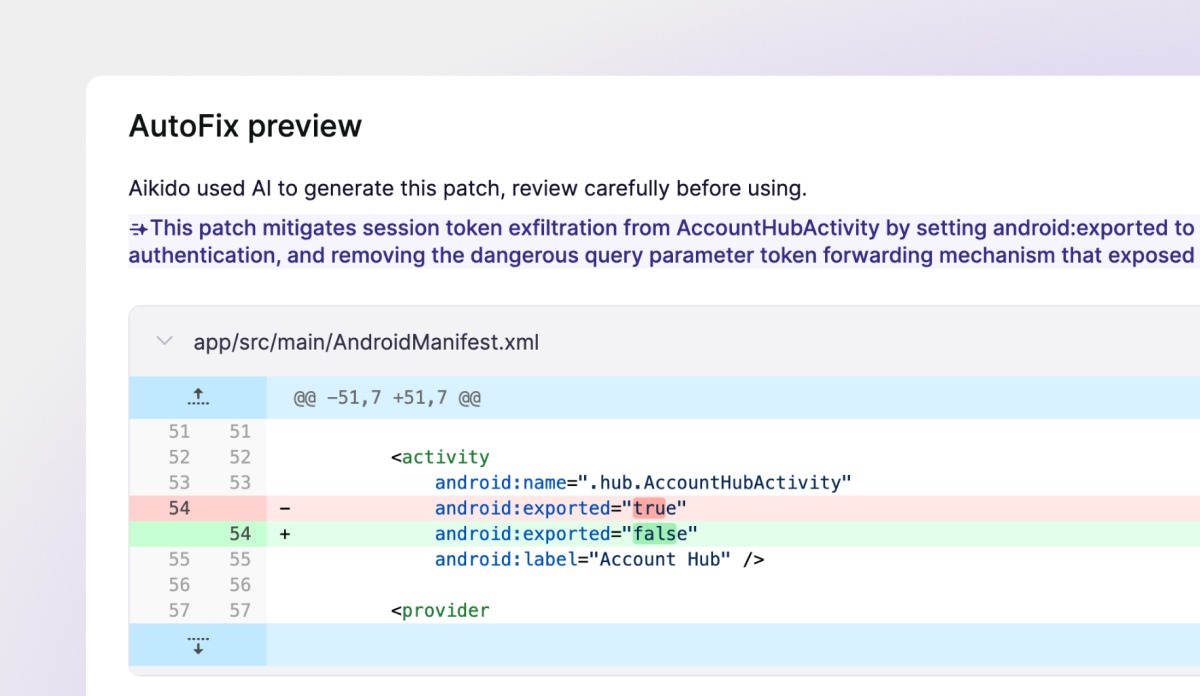
Android pentests also come with the Aikido pentesting features you already know, like AutoFix and included retests. That way, the app, its backend, the findings, the fixes, and the retests stay in one place. Run AutoFix on a pentest finding to directly open a PR with a suggested fix.
Retesting is the one thing that works a little differently on Android. Once the fix is merged, you need to rebuild the APK and upload the new version from the assessment's overview tab, then retest. Every retest runs against that updated build, and you can retest every issue the initial pentest found.
Get started
Android Pentests are rightsized, which means Aikido's indexer sizes the assessment to your actual app, so you get coverage across the whole thing, sized to what's really in it, and you're not paying a flat fee that ignores how big or small your app is.
This is the same Aikido Pentesting you’re used to, just pointed at a new target. The agents, the reasoning, the reports, and AutoFix are the ones you already know. Everything we mentioned is live today, so get an APK in, put the agents to work, and see what your mobile app has been hiding. iOS Pentesting is coming soon 👀!


