Security built into your IDE
Fix issues as you code– not after. Save time, money, and headache fixing vulnerabilities. Aikido adds security directly into the IDE with in-line advice to fix vulnerabilities before commit.
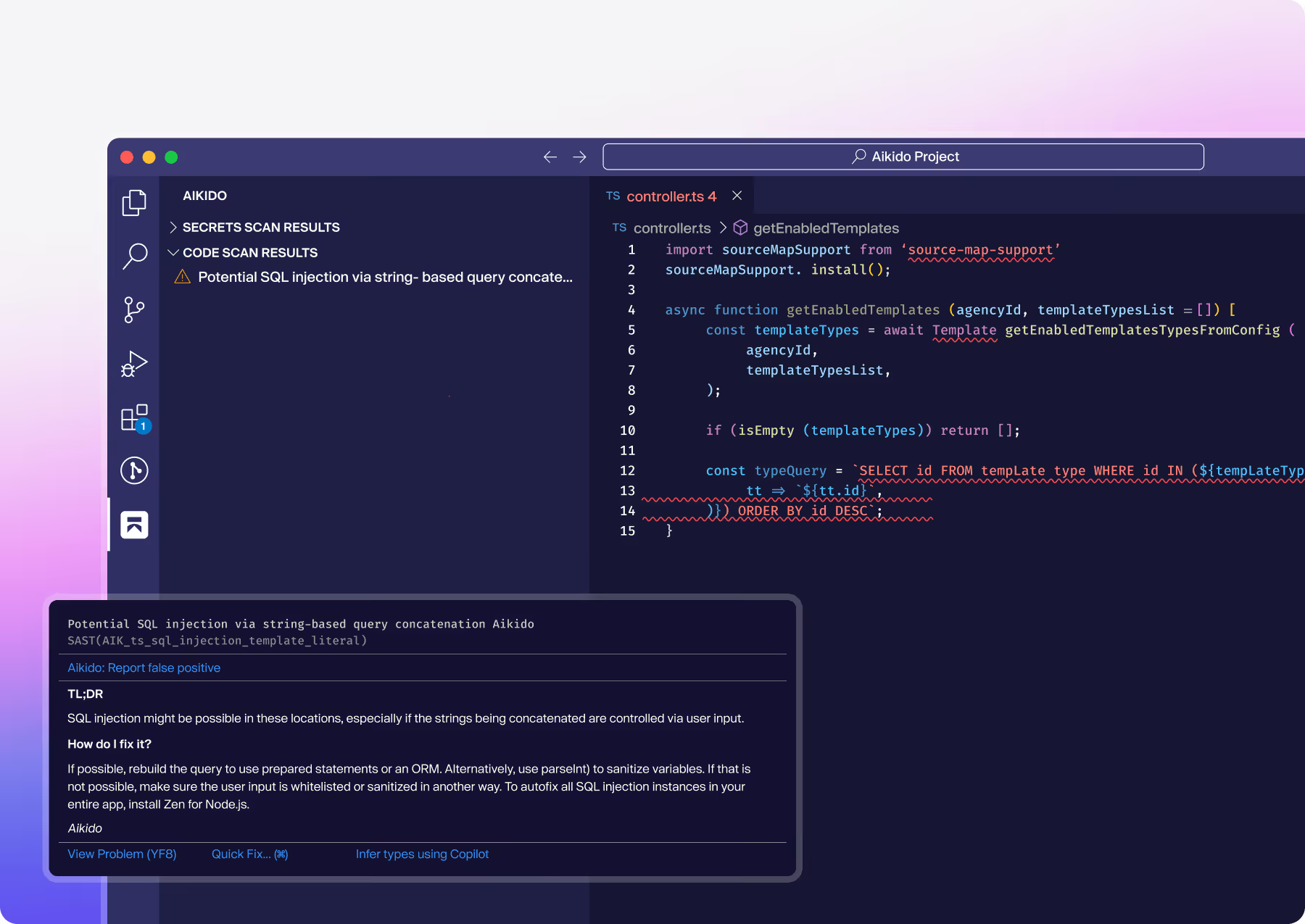



Aikido supports your IDE








Key features
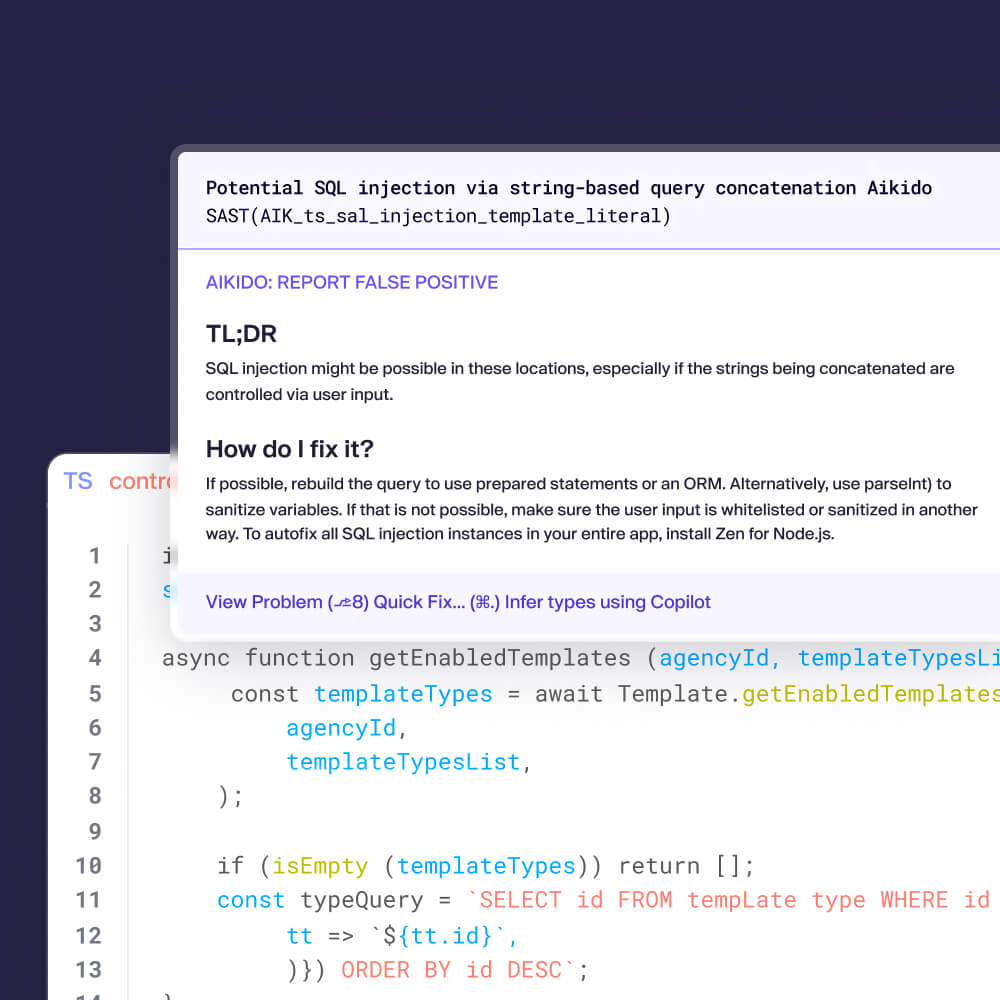
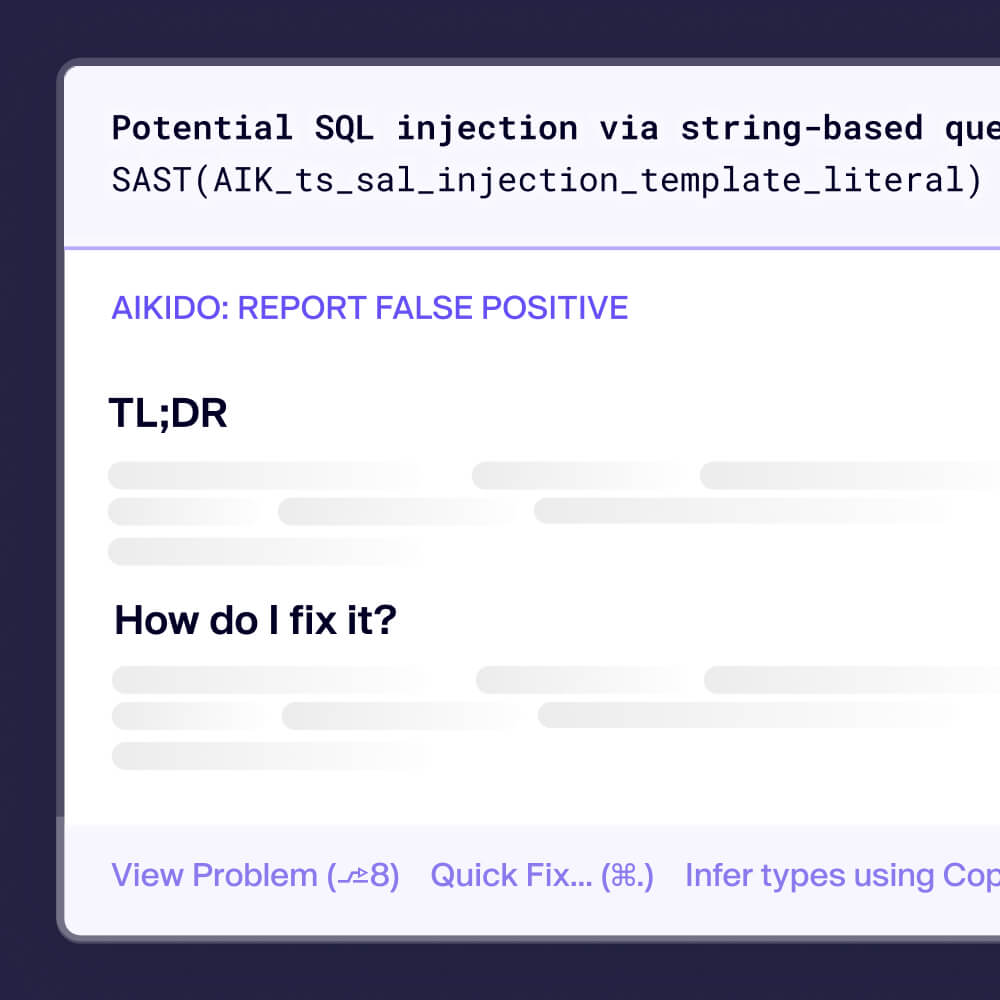
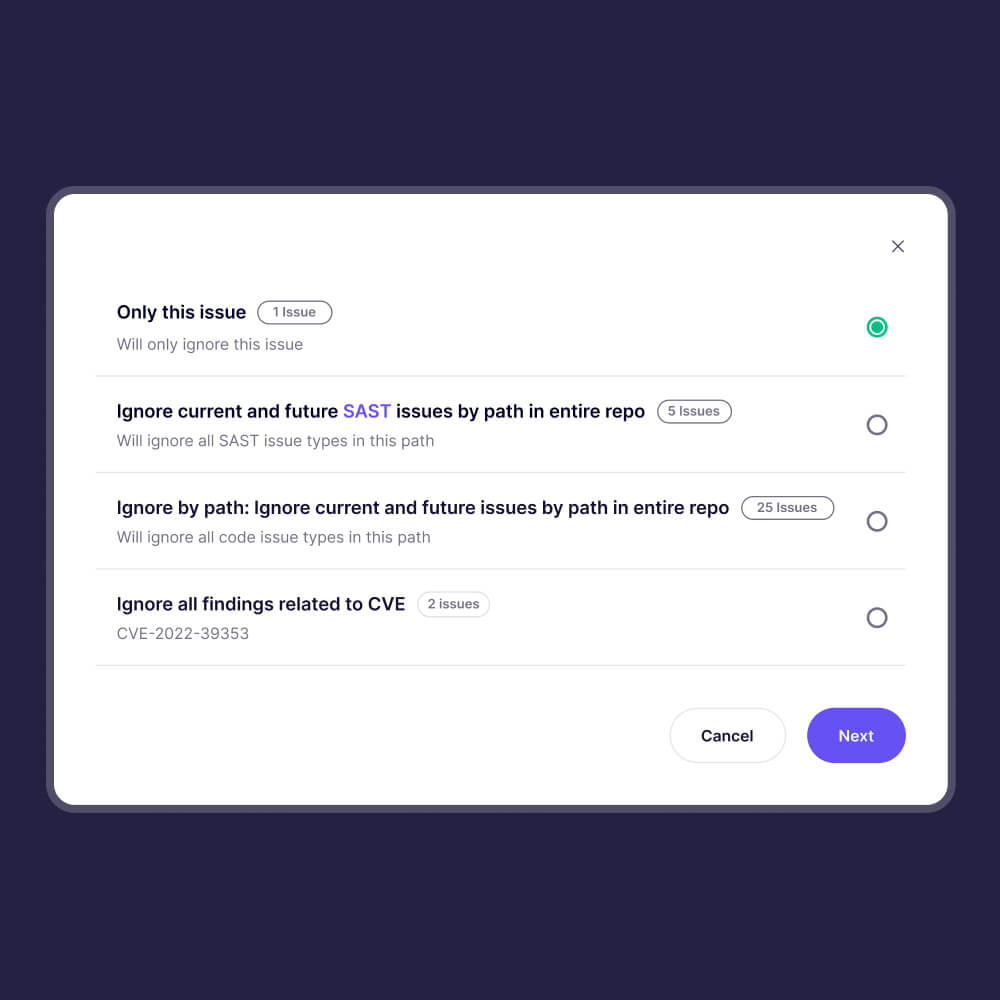
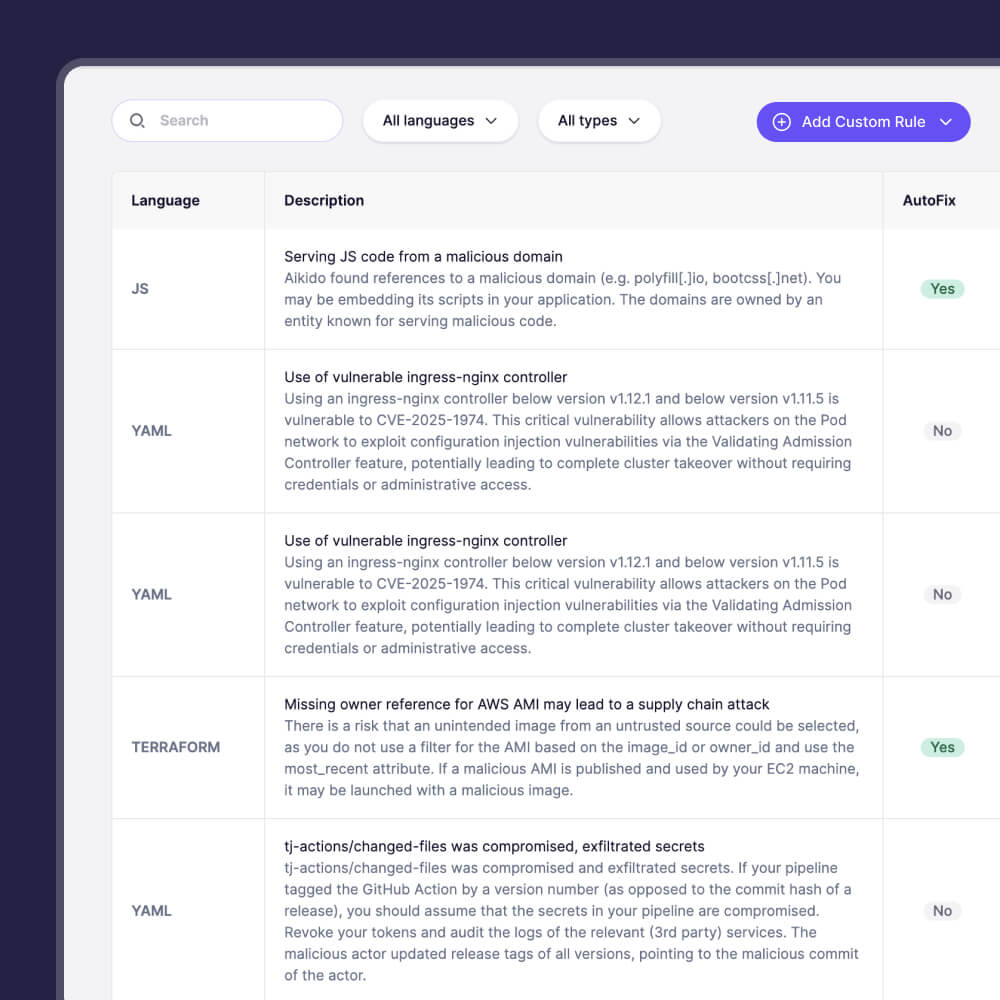
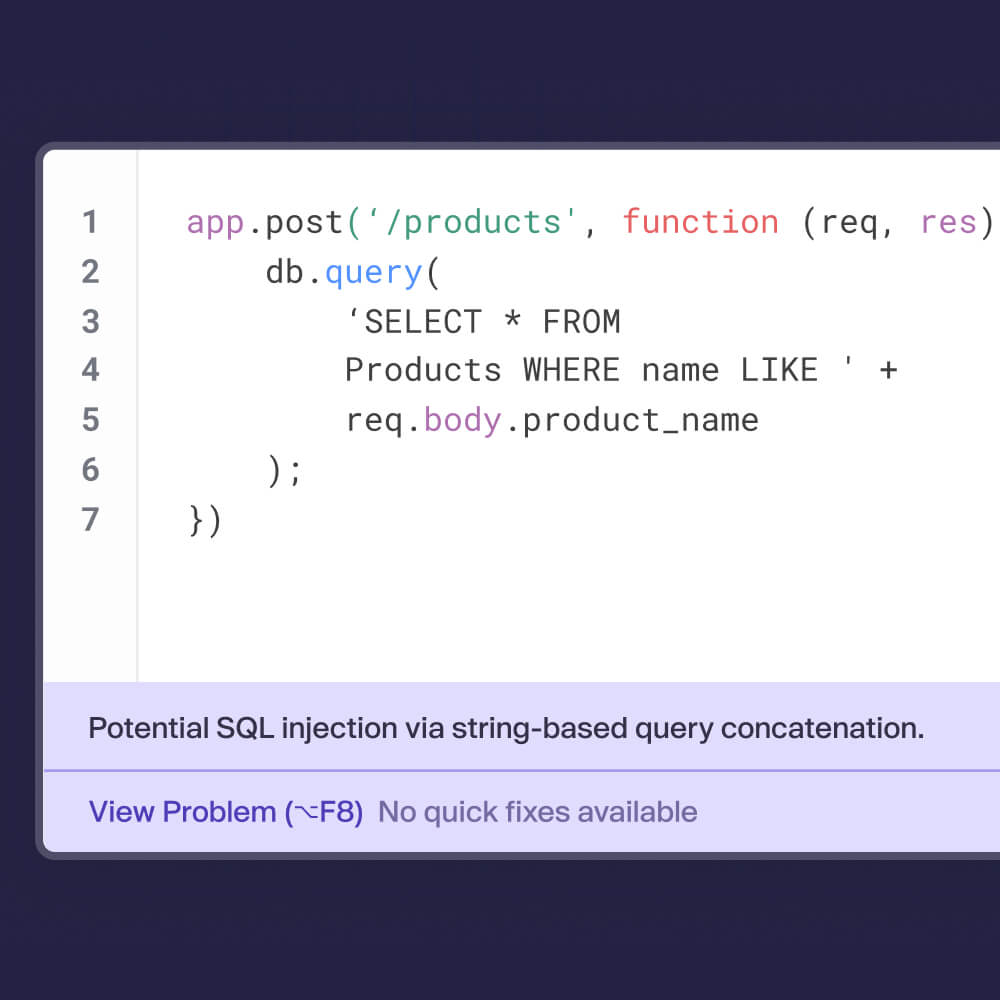
Don’t break the dev flow
Connect your task management, messaging tool, compliance suite & CI to track & solve issues in the tools you already use.


Frequently Asked Questions

Not at all! As an Aikido user on the Free plan you can create a token, which will enable the IDE plugin for VSCode, Cursor, and Windsurf that allows you to scan for SAST & secrets (in JavaScript, TypeScript, and Python). Looking for other IDE plugins, more scanning coverage, or support for different languages? Then you'll need to switch to one of our paid plans.
The Aikido IDE plugin detects common security vulnerabilities such as SQL injection, XSS, hardcoded secrets, insecure dependencies, misconfigurations, and more.
Aikido's free plan includes IDE support for SAST & Secrets detection – other scans are offered in our paid plan.
The plugin supports multiple languages, including JavaScript, TypeScript, Python, Go, Java, and more. Support for new languages are continuously added.
Aikido's free plan includes IDE support for JavaScript, TypeScript, and Python.
Currently, Aikido provides support for Visual Studio Code, all JetBrains IDEs, Cursor and Windsurf with more coming soon.
Aikido's IDE plugins for Visual Studio Code, Cursor & Windsurf are available for free – the others are included in our paid plans.
You can install the plugin directly from the VS Code Marketplace or JetBrains Plugin Repository. For other IDEs, check out our Help Center for the manual installation instructions.
Secure your IDEs today
Secure your code, cloud, and runtime in one central system.
Find and fix vulnerabilities fast automatically.