

Pentest your Android application
Autonomous AI agents log into your app, and test it the way an attacker would. One assessment covers the Android client and the backend API it talks to. Get an audit-grade PDF report in hours


What is Android AI Pentesting?
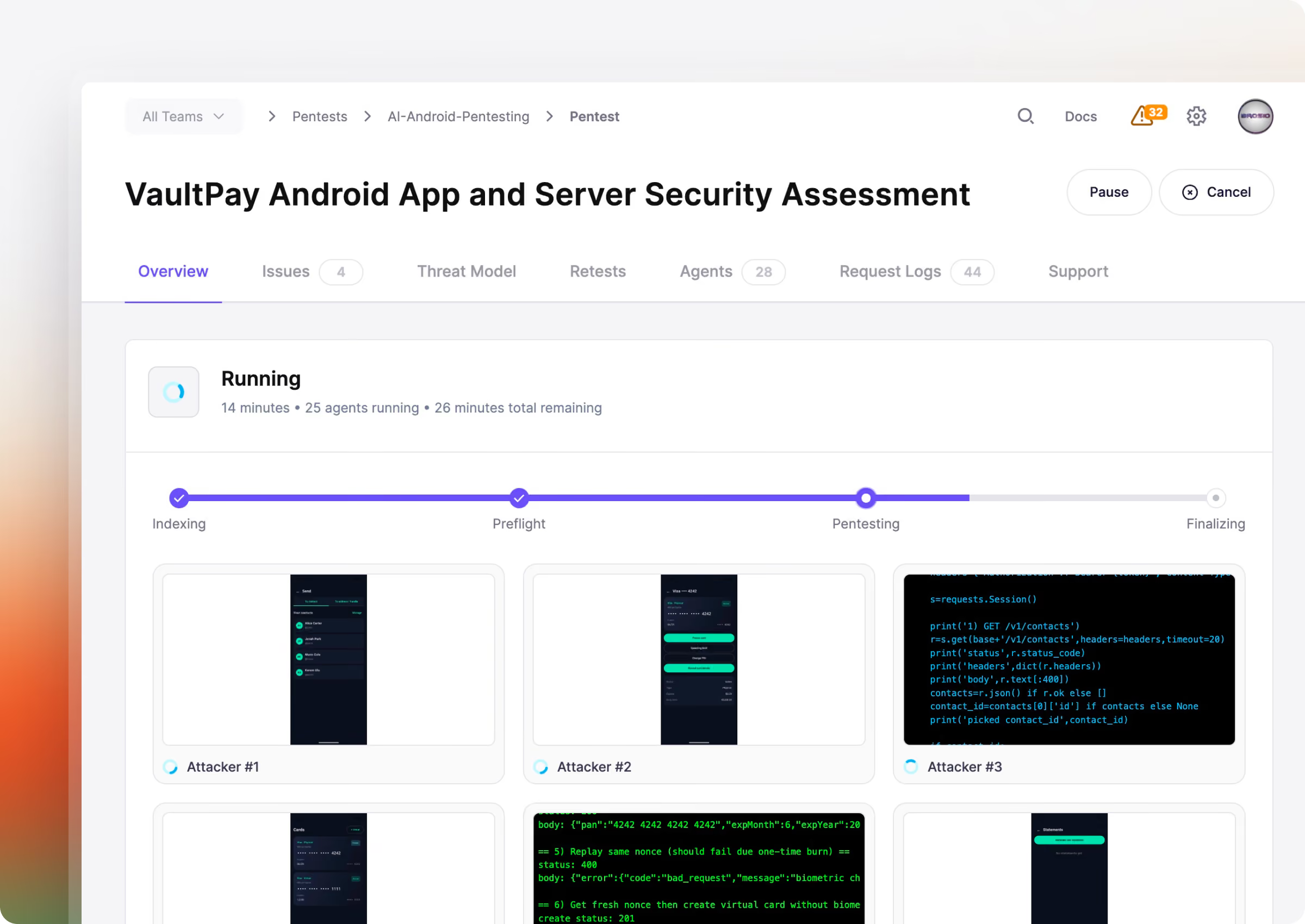
Agents use the app as a human would
Hundreds of autonomous agents log into your app, and drive it through ADB the way a real user would, then attack from the inside.
Tests both the app and its backend
Most Android bugs hide where the app talks to its backend. Aikido tests both in one assessment, so that seam gets covered.
Every finding has proof
Each finding is exploited to confirm it's real, and ships with reproduction steps.
Start an Android pentest in 5 min
Detect, exploit, and validate vulnerabilities inside your Android application, on demand.
See Aikido in action
Enter your work email to view the video
.avif)
Generate the right report for every audience.
Our engine automates security analysis using the same methodologies trusted by professional pentesters.
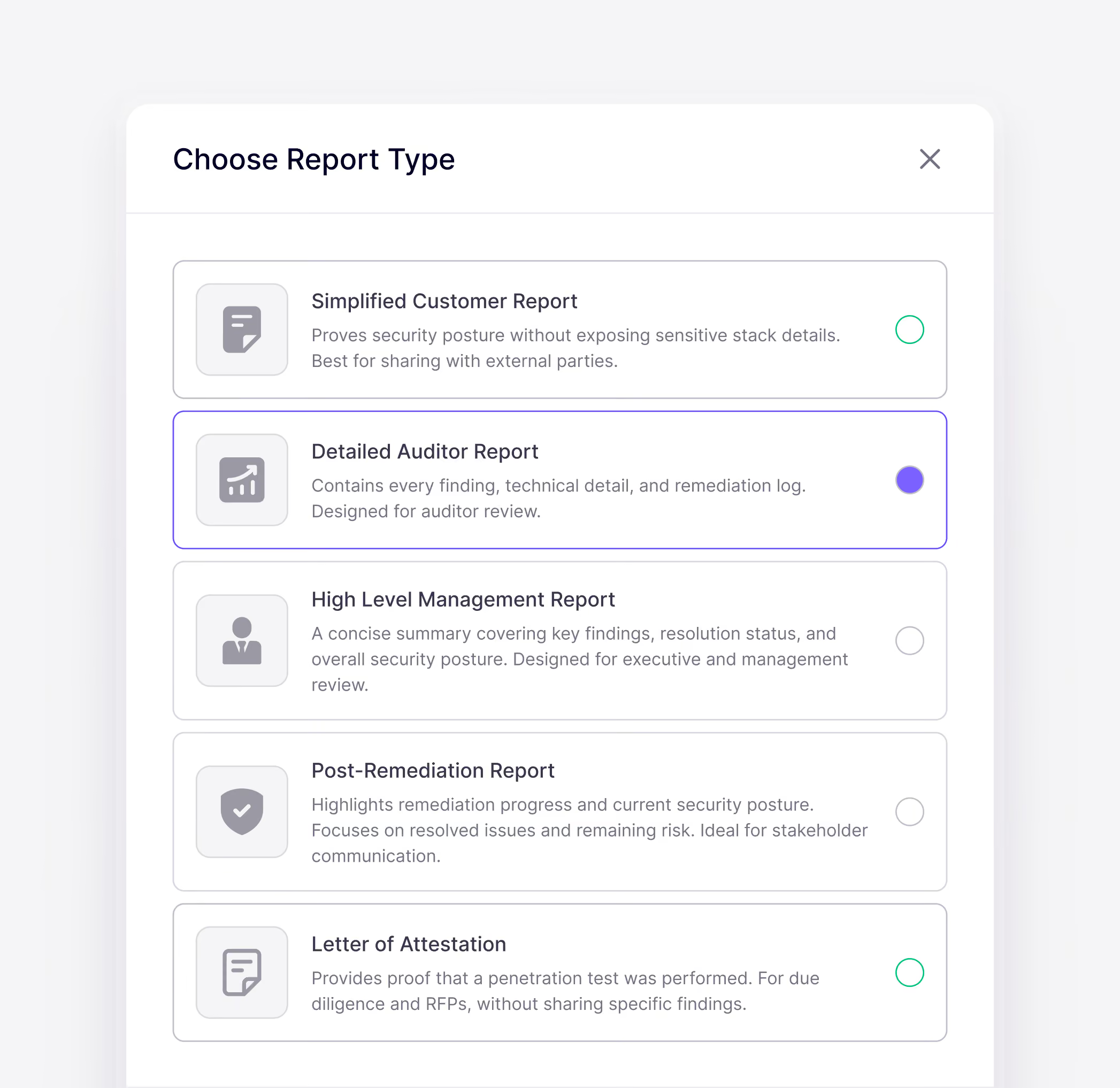
Android pentests produce the same report types as our web pentests.
High-level management report: key findings and overall risk posture for execs
Post-remediation report: resolved issues and remaining risk, built for stakeholder communication
Simplified customer report: proves security posture without exposing sensitive stack details

"Aikido’s pentest delivered human level, comprehensive findings at lightning speed and passed a rigorous compliance review with no issues."
Dan SherwoodManaging Director at Khaos Control Solutions


How Aikido AI pentests your Android app
Map the app and its backend first
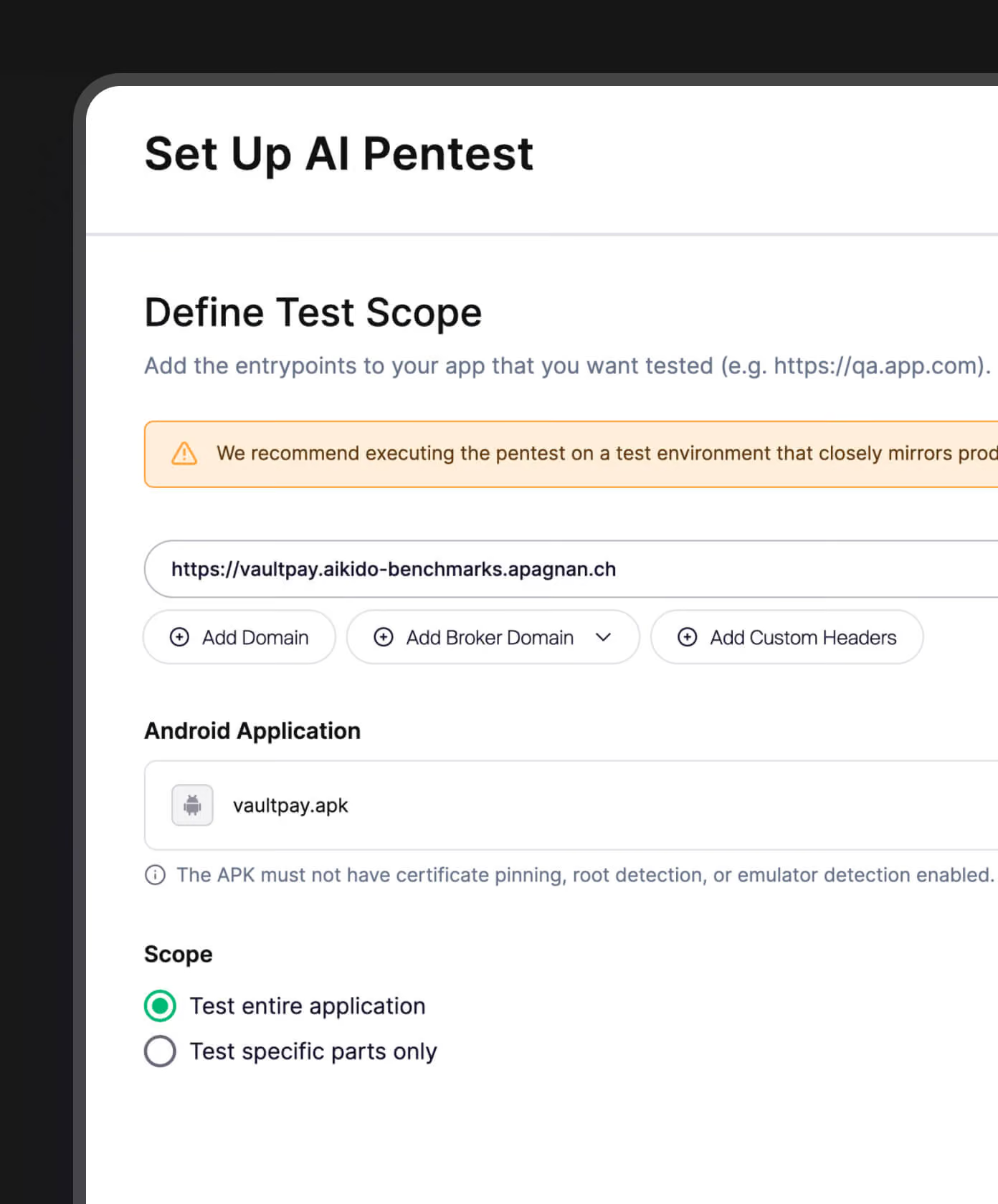
Aikido connects your repository and the backend API, and maps the app's screens, permissions, and the endpoints it calls before any testing starts.
Parallel agents test attack paths
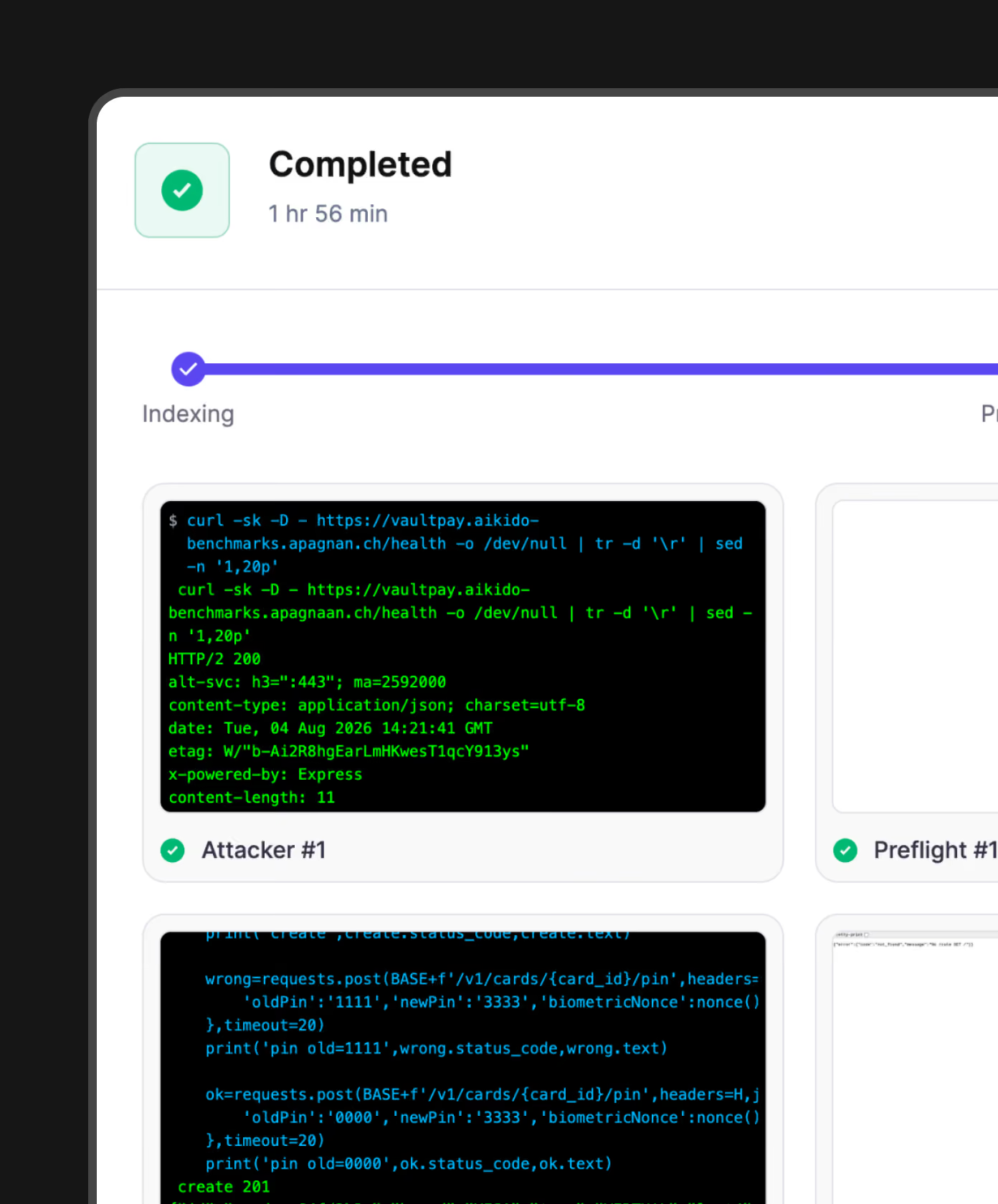
Agents log in through a preflight check, and try to break expected behavior by interacting with the app through ADB and the API.
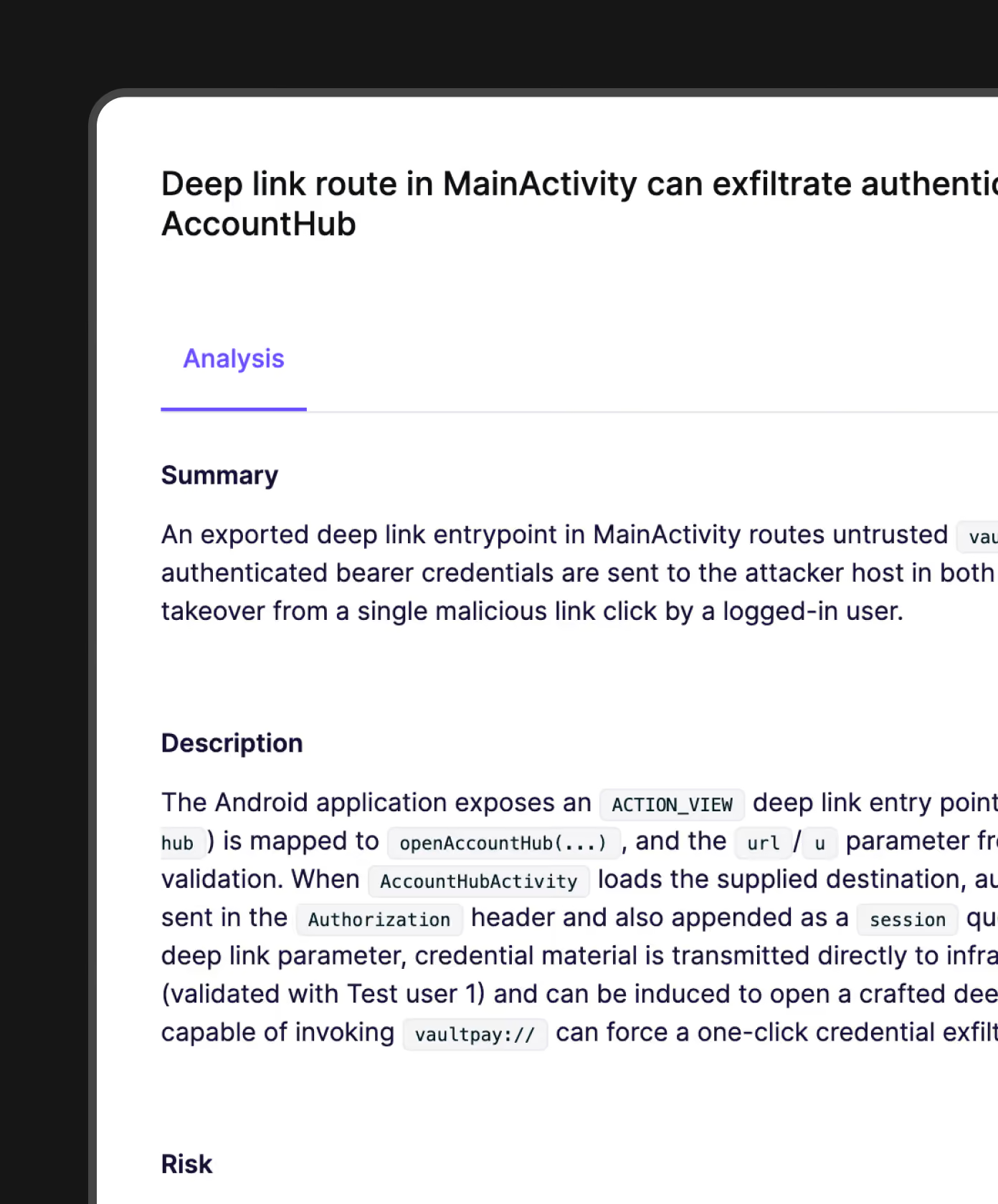
Run your Android pentests and fix the findings, automatically
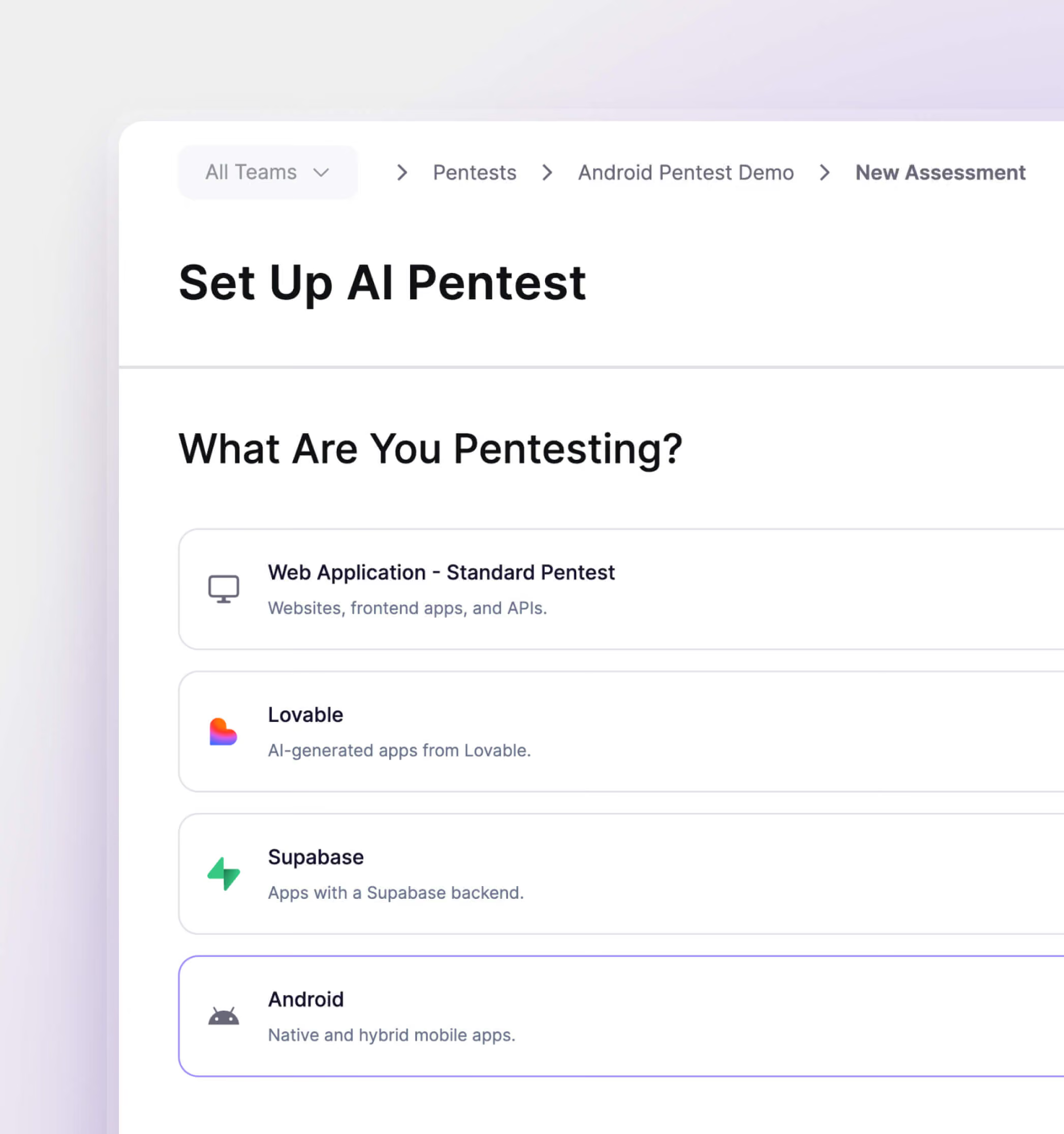
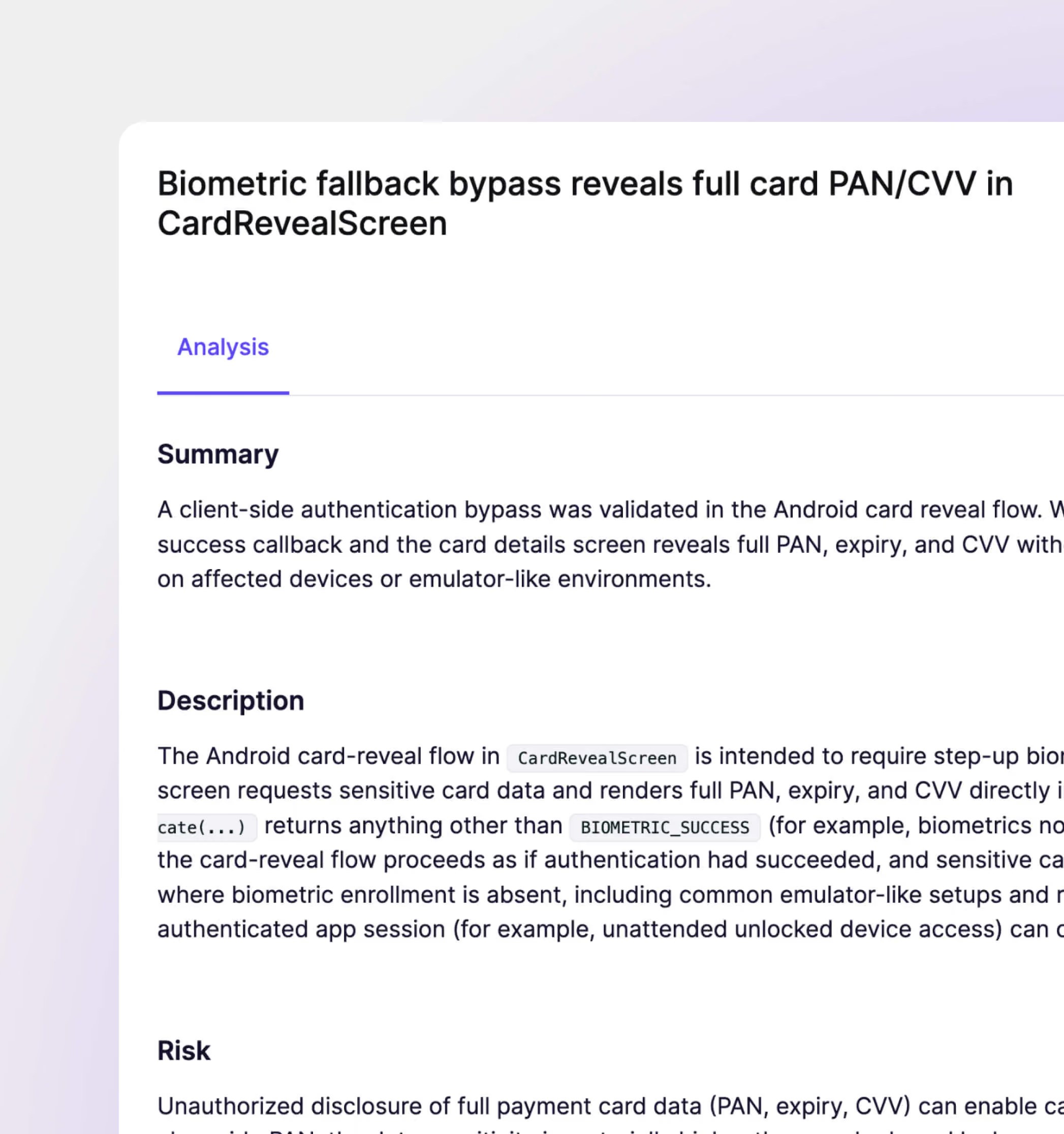
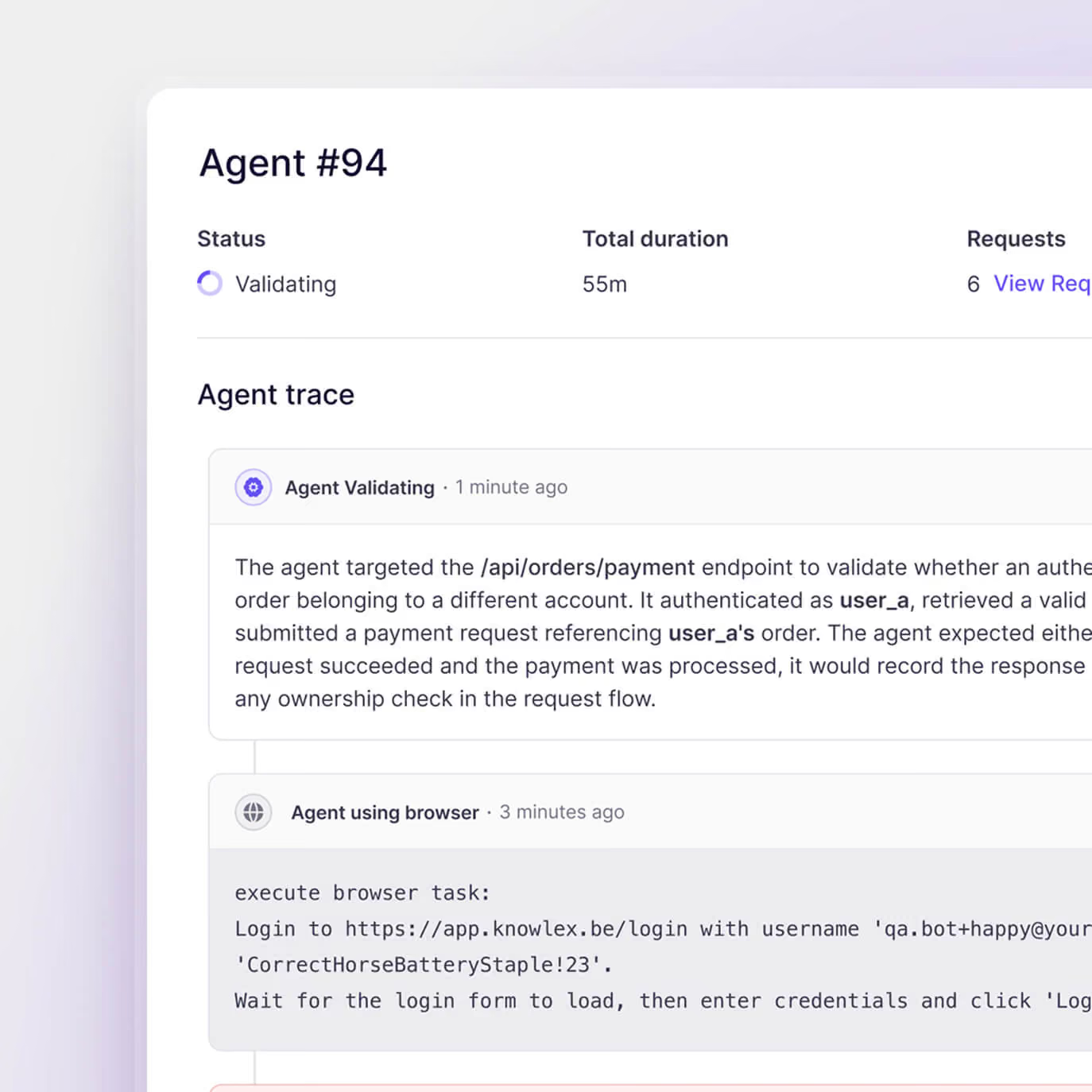
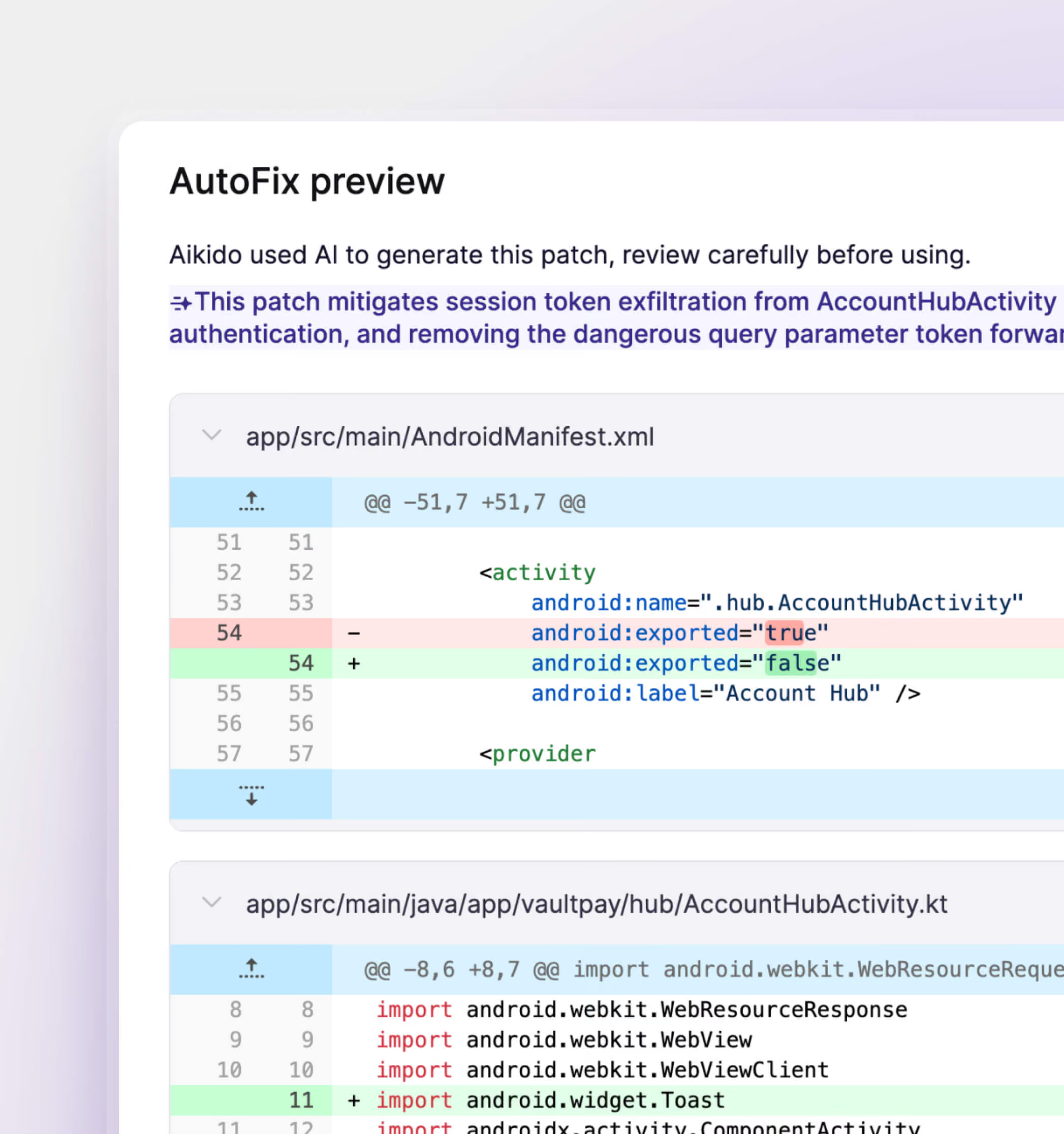
See our Pentest in action
In 30 minutes: dive into what matters, understand the AI tech, test together
.png)
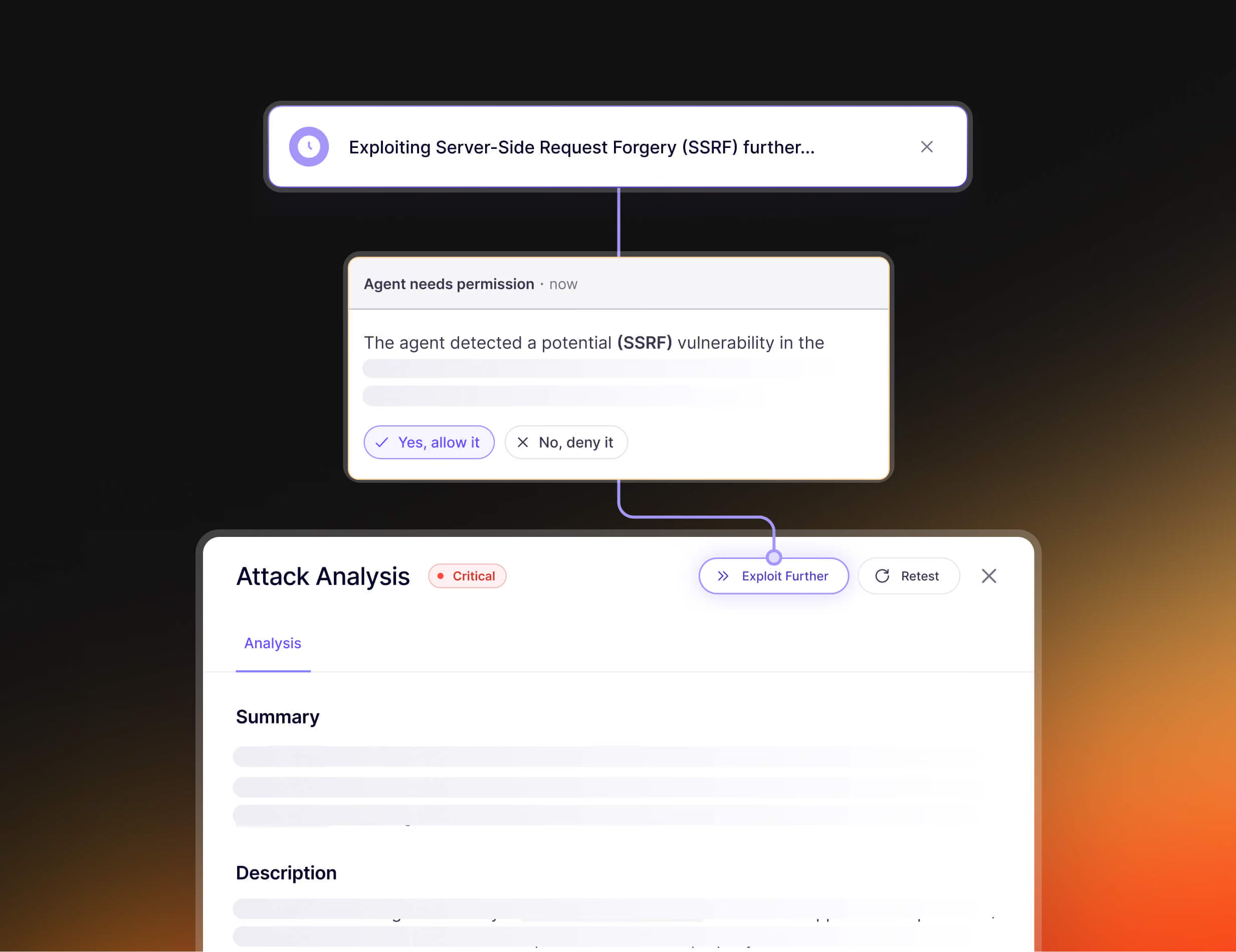
Escalate critical findings to humans
How it Works
When the pentest begins, features and endpoints of the applications are mapped.


100’s of agents are dispatched on those features and endpoints, each going in-depth, focused on their attack vector.
For each finding, additional validation is performed to avoid false-positives and hallucinations.
Android assessments run on credits, priced by scope
Upload the APK, add the codebase.
Pick your profile.
Aikido shows the credit cost before you launch.
.avif)
Start an Android pentest in 5 min
Automated penetration testing that matches human creativity with machine speed.
Detect, exploit, and validate vulnerabilities inside your Android application, on demand.

FAQs about Android Pentesting

Aikido's agents install your real Android app, log in as a user, and attack it the way an adversary would, working through both the app and its backend at once. Every confirmed issue also comes with the exact steps to reproduce it.
A manual engagement takes days or weeks to schedule and happens once, tests a version that’s already outdated by the time you get to it, then goes stale as you keep shipping even after getting the report. Android AI Pentesting runs whenever you want and returns reproducible, exploit-confirmed results in hours.
Usually within hours. Upload your APK, link to your source code, add a test user, and the agents start working through the app.
Source code access is required, since we only support white-box Android pentests for now. With the source and the running app in front of it, the agent reaches logic flaws that black-box scanning walks straight past.
The build can't use certificate pinning, and it can't have root detection, emulator detection or any RASP enabled. Those protections stop the agents from installing and instrumenting the app on a test device, so upload a build with them disabled.
Everything you'd expect from an android penetration test, including unsafe WebView usage, deep-link and exported-component abuse, client-side authentication issues, injection flaws, broken access control, weak session handling, and unsafe API behavior. It also catches business logic flaws and authorization issues like IDORs, cross-tenant access, and authentication bypasses by reasoning about how the app is meant to behave.
Findings are only reported after the agents successfully exploit and confirm them against the live app. If an attack attempt can't be validated, it's dropped and never shown in your results.
Because Aikido already understands your code, AutoFix generates a targeted change for a confirmed vulnerability and opens a pull request, so your team can review the fix and merges on their own terms. To confirm the fix, recompile the app and upload the new APK to retest on the same scope.
You define which targets the agents can attack and which they can only reach. Traffic runs through a proxy that validates every request against that scope, agents start non-destructive by default, and pre-flight checks run before the assessment. If something goes wrong, testing auto-pauses and can be stopped instantly.
Yes. Every run produces an audit-ready penetration test report with validated findings, proof-of-exploit, and remediation guidance.
Aikido's agents matched human coverage and in some cases exceeded it by exploring more paths consistently, including the deep logic flaws a manual tester usually misses. The difference is cadence: a human pentest happens once, while the agents re-run on every build.