When Nansen gave every employee an autonomous OpenClaw agent, the whole company started writing and running code. Its head of security had to protect every machine without slowing the business down.
At a glance
- Extended device protection to every machine at Nansen, developers and non-developers alike
- Device protection caught and auto-resolved a risky npm package in live use, without breaking the build
- Now extending device protection to the autonomous AI agents each employee runs
- Consolidated eight point tools into a single pane across code and cloud
When a web app starts handling user funds
Nansen turns on-chain data into trading signals for crypto investors, and now runs its own trading terminal so customers can act on those signals directly. Founded in 2020 and based in Singapore, it built its name on analytics, and the trading terminal changed what it is.
Mads Havmand leads security at Nansen, and once the company started handling user funds, it moved from an analytics web app to something closer to a bank. Naturally, the threat model moved along with it.
Nansen went from being a cool web app to being almost a banking app, because we now handle funds.
Web3 gave him one advantage - risk is easier to explain. People already understand that if you don't hold the keys, the funds aren't yours. A young company proving itself has to ship fast, and Mads is blunt that security is "the introduction of friction," and that "friction is the antithesis of progress." Move fast and break things stops working when breaking something can cost the end user.
The challenge
AI turned the whole company into developers
Nansen made a deliberate bet on AI. It gave every employee their own autonomous OpenClaw agent, so people well beyond the engineering team were writing and running code.
We went from 30 developers to "everyone's a developer".
He couldn't put a security engineer behind every developer, and he wouldn't wall security off in its own corner of the codebase and let everyone else assume it wasn't their job. The agents ran in two places, on people's personal laptops and on shared OpenClaw instances, so the surface he had to cover grew in both directions at once.
npm was the thing keeping him up at night
Mads keeps a running list of what he lies awake thinking about, and near the top was npm.
As much as I try to eradicate npm from our infrastructure, there are places where it's the best option, and I have to live with that.
A single malicious package on a single laptop could reach production.
Device protection arrived at the right time
Aikido shipped Device Protection, and it matched the problem Mads has been trying to solve for more than a year. He then decided to roll it out immediately.
Every single machine at Nansen is covered.
Developers got it, and so did the finance staff who now run their own AI agents. The seat-based pricing was affordable enough that Mads also bought developer licenses, so his engineers could log into Aikido and work their own issues directly. Device protection took one of the worries off the list that keeps him up at night.
Now he's working with Aikido to push protection one layer further, onto the shared OpenClaw instances themselves, so the agents are covered wherever they run, not only on the laptops driving them.
Protection that just works
Doing open-source work late one night, Mads cloned a codebase, checked it over by hand, and installed it. One package tripped device protection's age check, and he got a warning. His agent found a version that cleared the restriction on its own, so the app still ran.
I got the popup that I'd been protected, but I wasn't left with something that didn't work.
He was covered without being slowed down, which is the balance he'd been chasing between friction and pace.
More than device protection: one pane across Code and Cloud
Device protection solved the endpoint problem, but Mads had come to Aikido for something broader first: visibility.
I can't protect what I don't know about, so my first use case for Aikido was to give me an overview of all the assets.
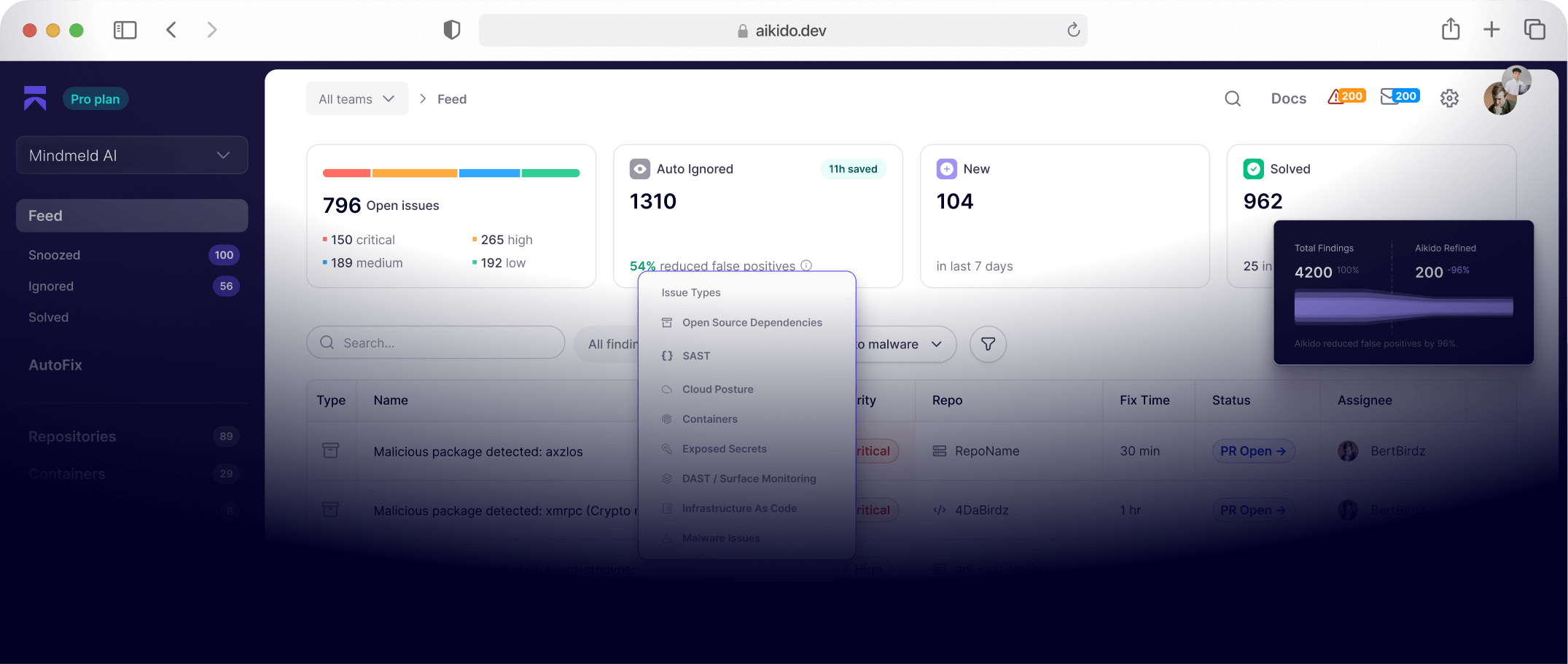
Aikido gave him the overview and severity filtering he needed in one place, replacing the patchwork he'd assembled from GitHub, Dependabot, and Google Cloud's built-in tooling.
I can't wrangle eight different tools. I need a single pane of glass I can go to and prioritize, and for me Aikido has been that solution.
Because Aikido connects to individual GCP projects and repositories, he can pinpoint the repo behind the app that touches user funds and focus there, keeping lower-risk issues in sight but out of the way. He runs Aikido as the security team's data custodian, operating the tools himself and passing engineers only verified findings. That protects his hardest currency with the engineers who do the fixing, which is trust. AutoTriage filters and groups the noise, so what he hands over is worth acting on and a false positive never burns the relationships he built.
The currency of security is trust. When I hand something over, I need to make sure it's a true positive.
Why Nansen chose Aikido
Several things made the decision easy:
- A free tier that let Mads sign up, drop in test projects, and show his VP of engineering a working result, instead of running a multi-month sales process
- Seat-based pricing that covered both developers and non-developers
- Device protection that landed exactly when the AI-agent risk and supply chain attacks peaked
- One pane replacing the eight point tools he'd been using previously
Where Nansen goes next
Currently using
- Device protection across every company machine
- Code scanning across repositories
- Cloud security posture and asset management across Google Cloud
- AutoFix for dependency and code fixes
- AutoTriage for issue handling
Planning next
- Onboarding the full developer team into Aikido so engineers see and act on issues directly
Evaluating
- Deep PR Review
- AI Pentesting
Final verdict
Now that you've added device protection, I might never get out of Aikido.