

The continuous integration and continuous delivery or deployment pipeline has become the backbone of modern software development, automating the path from code commit to production deployment. As teams ship software faster, automation has become central to how applications are built and delivered, with 68% of developers reporting having CI/CD, DevOps, and automated testing available at their organization according to Stack Overflow. This widespread adoption has made the pipeline both a productivity multiplier and a critical part of the software supply chain.
At the same time, increased speed introduces new risk. A leaked secret, vulnerable dependency, or insecure configuration can move through automated systems just as quickly as legitimate code. The challenge for teams is integrating security without slowing delivery, using tools that provide fast, accurate, and actionable feedback within existing workflows. This guide examines leading CI/CD security tools for 2026, comparing their strengths, limitations, and ideal use cases to help teams choose an approach that supports both speed and security.
What is CI/CD?
CI/CD is an umbrella term used to describe the automated processes for integrating code changes, testing applications, and delivering software to production.
Continuous Integration is the practice of frequently merging code changes into a shared repository, where automated builds and tests validate each change.
Continuous Delivery is the practice of automatically preparing validated code changes for release, while Continuous Deployment extends this by automatically deploying those changes to production without manual approval.
Together, these form a streamlined pipeline that moves code from a developer’s workstation to production in small, repeatable, and reliable steps. By automating integration, testing, and release, CI/CD reduces human error, shortens feedback loops, and enables teams to ship changes faster.
What to Look for in Modern CI/CD Tools
To create a useful comparison, we assessed each tool against criteria that matter most for seamless CI/CD security:
- Developer Experience: How easily does the tool integrate into the pipeline and provide feedback to developers?
- Scope of Scanning: What types of vulnerabilities can the tool detect (e.g., code, dependencies, secrets, containers)?
- Accuracy and Noise Reduction: Does it surface real, high-priority threats or overwhelm teams with false positives?
- Actionability: Does the tool offer clear remediation guidance or even automated fixes?
- Scalability and Pricing: Can the tool support a growing organization, and is its pricing model transparent?
The Top 5 Best CI/CD Security Tools
Here is our curated list of the top tools for embedding security directly into your CI/CD pipeline.
1. Aikido Security
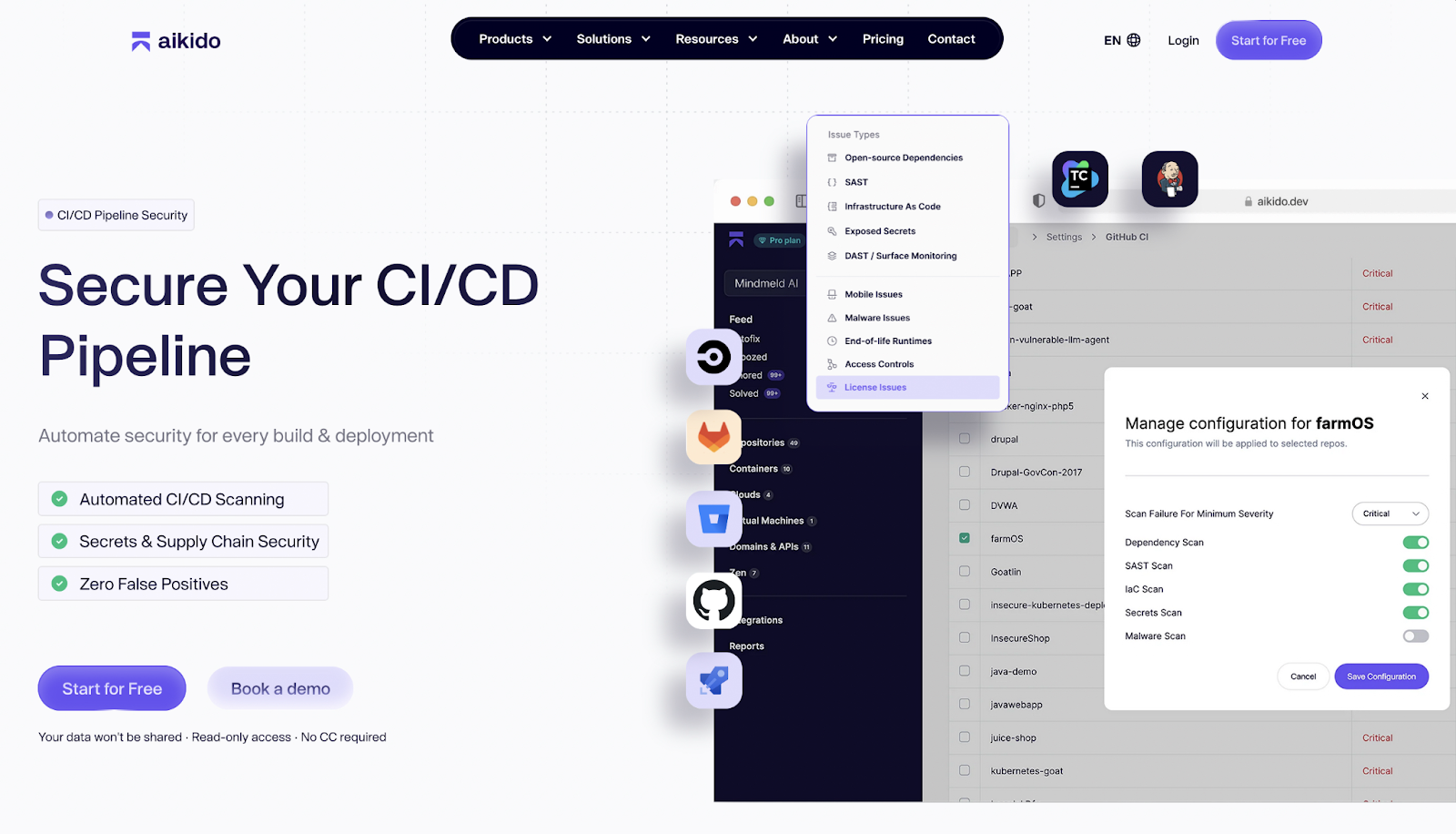
Aikido Security is a security platform designed to secure the CI/CD pipeline without slowing down delivery. It integrates directly into existing CI/CD workflows and source control systems, allowing teams to detect and fix security issues as code moves through builds, tests, and deployments. Instead of treating security as a separate stage, Aikido embeds it directly into the pipeline where decisions are already being made. Unlike other tools where you have to make changes to the CI/CD yourself for all repos using a CLI, with Aikido this is not the case.
At the pipeline level, Aikido performs automated scanning on every build, integrating with tools like GitHub, GitLab, Jenkins, and other CI/CD systems. Code, dependencies, secrets, and infrastructure definitions are scanned as early as possible, helping teams catch vulnerabilities before they are merged or deployed. This early feedback loop reduces rework and prevents insecure changes from progressing downstream.
Aikido places strong emphasis on supply chain security within CI/CD. Beyond traditional dependency vulnerability scanning, it also detects malicious packages and malware, blocking compromised dependencies before they enter the pipeline. This helps teams defend against increasingly common supply chain attacks that exploit trusted build processes.
Security findings are surfaced directly where developers work. Aikido adds inline comments for secrets, SAST, and IaC issues directly in pull requests and merge requests, pointing to the exact lines of code that need attention. Teams can also define policies to automatically block PRs or MRs when critical risks are detected, turning the CI/CD pipeline into an enforcement point rather than just a reporting surface.
Across all of this, Aikido focuses on reducing noise. Findings are prioritized based on reachability and real risk, ensuring developers see only actionable issues. This keeps security feedback fast, relevant, and aligned with the pace of modern CI/CD workflows.
Key Features:
- Automated CI/CD Scanning: Integrates with GitHub, GitLab, Jenkins, and other CI/CD tools to detect issues in every build, enabling early detection of vulnerabilities before code enters production.
- Supply Chain Security: Scans dependencies for vulnerabilities and malware to prevent compromised packages from entering the pipeline.
- Secrets Detection: Identifies hardcoded API keys, passwords, and tokens to prevent leaks within the CI/CD process.
- Static Application Security Testing (SAST): Detects common security issues in code such as SQL injection, XSS, and insecure coding patterns, preventing insecure code from reaching production.
- Infrastructure as Code (IaC) Scanning: Reviews IaC templates for misconfigurations, security risks, and compliance issues before deployment.
- Low False Positives: Provides actionable findings only, minimizing noise and unnecessary triage work.
- Inline developer feedback: Adds inline comments directly in pull requests and merge requests, giving developers precise, line-level security feedback within their existing workflows.
- Policy enforcement: Allows teams to define security rules that automatically block PRs or MRs with critical risks, ensuring security standards are enforced consistently.
Pros:
- Seamless integration into CI/CD pipelines with common tools like GitHub and Jenkins.
- Consolidates multiple security controls into a single workflow, reducing context switching.
- Intelligent prioritization surfaces vulnerabilities that matter most to developers.
- Supports automation with AI-assisted remediation suggestions, speeding up fix cycles.
- Combines multiple CI/CD security checks into a single workflow
- Policy-based enforcement without slowing delivery
Best for:
- Development teams looking to embed security early in CI/CD pipelines.
- Organizations aiming to automate detection and remediation of vulnerabilities across code, dependencies, and infrastructure.
- Security leaders seeking visibility into risks without creating bottlenecks or alert fatigue.
Pricing: Free forever tier with flat-rate paid plans for additional users or advanced features.
Gartner Rating: 4.9/5
2. Anchore
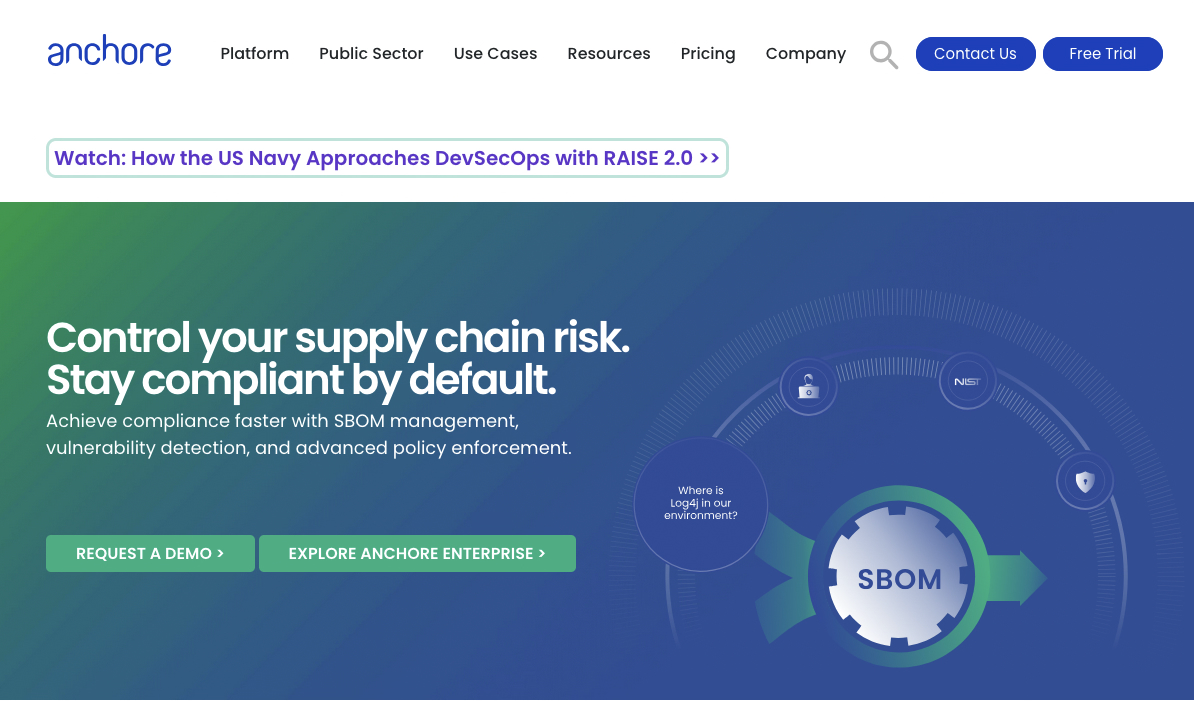
Anchore is a container security platform used in CI/CD pipelines to generate SBOMs, scan container images, and enforce policy-based controls before deployment. It focuses on securing the software supply chain by identifying vulnerabilities, compliance issues, and misconfigurations before containers reach production.
Key Features:
- Deep Container Analysis: Scans container images layer by layer, producing detailed SBOMs and checking for known vulnerabilities (CVEs).
- Policy-Based Enforcement: Custom policies allow blocking of images with high-severity CVEs or unapproved base images.
- SBOM Generation: Automatically creates and manages SBOMs for container images.
- Registry and CI/CD Integration: Integrates with container registries and CI/CD tools to automate scanning throughout the development lifecycle.
Pros:
- Strong container image inspection and vulnerability detection.
- Powerful policy engine for enforcing compliance and security standards.
- Open-source components (Syft & Grype) provide accessible scanning capabilities.
Cons:
- Primarily focused on container security; needs other tools for code and cloud coverage.
- Enterprise version can be complex to configure and manage.
- Limited functionality outside container contexts.
- Integration with non-container CI/CD workflows may require additional setup.
Best For:
- Organizations with heavy use of containerized applications.
- DevOps and security teams enforcing strict policies on container images before production.
Pricing:
- Free open-source tools (Syft for SBOMs, Grype for scanning).
- Anchore Enterprise provides advanced features, policy management, and support with commercial pricing.
G2 Rating: 4.4 / 5
3. Trivy
Trivy is an open-source security scanner originally developed at Aqua Security before being released to the community. It is designed to identify vulnerabilities and misconfigurations across container images, infrastructure-as-code, and application dependencies within CI/CD pipelines. Trivy is widely adopted due to its fast execution, minimal configuration requirements, and broad coverage of common pre-production security risks.
Key Features:
- Container Image Scanning: Detects known vulnerabilities in container images by analyzing OS packages and application dependencies before deployment.
- Infrastructure-as-Code Scanning: Identifies misconfigurations in Terraform, Kubernetes manifests, and other IaC files early in the development lifecycle.
- Dependency Vulnerability Detection: Scans application dependencies to uncover known CVEs in third-party libraries.
- CI/CD Integration: Integrates directly with popular CI/CD systems such as GitHub Actions, Circle CI, and GitLab CI for automated security checks.
- Policy and Configuration Checks: Supports policy-based evaluations to help teams align builds with internal security and compliance requirements.
Pros:
- Fast scanning
- Broad coverage across containers, IaC, and dependencies
- Easy to integrate into existing CI/CD workflows
Cons:
- Primarily focused on vulnerability and misconfiguration detection
- Limited remediation guidance compared to some commercial platforms
- Large scans can become noisy without tuning policies
- Advanced governance features require external tooling
Best For:
Teams seeking a lightweight, fast security scanner for CI/CD pipelines.
Pricing: Free and open-source, commercial support and extended tooling available through Aqua Security.
4. Checkmarx
Checkmarx is an application security testing platform used in CI/CD pipelines to identify vulnerabilities in source code, open source dependencies, and infrastructure-as-code. It is a long-established vendor in the AST market and is primarily known for its static application security testing (SAST) capabilities and broad language coverage.
Key Features:
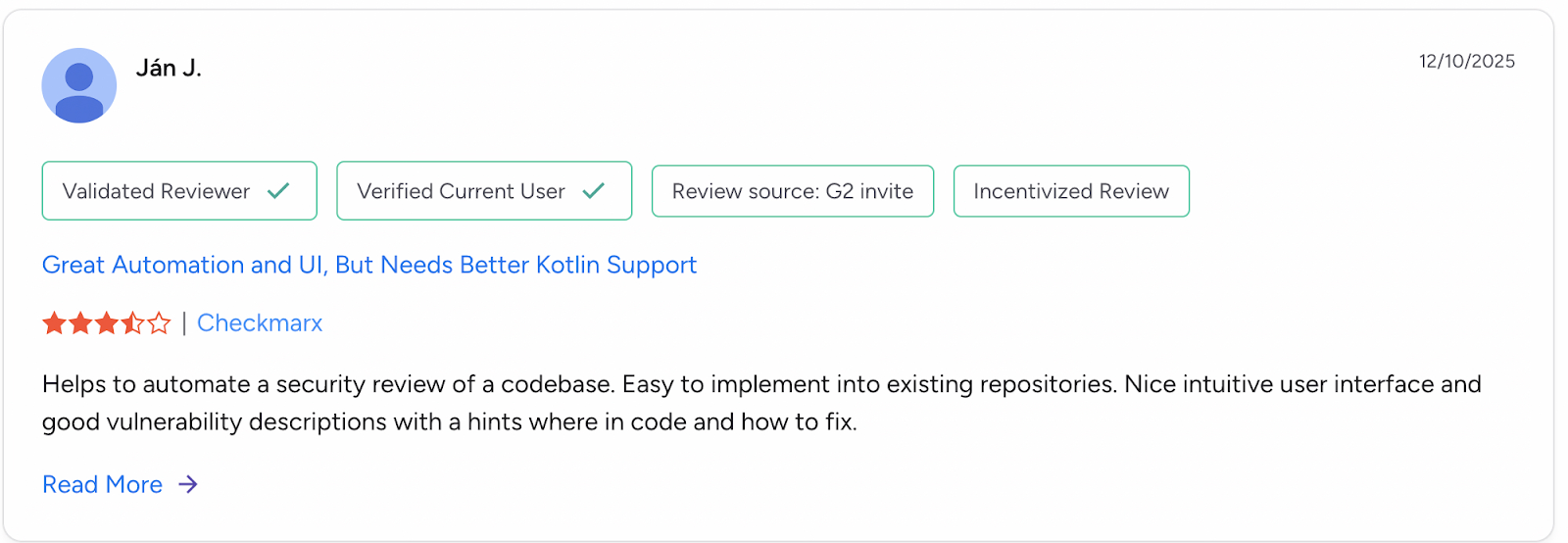
- Static Application Security Testing (SAST): Performs deep static analysis to detect vulnerabilities such as SQL injection, cross-site scripting (XSS), and other code-level security issues before applications are built or deployed.
- Software Composition Analysis (SCA): Identifies known vulnerabilities and license risks in open source dependencies used by applications.
- IDE and Developer Workflow Integration: Integrates with popular IDEs and CI/CD systems to surface findings earlier in the development process and provide remediation guidance.
Pros:
- High-accuracy static analysis with deep vulnerability detection
- Extensive support for programming languages and frameworks
- Mature platform suited for regulated and compliance-driven environments
Cons:
- High cost compared to lighter-weight CI/CD security tools
- Initial full scans can be slow on large codebases
- High volume of findings may require dedicated triage processes
- Operational complexity for smaller or less mature teams
Best For:
Large enterprises with mature application security programs. Organizations requiring deep static analysis, broad language coverage, and centralized governance integrated into CI/CD workflows.
Pricing: Contact sales
G2 Rating: 4.4 / 5
5. GitGuardian
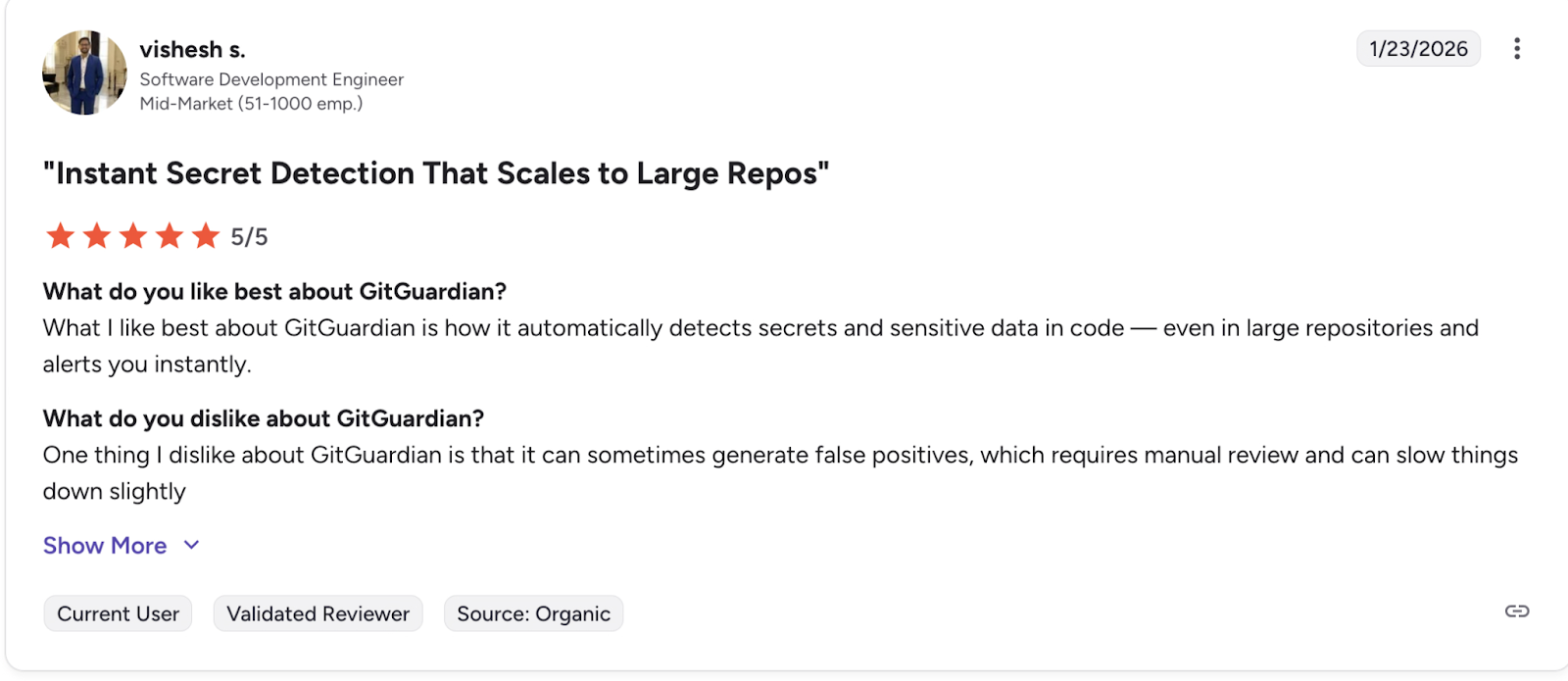
GitGuardian is a security platform focused on detecting and preventing leaked secrets within CI/CD pipelines and source control systems. It operates primarily at the commit and repository level, helping teams identify exposed credentials early and remediate both new and historical leaks before they lead to downstream compromise.
Key Features:
- Real-Time Secret Detection: Scans commits as they are created and alerts developers and security teams immediately when secrets are detected.
- Historical Repository Scanning: Supports full scans of existing repositories to uncover previously committed secrets that may still pose risk.
- Source Control Integration: Integrates directly with platforms such as GitHub and GitLab to operate natively within existing development workflows.
Pros:
- Strong real-time detection with fast feedback loops
- High accuracy across a broad range of secret types
- Useful remediation workflows for coordinating response
Cons:
- Focused exclusively on secret detection
- Does not cover vulnerabilities, containers, or infrastructure
- Pricing may scale quickly for large engineering organizations
- Requires pairing with other CI/CD security tools for broader coverage
Best For:
Teams using Git-based workflows that want strong, centralized control over secret detection.
Pricing : Free tier available for individual developers and small teams, with commercial plans priced per developer with additional management and collaboration features.
G2 Rating: 4.8/5
6. SonarQube
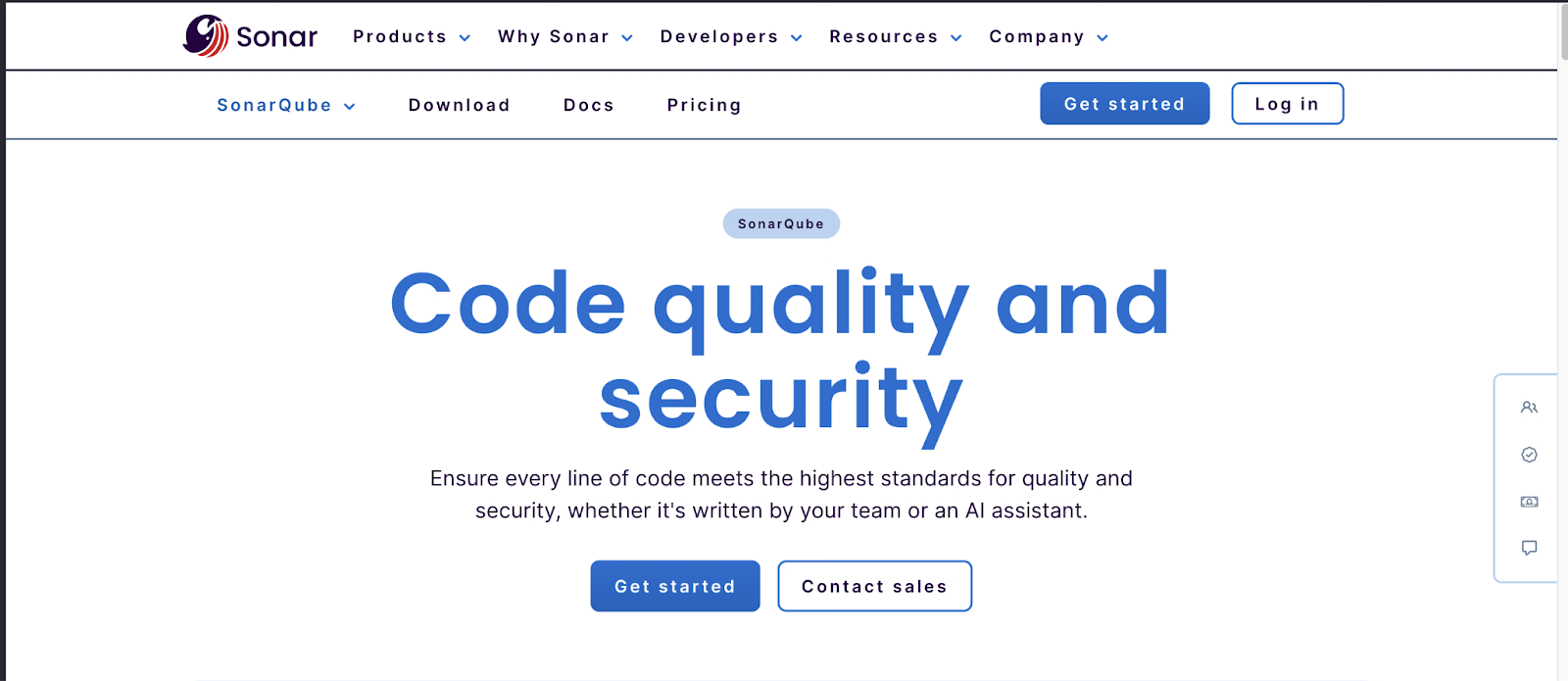
SonarQube made a name for itself by helping development teams enforce consistent code quality standards long before security became a first-class concern in CI/CD pipelines. Over time, it evolved to combine static code quality analysis with security-focused checks, allowing teams to identify bugs, maintainability issues, and security risks before code is merged or deployed.
Key Features:
- Static Code Analysis: Analyzes source code to detect bugs, code smells, and security vulnerabilities early in the development lifecycle.
- CI/CD Integration: Provides native integrations with common CI/CD platforms such as Jenkins, GitLab, and Bitbucket to continuously evaluate code on every build.
- Real-Time Developer Feedback: Surfaces findings directly to developers during development, helping improve coding practices before issues propagate downstream.
Pros:
- Strong balance between code quality and security analysis
- Tight integration with CI/CD and developer workflows
- Effective at improving long-term code maintainability
Cons:
- Security depth is limited compared to dedicated SAST tools
- Requires tuning to reduce noise in large or legacy codebases
- Some advanced features require commercial editions
- Not designed to replace full application security testing platforms
Best For:
Teams that want to enforce code quality and baseline security controls directly in CI/CD pipelines.
Pricing:
Community Edition available as open source ,enterprise plans require contact with sales
G2 Rating: 4.5/5
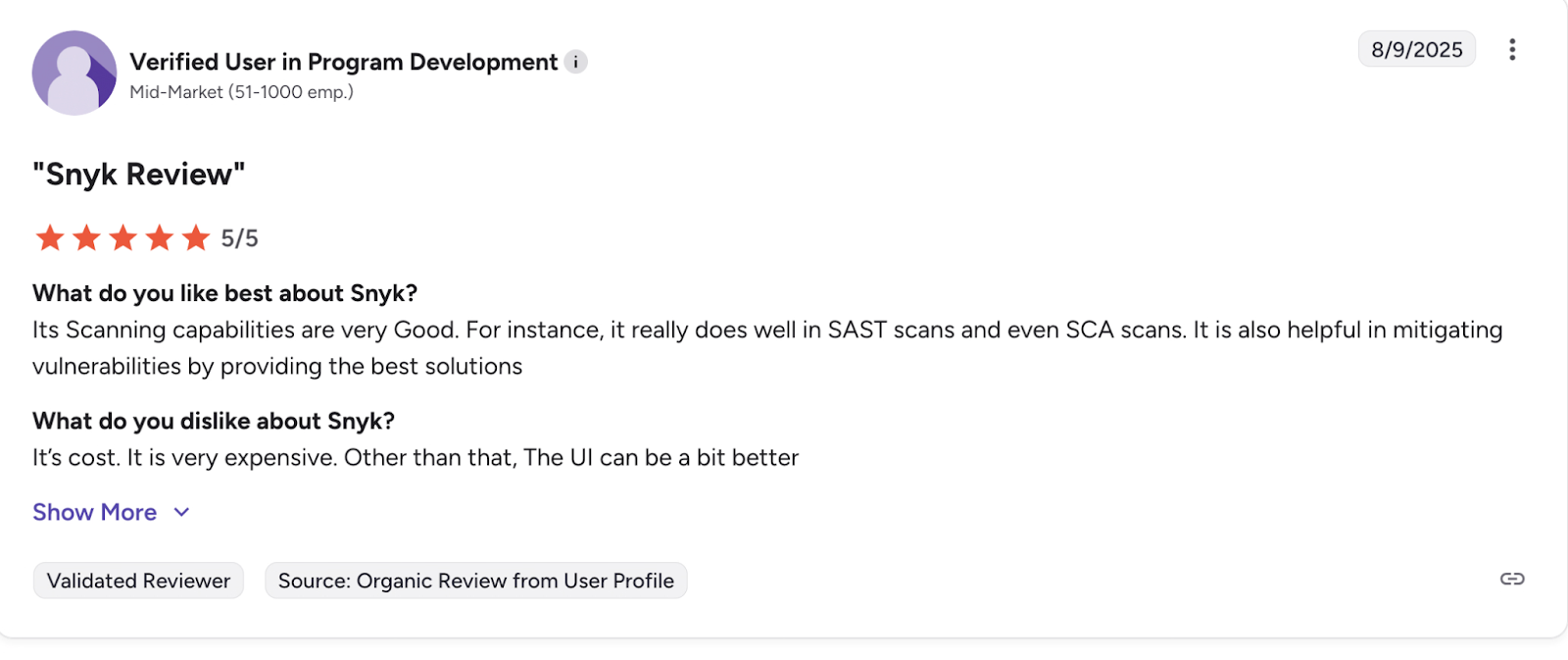
7. Snyk
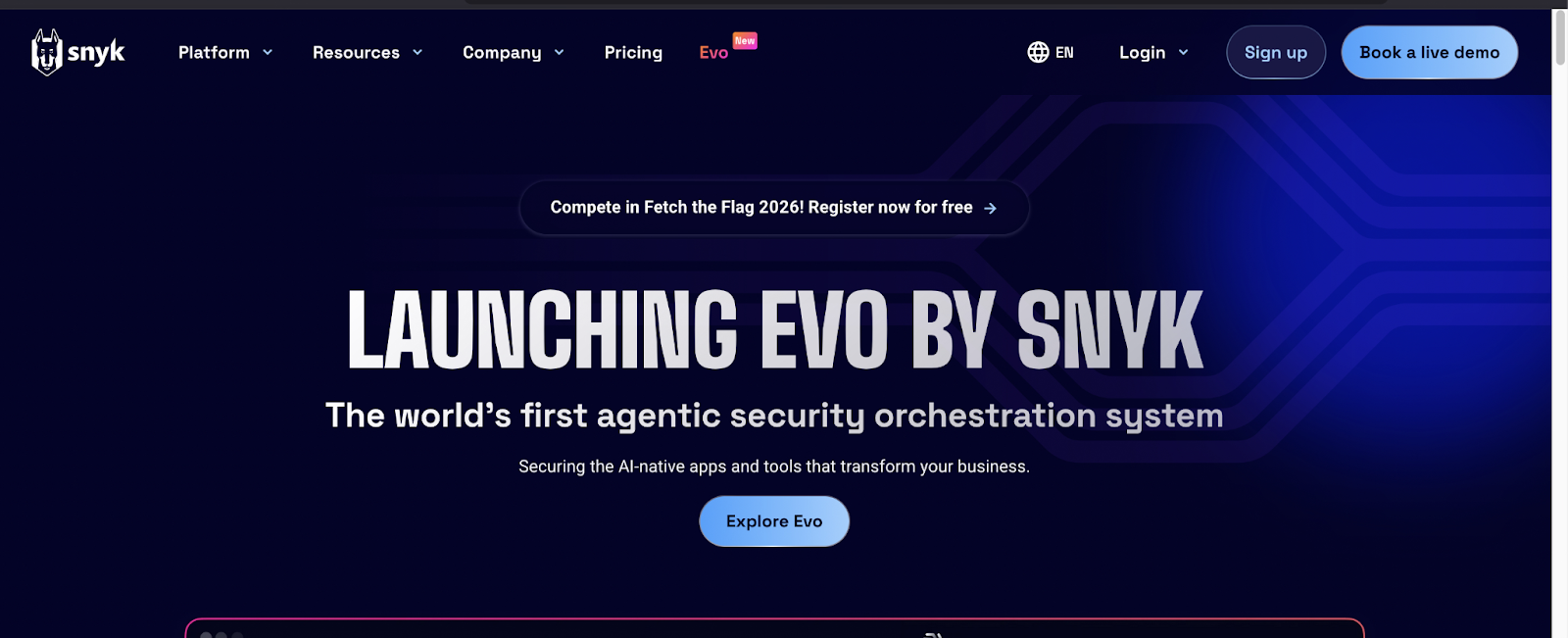
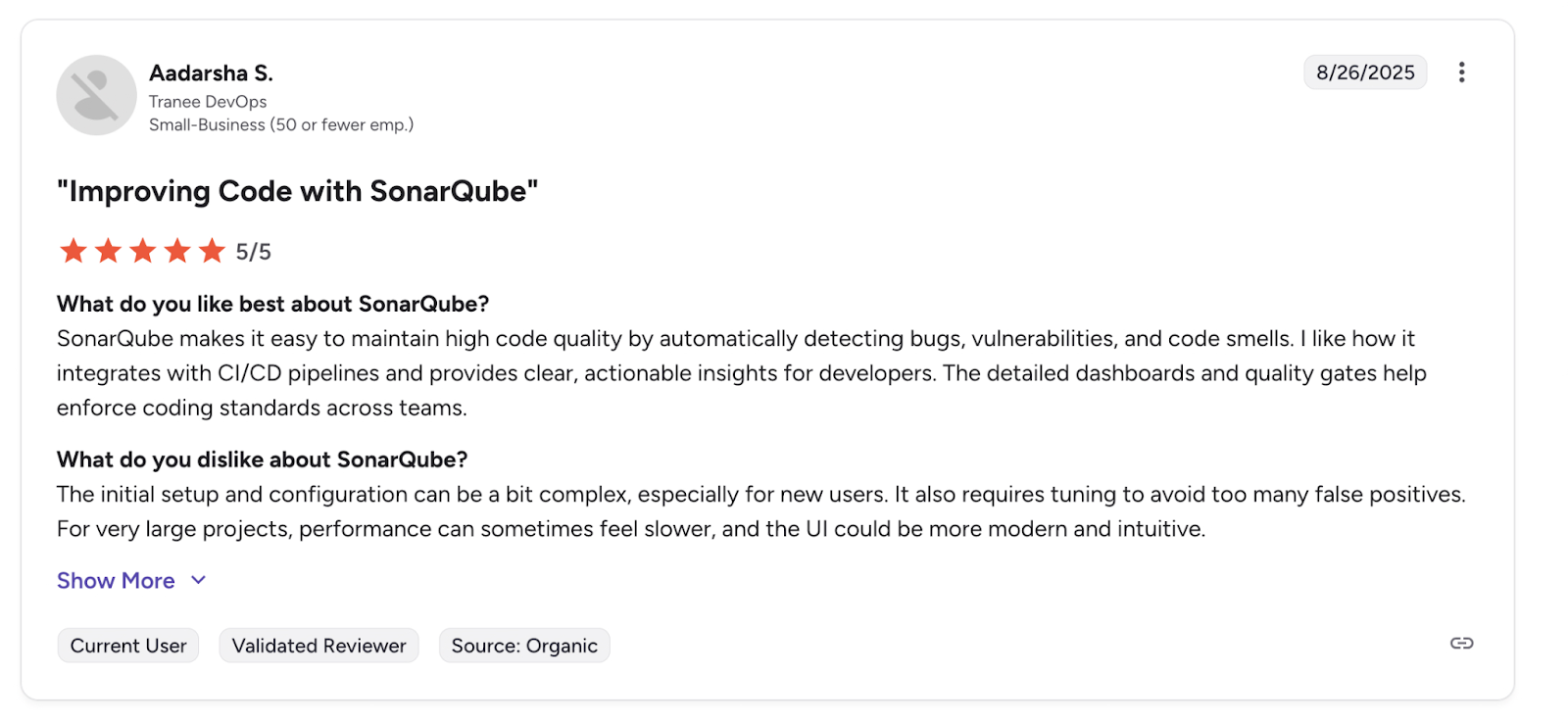
Snyk is a developer-focused application security platform used in CI/CD pipelines to identify and remediate vulnerabilities across source code, open-source dependencies, container images, and infrastructure as code. It is designed to surface security issues early and provide developers with actionable guidance directly within their workflows.
Key Features:
- Developer-Centric Integrations: Integrates with IDEs, CLIs, source control platforms, and CI/CD tools to deliver fast feedback during development and build stages.
- Multi-Domain Scanning: Supports SAST, SCA, container image scanning, and IaC analysis as part of CI/CD workflows.
- Actionable Remediation Guidance: Provides fix advice, dependency upgrade paths, and automated remediation options for supported issue types.
- Proprietary Vulnerability Intelligence: Uses a curated vulnerability database that often supplements or improves on public CVE sources.
Pros:
- Strong developer experience with tight workflow integrations
- Clear remediation guidance reduces time-to-fix
- Broad coverage across common CI/CD security checks
Cons:
- Costs can increase quickly as team size and usage scale
- Alert volume may still be high in large or legacy codebases
- Product suite can feel fragmented across different scanners
- Some advanced remediation features require higher-tier plans
Best For:
Development teams that want security feedback embedded directly into daily workflows.
Organizations looking to integrate code, dependency, container, and IaC scanning into CI/CD without heavy operational overhead.
Pricing: Free tier available for individual developers and small projects, commercial plans priced based on number of developers and enabled capabilities.
G2 Rating: 4.5/5
Choosing the Right CI/CD Tool for Your Team
CI/CD exists to ensure that processes are repeatable and are followed end to end, in this post we covered some of the top CI/CD security tools, which all integrate with the most popular source code hosting platforms. However scans are only just the beginning.
In 2026, pipeline acceleration and automation isn't going anywhere. Earlier on, we briefly covered an emerging direction called continuous pentesting, an approach that allows penetration testing techniques to be automated, embedded into CI/CD pipelines,helping teams identify exploitable paths earlier and reduce exposure between releases.
Aikido helps bridge this gap by embedding security controls directly into CI/CD workflows, allowing teams to catch real, actionable risks as code moves through the pipeline.
Frequently Asked Questions(FAQs)
What is CI/CD security?
CI/CD security is the practice of integrating security checks directly into continuous integration and continuous delivery or deployment pipelines. It focuses on identifying vulnerabilities, misconfigurations, and leaked secrets early in the software delivery process, before code reaches production.
Why is CI/CD a critical security control point?
CI/CD pipelines automate the path from code commit to deployment, which means a single mistake can propagate rapidly across environments.
What types of security tools integrate with CI/CD pipelines?
CI/CD security is relevant for teams of all sizes. Smaller teams benefit from automation because they often lack dedicated security resources, while larger organizations rely on CI/CD security to enforce consistent controls across many repositories and teams.
Are CI/CD security tools a replacement for manual security testing?
CI/CD security tools are not a replacement for manual security testing. They are designed to automate repeatable checks and catch common and high-impact issues early. Manual reviews, threat modeling, and human-led penetration testing are still required for deeper analysis and complex attack scenarios.
What is continuous pentesting?
Continuous pentesting is an automated approach to penetration testing that runs repeatedly as part of the software delivery lifecycle. It integrates penetration testing techniques into CI/CD pipelines to continuously test new releases and identify exploitable paths earlier, rather than relying solely on periodic, point-in-time tests.
How does continuous pentesting fit into CI/CD security?
Continuous pentesting extends traditional CI/CD security by focusing on exploitability rather than individual findings. It complements existing scanners by helping teams understand how vulnerabilities can be chained together.
How do teams avoid slowing down CI/CD pipelines with security scans?
Teams avoid slowdowns by using tools that support incremental scanning, low false positives, and pipeline-native integrations.
What should teams look for when choosing a CI/CD security tool?
Teams should evaluate where a tool runs in the pipeline, what types of risks it detects, how noisy the results are, and how well it integrates with existing developer workflows. It’s also important to understand what the tool does not cover, so gaps can be addressed with complementary solutions.
How does Aikido fit into CI/CD security?
Aikido focuses on CI/CD pipeline security by running automated checks across code, dependencies, infrastructure as code, containers, and secrets directly within developer workflows. It emphasizes low false positives and actionable findings to help teams address real risks without disrupting delivery.
Is CI/CD security only relevant for large organizations?
CI/CD security is relevant for teams of all sizes. Smaller teams benefit from automation because they often lack dedicated security resources, while larger organizations rely on CI/CD security to enforce consistent controls across many repositories and teams.


