

Software Composition Analysis (SCA) is the frontline tool for securing open-source dependencies across your codebase, containers, and cloud. This guide explains what SCA does, why it matters, how modern tools reduce noise, and practical steps to find and fix real risks — not just noisy alerts.
TL;DR
- About 70–90% of application code often comes from open-source dependencies. That creates a large attack surface.
- SCA tools scan your dependencies (including transitive ones), match them to CVE databases, and generate remediation guidance or SBOMs.
- False positives are common — modern SCA uses reachability analysis and dev-vs-prod detection to cut noise by ~80%.
- Fix strategy: auto-upgrade non-breaking changes, triage breaking upgrades, and use autofix/PR generation to speed remediation.
What is SCA (Software Composition Analysis)?
SCA, also called dependency scanning or open-source dependency scanning, identifies every open-source package your app uses, then checks whether those packages (and specific versions) are linked to known vulnerabilities. The output helps teams decide what to patch, update, or ignore.
Why SCA matters
Modern applications are layered: apps depend on libraries, which depend on other libraries — a Russian-doll of dependencies. A vulnerability in a foundational project can ripple across the entire supply chain. The Log4j incident is a prime example: a critical remote-code-execution flaw in a widely used logging library made vast parts of the internet exploitable.
How SCA works — the basics
- Inventory: SCA parses dependency manifests (package.json, package-lock.json, requirements.txt, Pipfile.lock, Gemfile.lock, etc.) to list direct and transitive dependencies.
- Matching: It compares package names and versions against vulnerability feeds (NVD, MITRE CVE, GitHub Advisory Database and other sources).
- Prioritization: Modern SCA adds context — reachability, environment (dev vs production), and exploitability — to prioritize findings.
Common dependency files
- Node: package.json (direct deps) and package-lock.json (transitive deps)
- Python: requirements.txt, pipfile.lock
- Ruby: Gemfile and Gemfile.lock
SBOMs — the useful side quest
A Software Bill of Materials (SBOM) is a machine-readable inventory of the components and versions used in your software.
SBOMs are required by many compliance regimes and government contracts. Most SCA tools can generate SBOMs (SPDX, CycloneDX) alongside vulnerability reports.
CVEs and vulnerability feeds
When security researchers discover an issue they assign a CVE identifier and publish details including affected versions. SCA tools aggregate CVE data from sources like NVD, MITRE, and GitHub Advisories to determine whether your dependency versions match any known vulnerable ranges.
Quick scan example — scanning dependencies
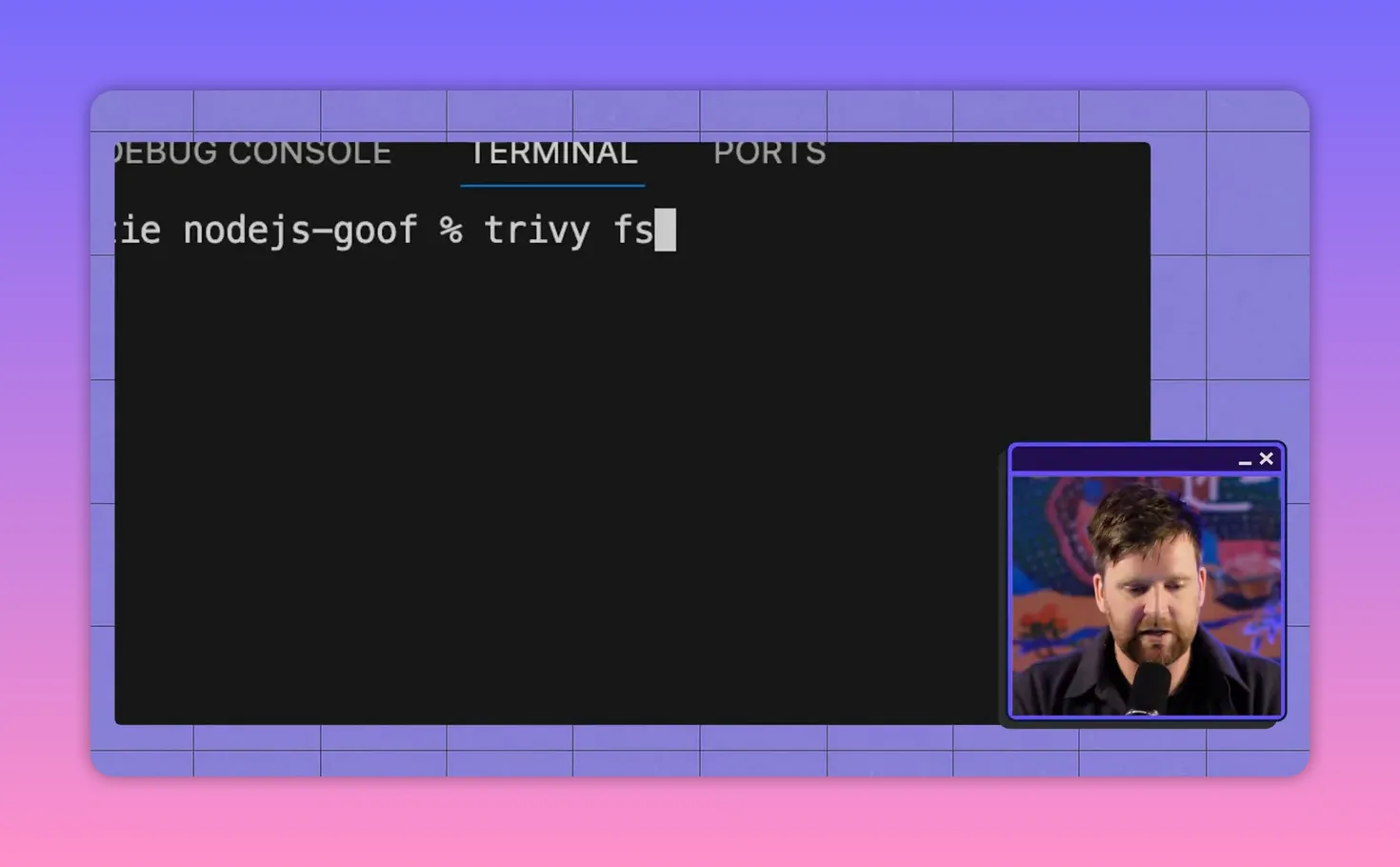
Lightweight scanners (e.g., a Trivy-style CLI) can enumerate dependencies and report matches to vulnerability databases in seconds. Scan output can be exported as JSON and fed into dashboards or automated workflows.
Interpreting results: fixes, breaking changes, and scale
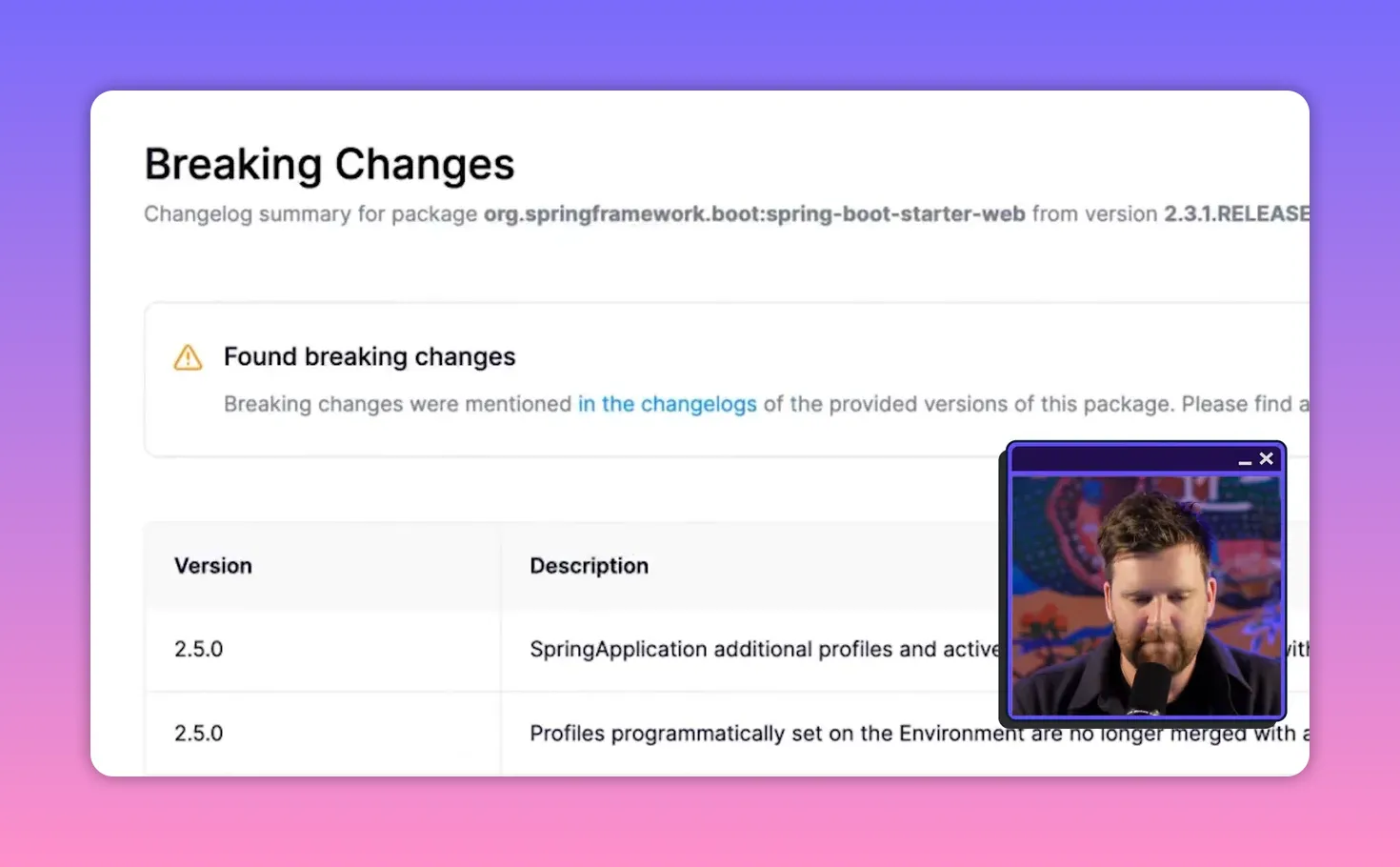
At first glance remediation looks simple — upgrade to a non-vulnerable version. In practice, upgrades can introduce breaking changes that cause regressions or require extensive testing. When an application has hundreds of vulnerable transitive packages, blind upgrading is often unrealistic.
Two remediation buckets
- Non-breaking upgrades: straightforward upgrades that don’t change behavior — prioritize and autofix these first.
- Breaking upgrades: require deeper triage, compatibility testing, or code changes. These are the smaller but heavier lift items.
False positives and reachability analysis
Many flagged vulnerabilities are not exploitable in your context. Two common reasons:
- Dev-only dependencies: packages used only at build time are not reachable in production.
- Unreachable functions: A vulnerable function may exist in a package, but your app (and other dependencies) never call it.
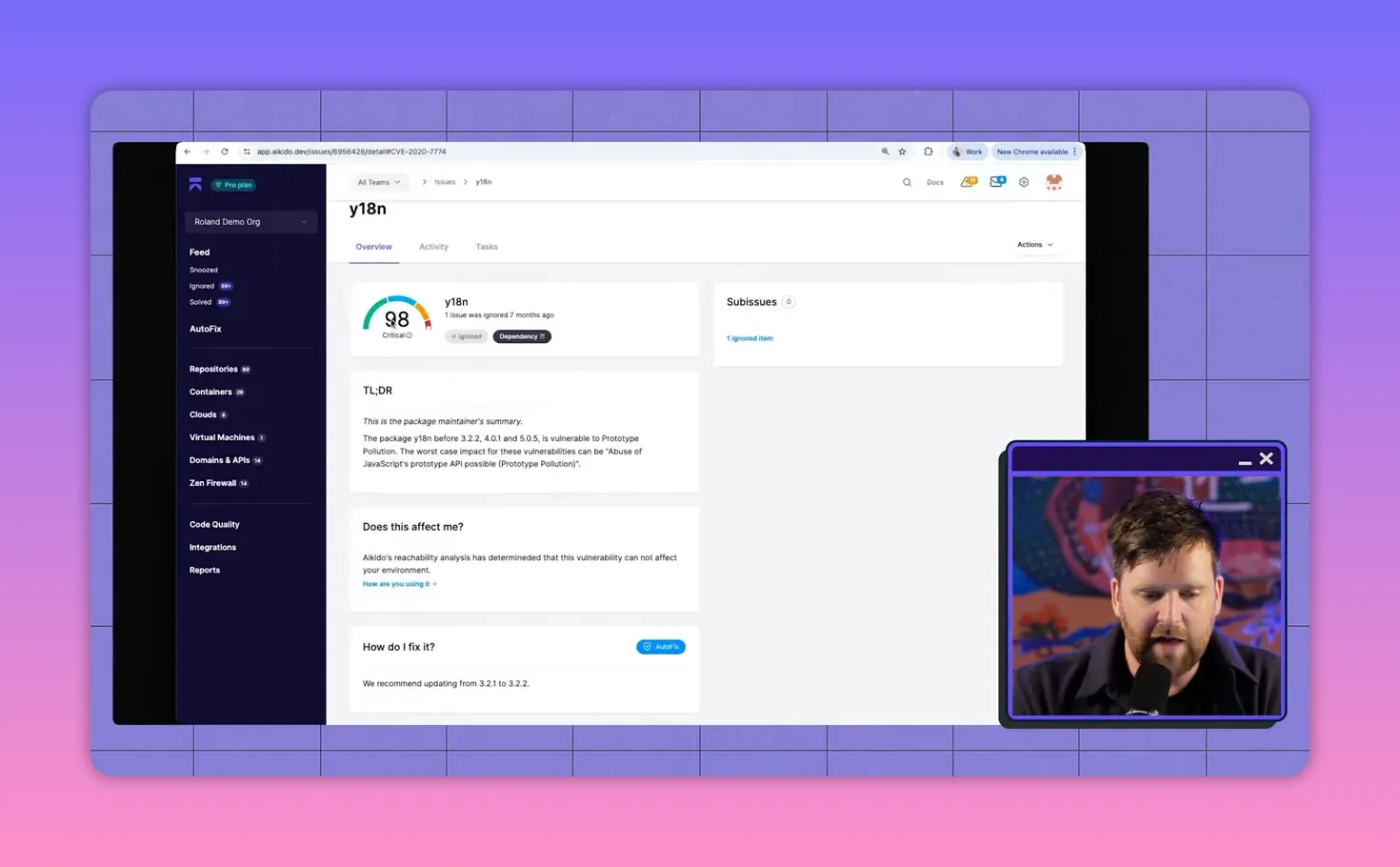
Reachability analysis (call-tree analysis) maps how a top-level dependency pulls in downstream packages and whether the vulnerable code paths are actually invoked by your runtime. This removes noise and focuses teams on real risk.
Practical example: a prototype pollution alert that isn't exploitable
Consider a widely used Node package that has a prototype-pollution vulnerability in a function called setLocale. If none of the code paths in your call tree invoke setLocale, the vulnerability is effectively not exploitable for your application — and can be safely deprioritized after verification.
Modern SCA features that change the game
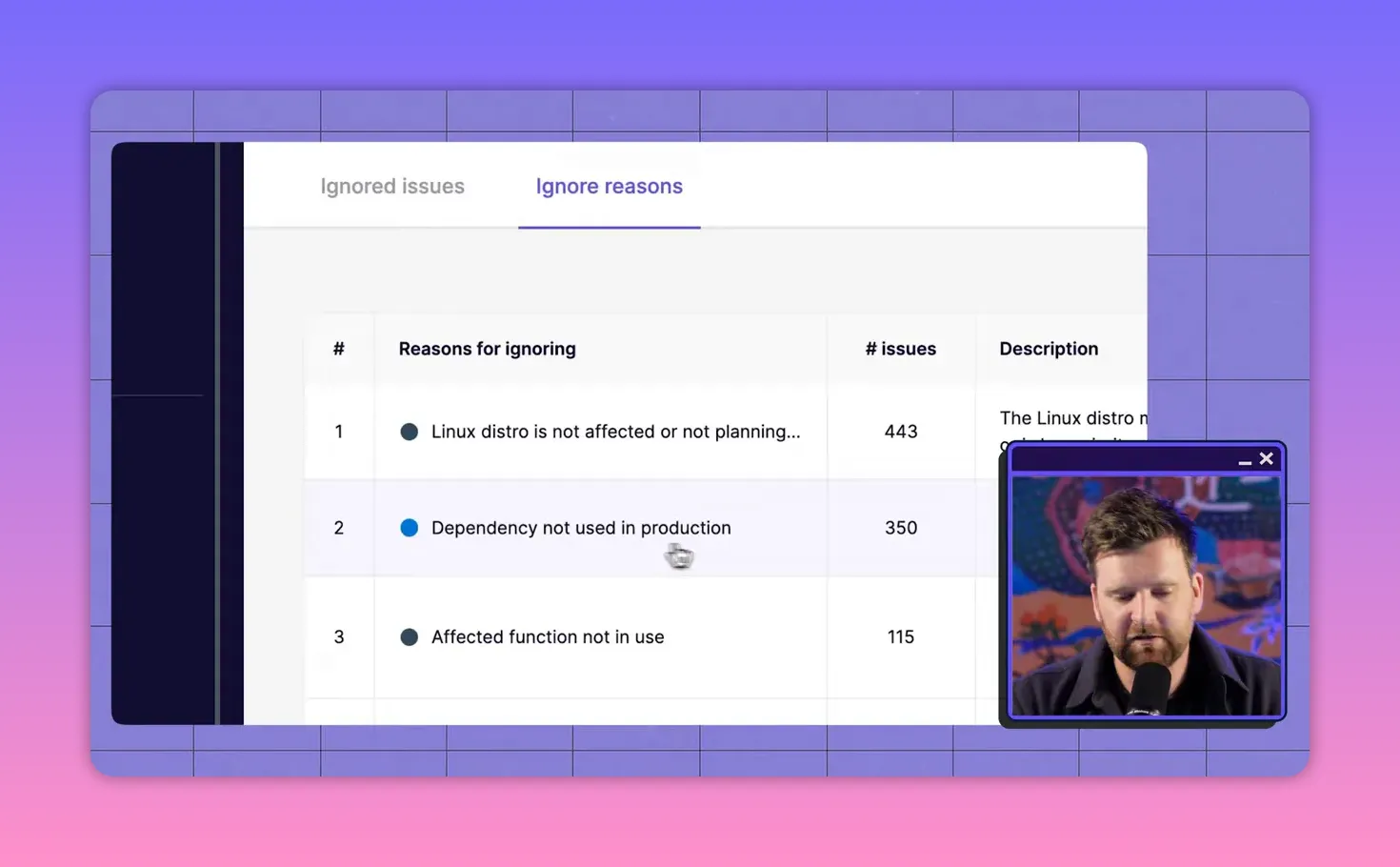
- Auto-ignore with reasons: Tools can auto-suppress findings when a dependency is only used in dev or when the affected function is not reachable, drastically cutting false positives.
- Reachability / call tree visualization: Visualize the dependency path from your project to the vulnerable package to verify exploitability.
- Breaking-change flags: Mark fixes that may introduce compatibility issues so teams can prioritize safe upgrades first.
- Autofix / PR generation: Automatically generate dependency upgrade commits or pull requests for fixes that are low-risk.
Recommended remediation workflow
- Run SCA scans as part of CI to catch issues early.
- Auto-apply non-breaking fixes via autofix/PR generation and run tests.
- Triage breaking changes: create tickets, schedule compatibility testing, or plan phased upgrades.
- Use reachability analysis for triage: ignore verified non-reachable CVEs and document the justification.
- Maintain SBOMs for compliance and faster incident response.
Tooling choices — a pragmatic take
Open-source CLI scanners (Trivy, Grype) are excellent for quick checks and CI integration. Enterprise platforms add reachability analysis, automated prioritization, PR-based autofixes, and centralized dashboards to manage noise and scale remediation across teams. Choose based on the size of your codebase, compliance needs, and how much automation you want in remediation.
Key takeaways
- SCA is essential because most modern apps rely heavily on open-source components.
- Not every flagged CVE is exploitable — reachability analysis and dev/prod context are crucial to separate real risk from noise.
- Prioritize non-breaking upgrades and automate them where possible. Reserve manual effort for breaking updates that require deeper engineering work.
- Generate and maintain SBOMs for transparency and compliance.
Get started
Make SCA part of your CI/CD pipeline today: run regular scans, generate SBOMs, and enable autofix for safe, fast remediation. Start by scanning your repo with a lightweight CLI scanner, review reachability results for the highest-severity alerts, then incorporate automated fixes into pull-request workflows.
Protecting your software supply chain is both a technical and a process challenge. The right SCA tooling + a practical remediation workflow reduces risk and keeps engineering moving fast. Try out Aikido Security today!


