

Since Andrej Karpathy ignited the web with a term for a new form of programming we’ve come to know as “vibe coding”, a lot has happened. The models have gotten better, the tooling has improved, and even long-time skeptics are starting to come around. What once felt like a novelty is beginning to look like a new horizon for software engineering.
With all the buzz, a natural question follows: if you’re going to vibe code, what tools should you actually use? Which platforms make it easy to move fast without constantly fighting the AI, the environment, or the workflow?
Tooling is only part of the story. Vibe coding collapses the distance between idea and production, and when that gap disappears, so do many of the guardrails developers have relied on for years.
That doesn’t mean vibe coding is inherently reckless, in a previous post, we addressed why and how to keep security top of mind when vibe coding. However, in this article, we will focus on the top tools to consider for vibe coding in 2026.
TL;DR
Of all the vibe coding tools outlined, Loveable takes the top spot for its user-friendly design, with tight integrations with popular platforms such as Shopify, Stripe, and Supabase, making it easy to go from idea to production without stitching together multiple services by hand.
Beyond usability, Lovable stands out for how it balances speed with security, enabling anyone to go from idea to application without compromising on security. If you want to know more about how to secure Lovable specifically, get advice from the CISOs of Lovable and Supabase in this masterclass.
What is Vibe Coding?
Vibe coding is a fresh approach to programming where users describe their desired outcome in plain English and collaborate with a large language model (LLM) to refine and generate the code that delivers it. These models are commonly available either as part of a full platform that supports end-to-end deployment, or as standalone chat interfaces such as ChatGPT or Perplexity.
The main concern is that vibe coding often prioritizes output over safety. So if removing authentication offers the least path of resistance, this is usually the trail the model will take,
Vibe Coding Security Issues
Beyond the buzz about how vibe coding can help you “ship fast” and “get sh*t done”, there’s a larger headache being created for security teams everywhere.
LLMs allow devs to iterate faster but often at the cost of security. As it stands, unless you are consciously prompting the model to avoid creating flaws like SSRF or directory traversal bugs, you end up in a situation where your code takes longer to reach production. This is because security teams keep rejecting it due to potential vulnerabilities.
For this reason, we have put together a list of resources to get help you address many of the common security issues with vibe coding:
Benefits of vibe coding tools
- Faster Idea-to-Execution: Translate plain-English intent into working code in minutes, dramatically reducing the time between concept and implementation.
- Reduced Cognitive Load: Offload boilerplate, wiring, and repetitive tasks to AI so developers can focus on logic and product direction
- Lower Barrier to Building: Enable non-experts, solo builders, and small teams to create functional applications without deep framework or infrastructure knowledge.
- Rapid Experimentation: Make it cheap and fast to prototype, discard, and refine ideas, encouraging exploration without long setup or commitment costs.
Top Vibe Coding Tools
The best vibe coding tools act as intelligent partners, understanding your intent and translating it into clean, functional code. They integrate smoothly into your existing environment and offer features that enhance, rather than hinder, your creative process.
Below is a table highlighting the top 5 vibe coding tools:
1. Lovable
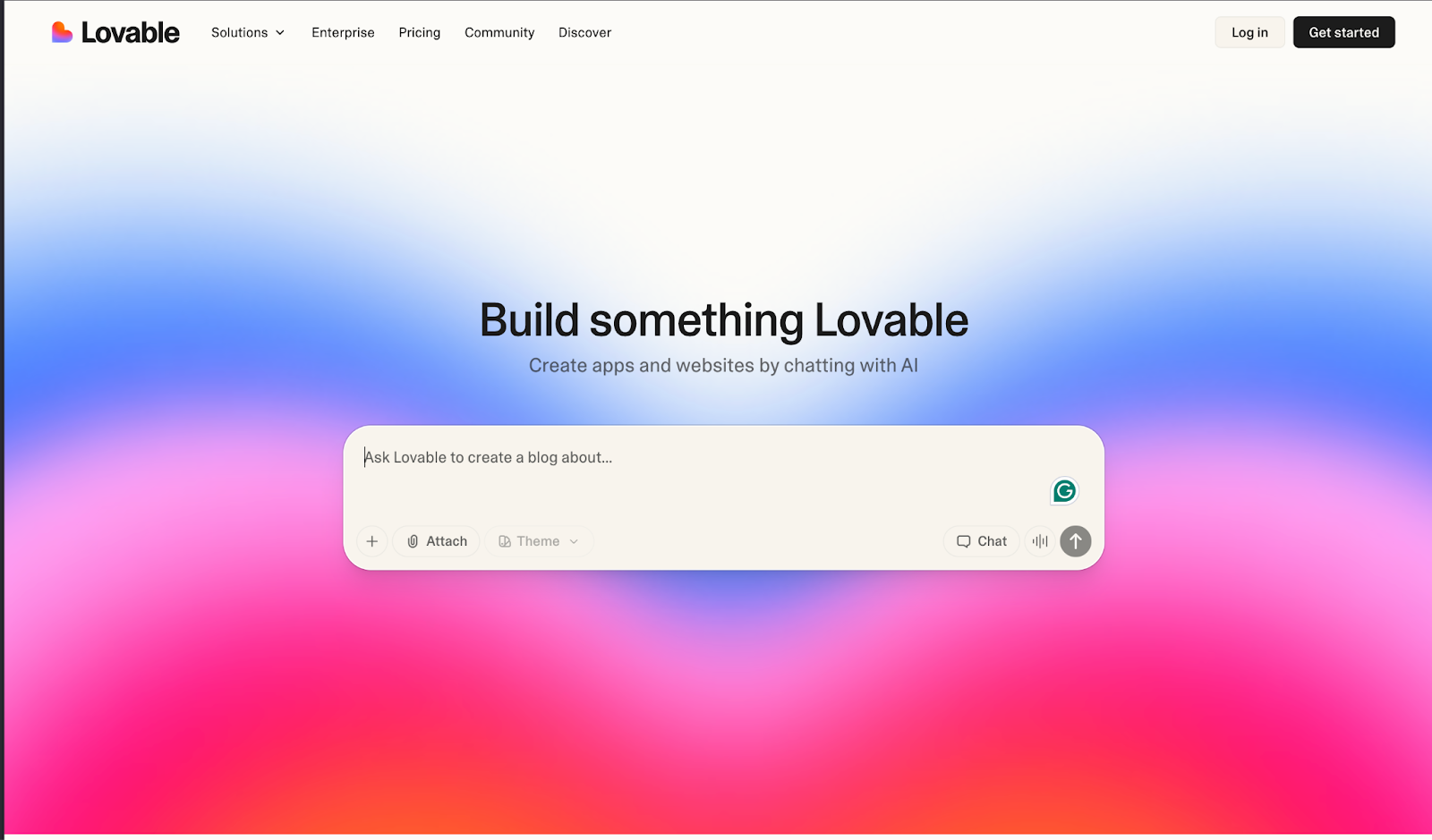
Lovble is an AI-powered vibe coding platform designed to help users build full-stack web applications by describing what they want in plain English. It translates intent into working code across the frontend, backend, database, authentication, and integrations, packaging everything into a deployable project with source code you can inspect, modify, and sync to GitHub.
Unlike tools that stop at code generation, Lovable focuses on the full application lifecycle. It integrates directly with services such as Supabase for backend infrastructure and Stripe for payments, allowing users to assemble real production-ready stacks without manually configuring each component. This makes it particularly effective for rapid prototyping and early-stage product development.
Key Features:
- AI-driven full-stack application generation from natural language prompts
- Editable, exportable source code with GitHub synchronization
- Native integrations with Supabase, Stripe, and other common SaaS platforms
- Built-in authentication, database management, and API wiring
- Live previews and visual editing alongside generated code
- One-click deployment and hosting on paid plans
Pros:
- Extremely fast path from idea to working application
- Produces real, maintainable code rather than locked-in abstractions
- Tight integrations reduce the need for manual infrastructure setup
- Low barrier to entry for non-developers and solo builders
- Opinionated defaults reduce decision fatigue and setup overhead
Cons:
- Opinionated workflows can limit flexibility for complex or unconventional architectures
- Credit-based usage model can make costs harder to predict at scale
- Complex business logic may require manual intervention or refactoring
- Debugging AI-generated changes can sometimes offset speed gains
Pricing:
Tiered, credit-based subscription model
G2 Rating: 4.8/5.0
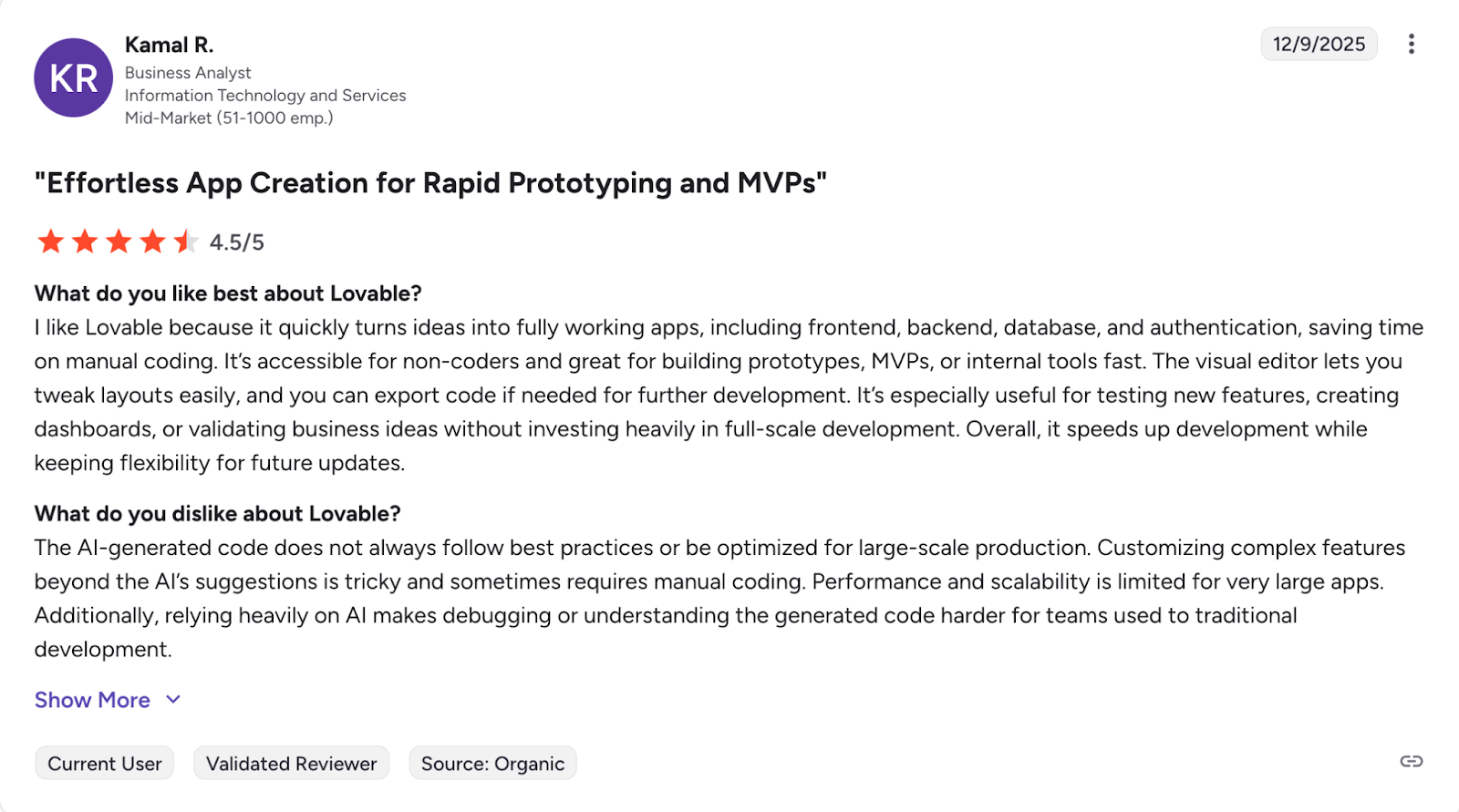
Loveable Reviews:
2. GitHub Copilot
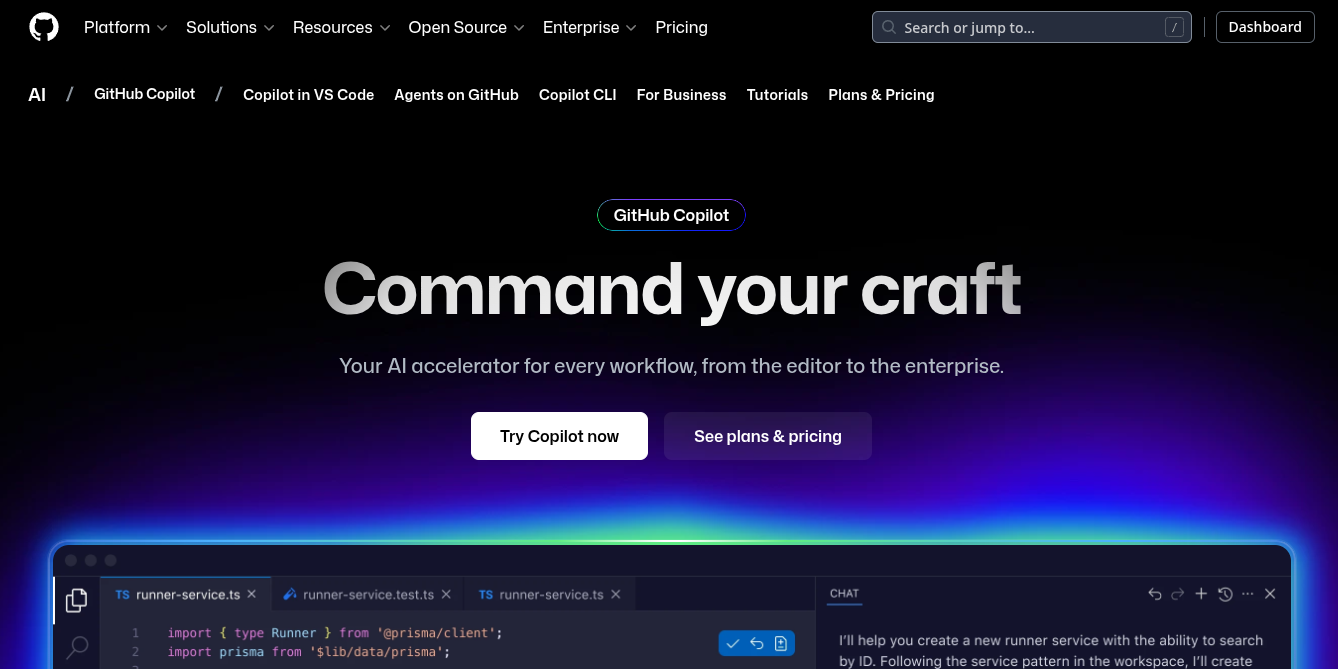
Integrated directly into IDEs like VS Code, GitHub Copilot offers autocomplete-style suggestions that range from single lines to entire functions. You write a comment describing what you need, and Copilot generates the code to match.
More recently, GitHub Copilot has expanded beyond the editor and into GitHub repositories, enabling developers to prompt, review, and iterate directly on new or existing codebases. This shifts Copilot from a pure in-editor assistant to something that can participate across more of the development workflow.
Key Features:
- Context-aware code: suggestions based on the contents of open files and surrounding code
- Deep integration with popular IDEs such as VS Code, JetBrains IDEs, and Neovim
- GitHub-native integration for repository-level prompting and code generation
- Inline completions, multi-line suggestions, and function-level generation
Pros:
- Feels like a natural extension of the editor, with minimal workflow disruption
- Strong GitHub integration makes it easy to work directly inside existing repositories
- Effective at reducing boilerplate and accelerating day-to-day coding tasks
- Supports many languages and ecosystems, making it broadly applicable
- Useful for developers of all skill levels as an always-available pair programmer
Cons:
- Not designed as a full-stack development platform
- Tight coupling to GitHub can be limiting for organizations that use other SCM platforms
- Generated code still requires careful review for correctness, performance, and security
- Suggestions can occasionally be inefficient, insecure, or subtly incorrect
- Less effective for high-level architectural decisions or complex business logic
Pricing:
Subscription-based pricing (per-user, per-month), with individual, business, and enterprise tiers
G2 Rating: 4.5/5
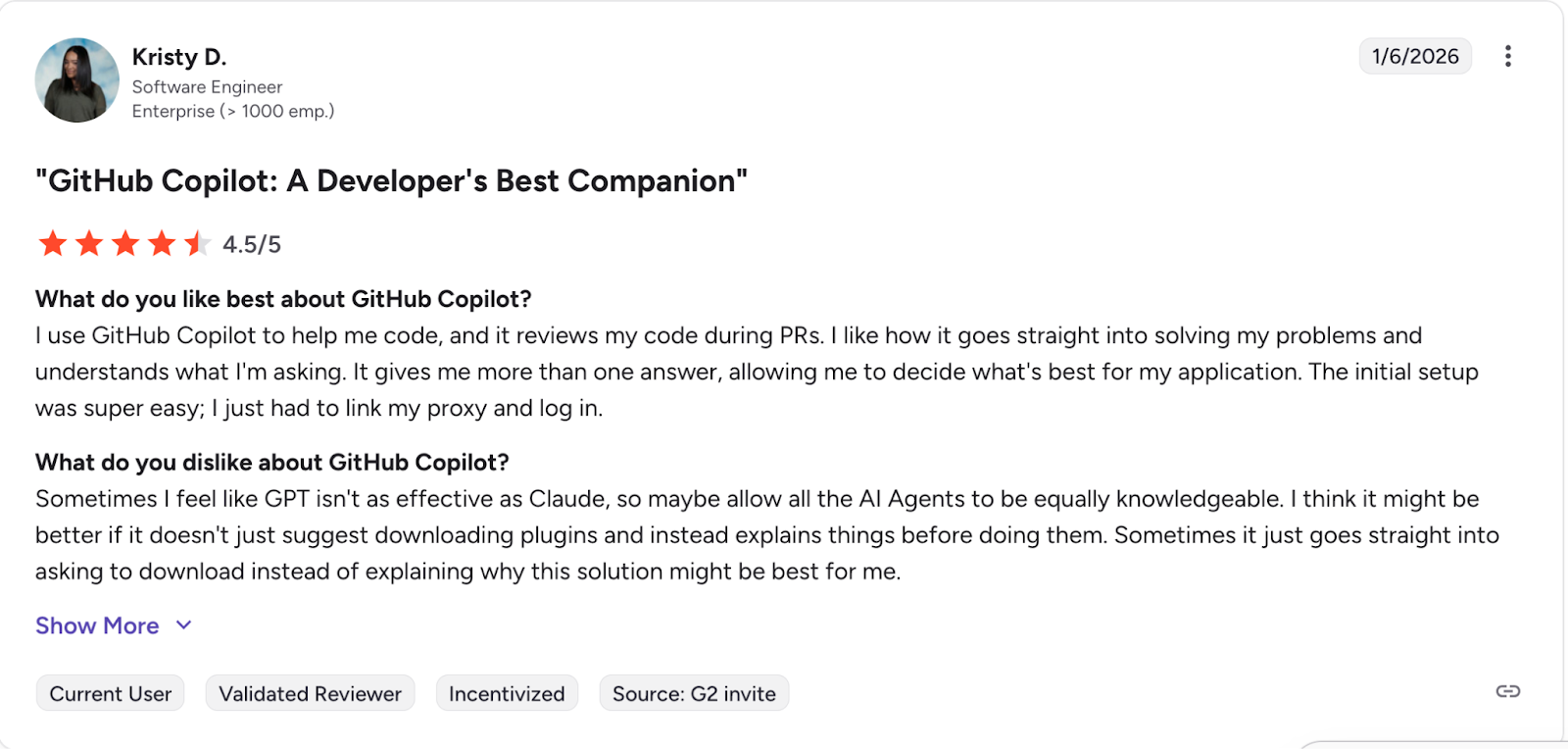
GitHub Copilot Reviews:
3. Cursor
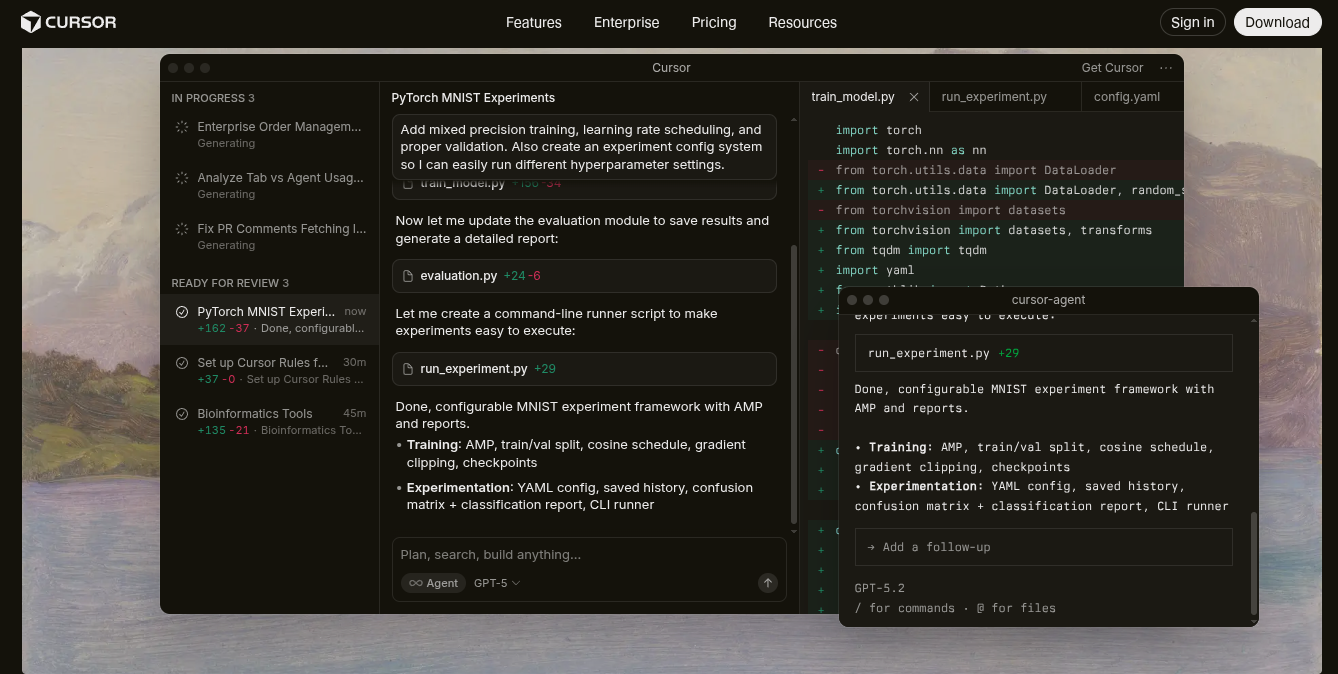
What started out as a fork of VS Code has quickly become an essential tool for many developers and vibecoders everywhere, Cursor boasts support for multiple models while integrating in line completion and a chat interface that has full context into your current project.
Key Features:
- Conversational Coding: Chat with your entire codebase to understand complex logic or find specific functions.
- AI-Powered Refactoring: Highlight a block of code and ask Cursor to refactor it for performance, readability, or to fix bugs.
- "Code-Aware" AI: The AI has full context of your project, leading to more accurate and relevant suggestions than many competitors.
Pros:
- Deep project-wide context results in higher-quality suggestions compared to generic chat-based tools
- Excellent refactoring and code transformation workflows directly inside the editor
- Model flexibility allows teams to choose between different LLM providers
- Familiar VS Code–style interface reduces onboarding friction
- Strong balance between inline completions and conversational workflows
- Effective for navigating large or unfamiliar codebases
Cons:
- Focused on code editing rather than full-stack application lifecycle or deployment
- Requires local project access, which can be challenging in restricted environments
- Model usage can increase costs quickly depending on the configuration
- Less approachable for non-developers compared to higher-level vibe coding platforms
- Limited guidance on architecture or application structure
Pricing:
Subscription-based pricing with free and paid tiers. Paid plans typically unlock higher usage limits, faster models, and advanced features.
G2 Rating: 4.7/5
4. Replit AI
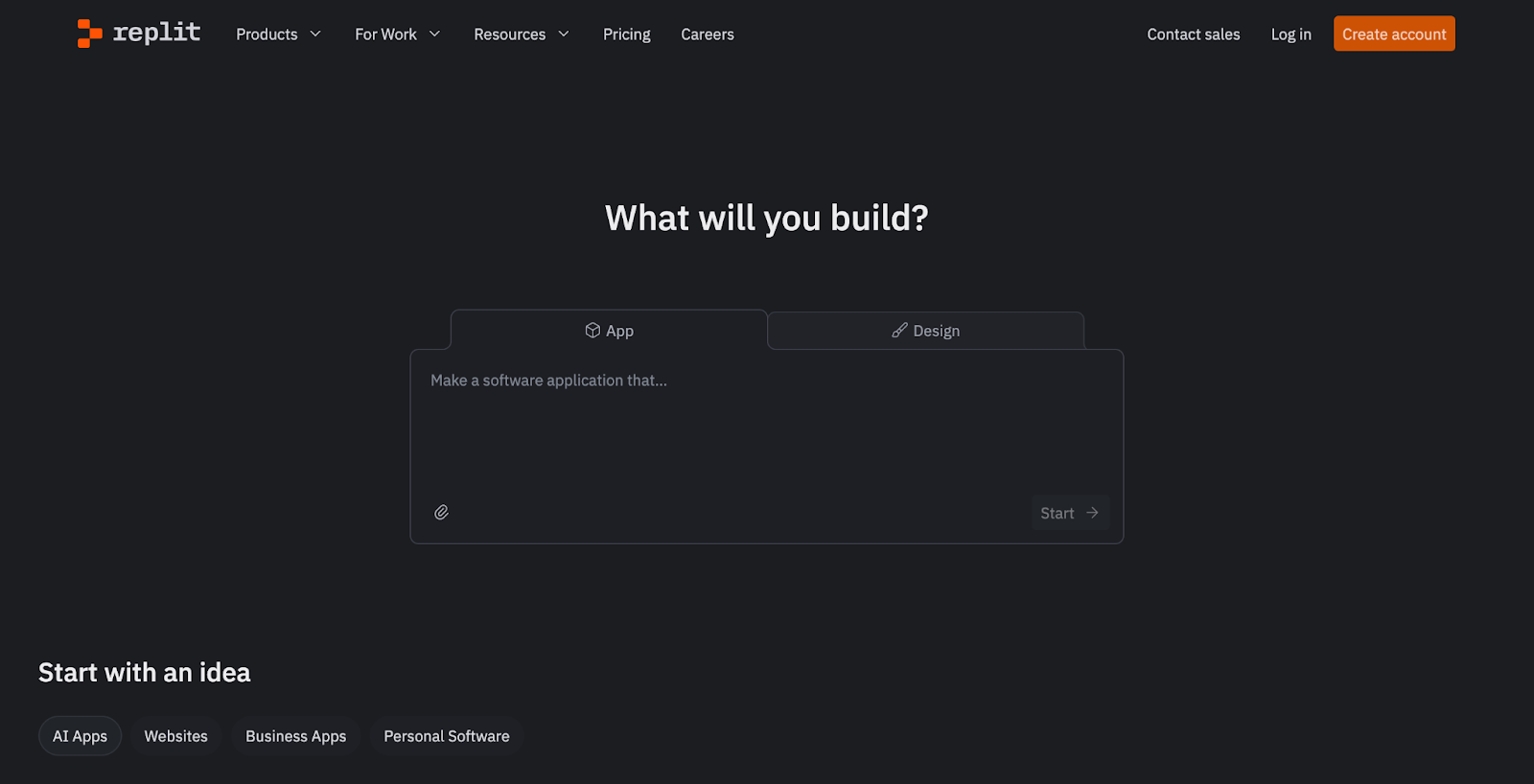
Replit is a browser-based development platform that combines code editing, execution, deployment, and AI-assisted development into a single environment. With the Replit Agent, users can describe features in plain English and have the platform generate, modify, and run code without setting up local tooling.
Replit gained significant attention after a high-profile incident involving Jason Lemkin, a well-known advisor in the SaaS community. While experimenting with Replit’s AI-driven development workflow, an AI agent reportedly executed destructive actions during a code freeze, resulting in the deletion of an entire database.
Commenting on the fallout, Willem Delbare, founder and CTO of Aikido Security, noted that while vibe coding dramatically lowers the barrier to building software, it also amplifies risk. In his view, AI-assisted development doesn’t just accelerate output; it also accelerates the creation of insecure and unmaintainable systems when proper controls are missing.
Key Features:
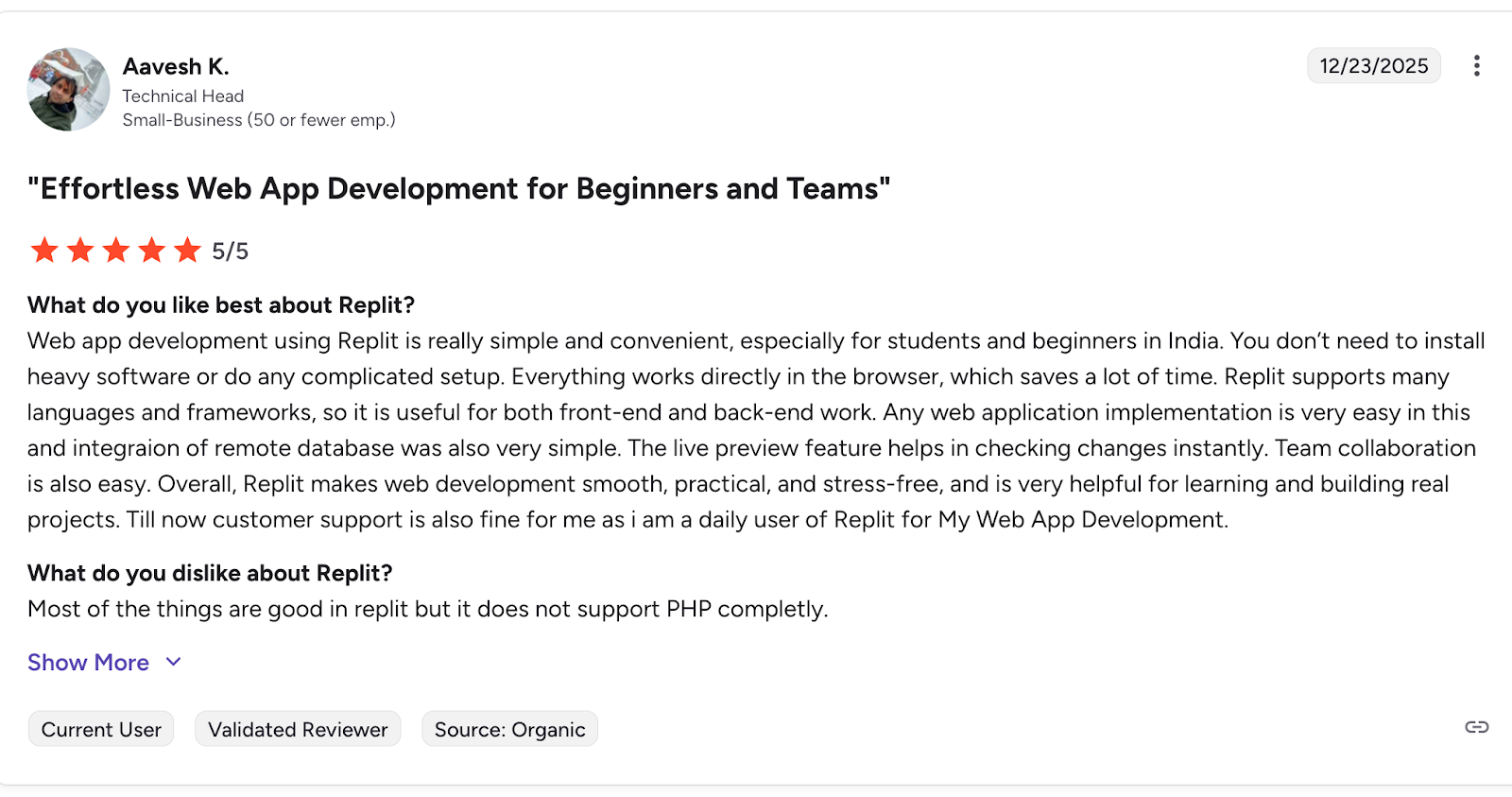
- Complete Development Environment: No local setup required. Code, test, and deploy all from your browser.
- "Get Unstuck" Feature: If you're struggling with a bug or a concept, the AI can provide explanations and potential solutions.
- Collaborative Features: Work on code with teammates in real-time, with the AI assisting everyone.
Pros:
- No local environment setup required, lowering onboarding friction
- AI agent can reason across code, runtime, and application state
- Strong collaboration features for shared projects
Cons:
- AI agent actions can have wide-reaching effects if not carefully constrained
- Tight coupling between code, runtime, and state increases blast radius of mistakes
- Costs can scale rapidly due to usage-based pricing and AI consumption
- Limited transparency into what the AI agent will modify ahead of execution
- Less suitable for organizations with strict change management or code freeze policies
Pricing:
Subscription-based pricing
G2 Rating: 4.5/5
Replit Reviews:
5. Tabnine
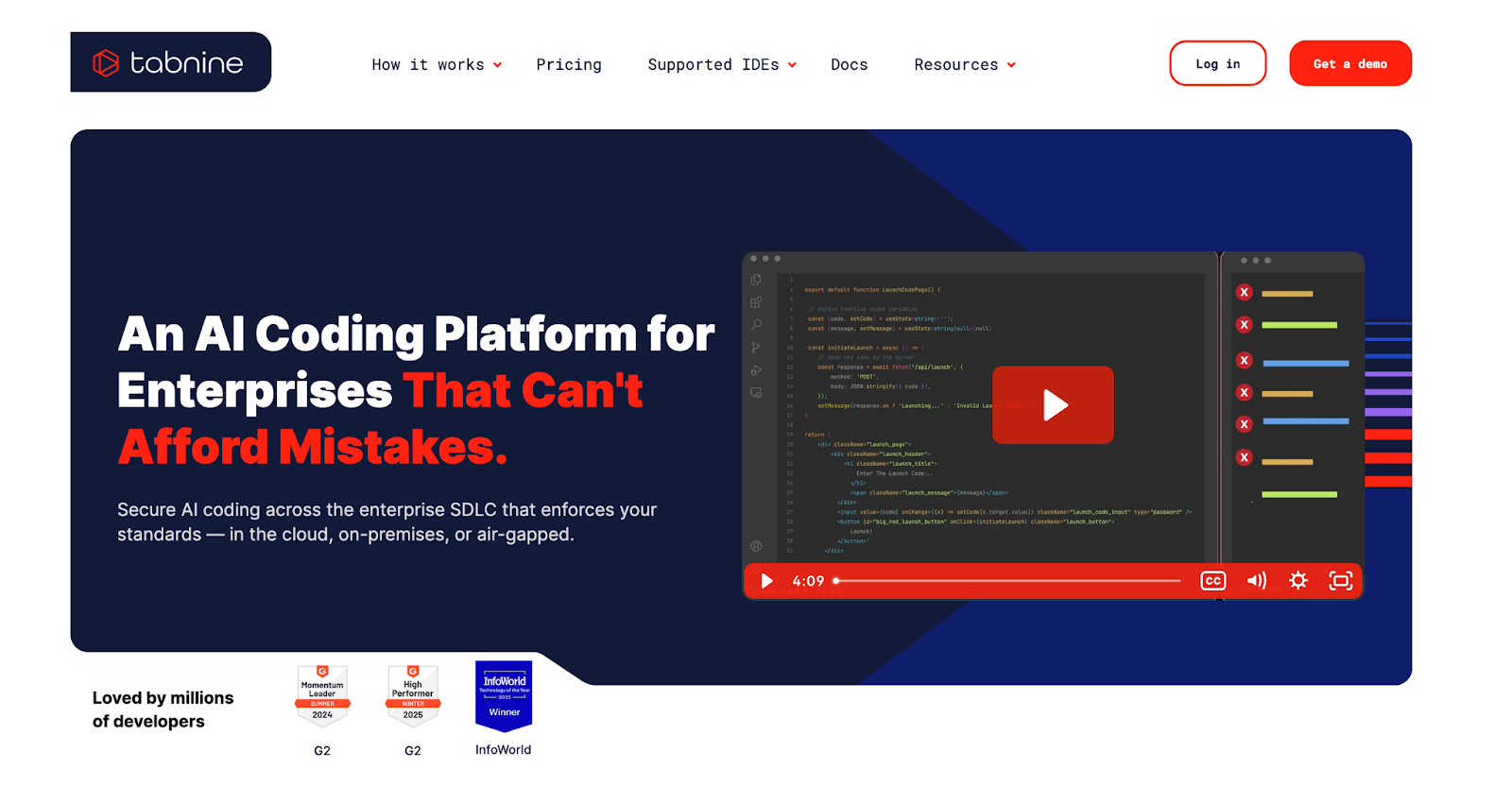
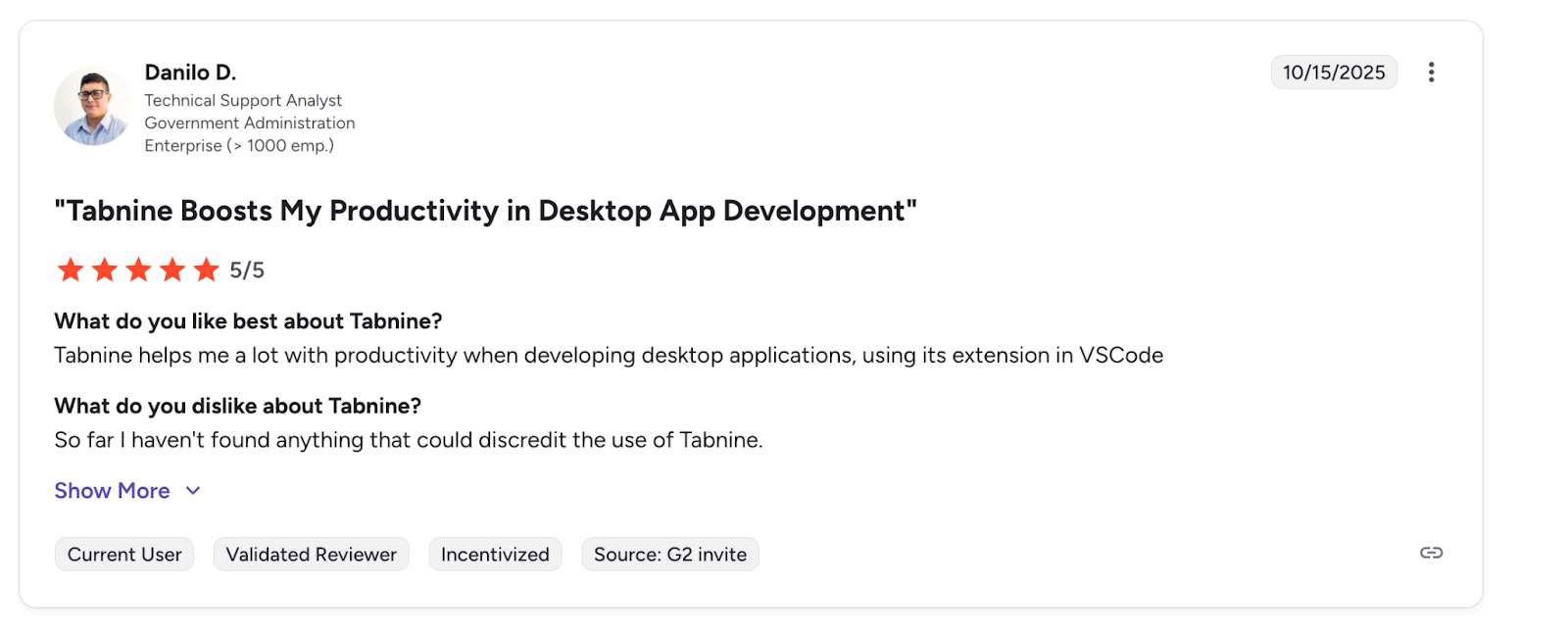
Tabnine has gained traction for delivering AI code completions that adapt to your coding style. Tabnine’s privacy features as a real differentiator, especially for organizations that need to safeguard code IP.
With an AI code completion that focuses on providing highly personalized suggestions, Tabnine can be trained on your team's specific codebase, allowing it to learn your coding conventions and patterns. This results in suggestions that feel more aligned with your project's style.
Key Features:
- Personalized AI Model: Train Tabnine on your own repositories for suggestions that match your team's coding style.
- Privacy-Focused: Offers self-hosting options to ensure your code never leaves your secure environment.
- Wide IDE Support: Integrates with a broad range of code editors, from VS Code to the JetBrains suite.
Pros:
- Conservative, predictable behavior with limited blast radius
- Strong focus on privacy and data control
- Suitable for regulated or security-conscious environments
- Lightweight integration that doesn’t disrupt existing workflows
Cons:
- Limited project-wide or architectural context compared to Cursor or Replit
- Not a full vibe coding platform
- Less effective for large refactors or multi-file changes
- Suggestions can feel incremental rather than transformative
Pricing:
Free tier available with basic functionality. Paid plans are offered per user, with additional enterprise tiers supporting private models, on-prem deployment, and enhanced governance controls.
G2 Rating: 4.1/5
Tabnine Reviews:
6. FigJam AI
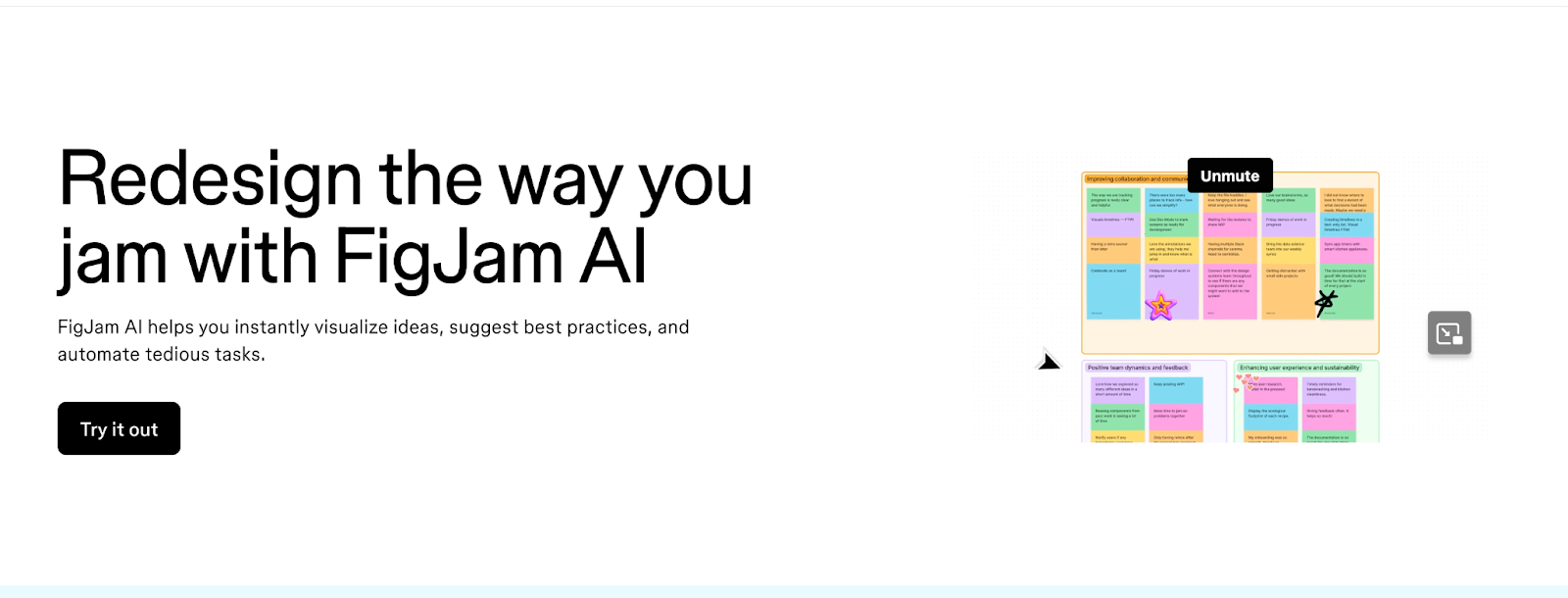
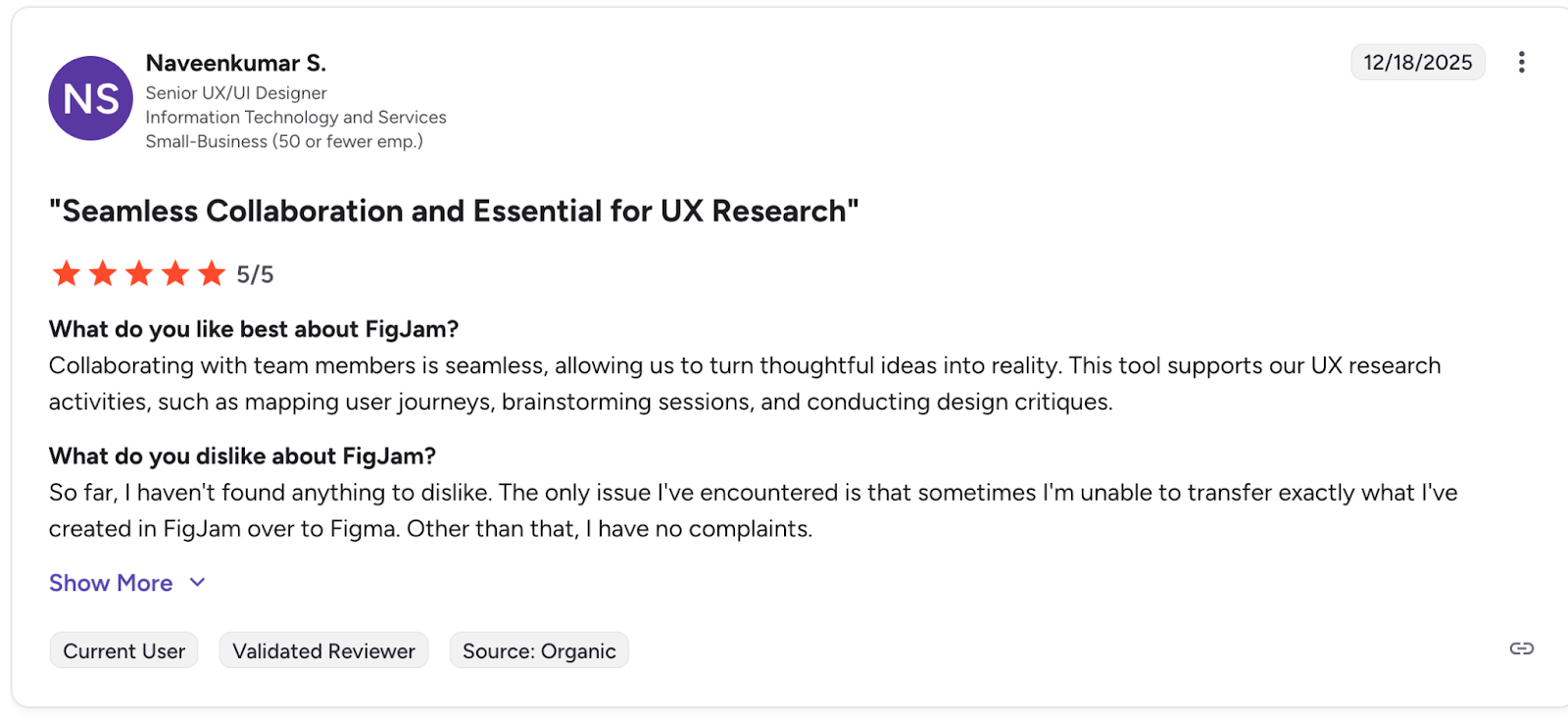
FigJam AI has sparked plenty of discussion in developer and desgin circles alike sWhile not a traditional coding tool, FigJam AI is essential for the "vibe" part of vibe coding. It's a digital whiteboard where you can brainstorm ideas, create flowcharts, and map out application architecture using AI. You can generate diagrams, mind maps, and user flows from simple text prompts, helping you visualize your project before writing a single line of code.
Key Features:
- AI-Powered Diagramming: Create flowcharts, sequence diagrams, and mind maps just by describing them.
- Collaborative Whiteboard: Brainstorm with your team in real-time, no matter where they are.
- Template Generation: Quickly create templates for common development tasks like sprint planning or system design.
Pros:
- Excellent for shaping ideas before jumping into implementation
- Complements vibe coding tools by clarifying intent upfront
- Low barrier to entry for both technical and non-technical stakeholders
Cons:
- Not a coding or code-generation tool
- No direct integration with build, deploy, or runtime workflows
- Diagrams still require validation to avoid oversimplification
- Limited value once development shifts into implementation-heavy phases
- Relies on manual handoff from design artifacts to code
Pricing:
Included as part of Figma’s pricing tiers, with free and paid plans available.
G2 Rating: 4.6/5
FigJam AI Reviews:
7. Windsurf
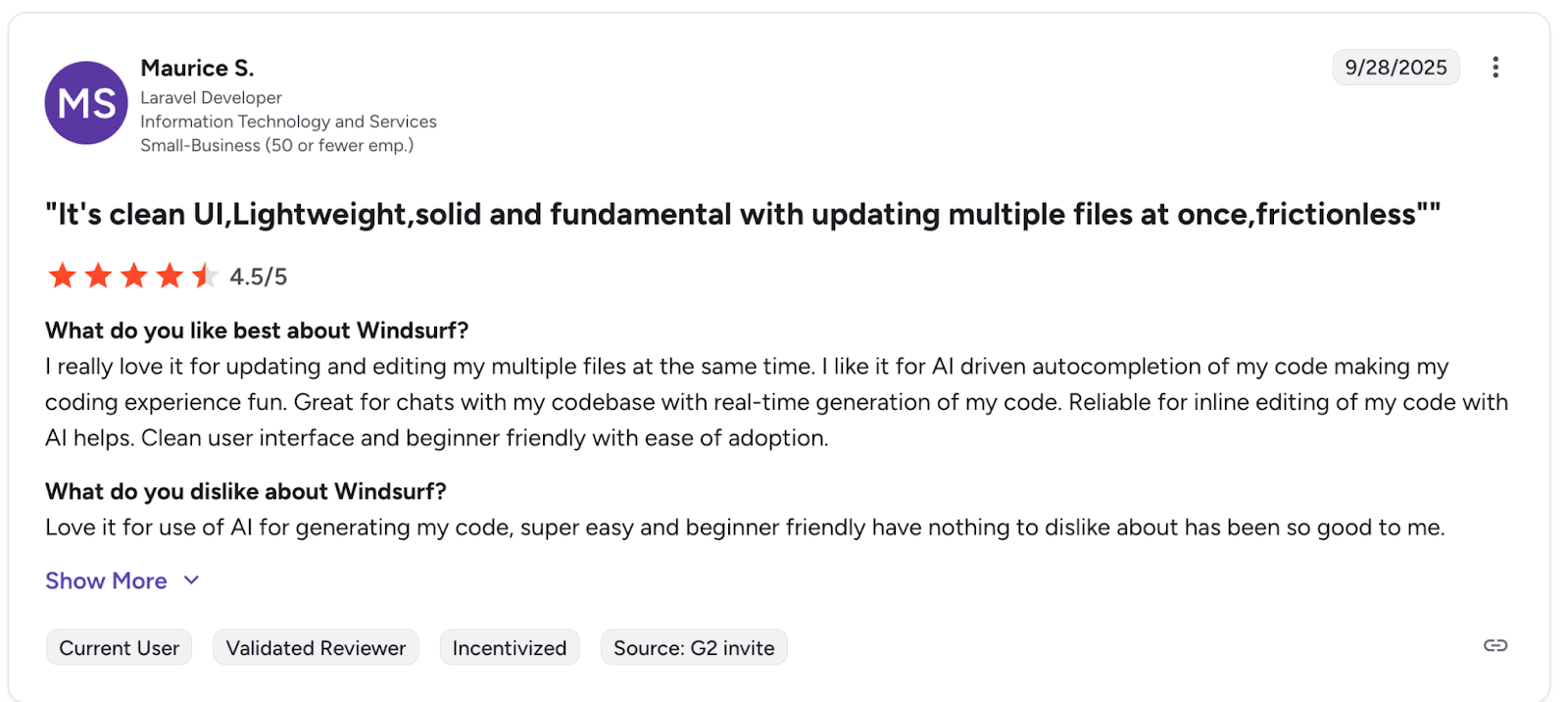
A rival to cursor, windsurf describes itself as an integrated development environment that allows developers to do their best work, what sets windsurf apart is a focus on helping developers keep a flow state through non intrusive suggestions and a chat like interface that surfaces only when you need it.
Key Features:
- Flow-Aware Memory: Remembers codebase structure, architectural patterns, and workflow context to reduce repeated prompting.
- Automatic Lint Fixing: Detects and automatically fixes lint errors introduced during AI-assisted code changes.
- MCP Support: Connects external tools and services (such as GitHub, databases, and APIs) directly into the AI workflow via Model Context Protocol.
Pros:
- Strong emphasis on maintaining developer flow state
- Less intrusive than chat-heavy AI coding tools
- Native lint fixing reduces post-generation cleanup
- MCP support enables powerful tool-aware workflows
Cons:
- Smaller ecosystem compared to more established IDEs
- Flow-first design may feel “too quiet” for users who prefer constant AI feedback
- Advanced features are gated behind paid plans
Pricing:
Free tier available with limited usage, paid plans unlock higher request limits
G2 Rating: 4.2/5
G2 Reviews:
8. Antigravity
A newer tool on the block, Antigravity is Google's take on an agent-first development environment. Rather than bolting AI onto an existing editor, Antigravity rethinks the IDE around autonomous agents that operate across code, terminal, and browser surfaces.
Key Features
- Agentic IDE Core: A context-aware editor with natural language commands, tab autocompletion, and configurable AI agents embedded directly into the coding workflow.
- Higher-Level Abstractions: Task-based views that surface agent activity, generated artifacts, and verification results to improve trust and observability.
- Cross-Surface Agents: Unified agent control across the editor, terminal, and browser, enabling end-to-end workflows without manual context switching.
Pricing
Subscription based model, with changing pricing at time of writing
Pros
- Strong agent-first design rather than traditional autocomplete-first tooling
- Deep integration across editor, terminal, and browser surfaces
- Backed by Google’s infrastructure and AI research ecosystem
Cons
- Early-stage product with limited real-world adoption so far
- Agent abstractions may feel opaque to developers who prefer explicit control
- Workflow model differs significantly from traditional IDEs, increasing the learning curve
- Pricing and long-term product direction are still unclear
Conclusion: Balancing Creativity with Security
Vibe coding is changing how we build software, making it more intuitive, creative, and accessible. The right tools can feel like a superpower, allowing you to translate ideas into reality faster than ever before. However, this speed and creative flow shouldn't come at the cost of security.
The key is to adopt tools that complement your workflow rather than disrupt it. For coding, platforms like GitHub Copilot and Cursor provide AI-powered assistances to keep you in the zone. For security, a solution like Aikido works silently in the background, providing a safety net that catches vulnerabilities without the noise and friction of traditional scanners.
By choosing a toolstack that enhances both creativity and security, you can fully embrace the future of development. You get to maintain your vibe, build amazing things, and rest easy knowing your code is secure from the start.
FAQ
Is vibe coding suitable for production systems?
Yes , but with caveats. Vibe coding tools can absolutely be used for production work, especially when paired with proper review, testing, and security controls.
What’s the difference between vibe coding and traditional AI-assisted coding?
Traditional AI-assisted coding (like autocomplete) helps you write code faster line by line. Vibe coding reduces the gap between idea and implementation by allowing you to describe outcomes in natural language and letting the AI generate large portions of the application, often across multiple files or services.
Are vibe coding tools safe from a security perspective?
Not by default. Most vibe coding tools optimize for speed and usability, not security. Without guardrails, they can introduce common vulnerabilities such as insecure defaults, missing authentication, or unsafe dependencies. This is why pairing vibe coding with automated, low-noise security tooling is critical.
Which vibe coding tool is best for beginners?
Lovable and Replit are generally the most approachable for beginners due to their minimal setup and high-level abstractions. Tools like Cursor, Windsurf, and Antigravity are better suited for experienced developers who want tighter control over code and workflows.
Do vibe coding tools replace developers?
No. They shift how developers work, not whether they’re needed. Vibe coding excels at scaffolding, iteration, and exploration, but human judgment is still essential for architecture, performance tuning, security decisions, and long-term maintainability.
How do I keep my “vibe” without sacrificing security?
Use tools that run quietly in the background and surface only actionable issues. Avoid scanners that overwhelm you with low-priority alerts, and favor solutions that integrate directly into your development workflow with automated fixes and clear remediation guidance.
Are these tools suitable for teams, or just solo developers?
Both. Some tools (like Tabnine and GitHub Copilot) are well-suited for teams with existing workflows and governance needs. Others (like Lovable and Replit) shine for solo builders and early-stage teams. The key is choosing a tool that aligns with your team’s tolerance for abstraction and automation.
You Might Also Like:


