

Protect devices from supply chain attacks
Block malicious browser extensions, IDE plugins, and code libraries. Device Protection gives you visibility and control over the software packages installed on your dev's devices.



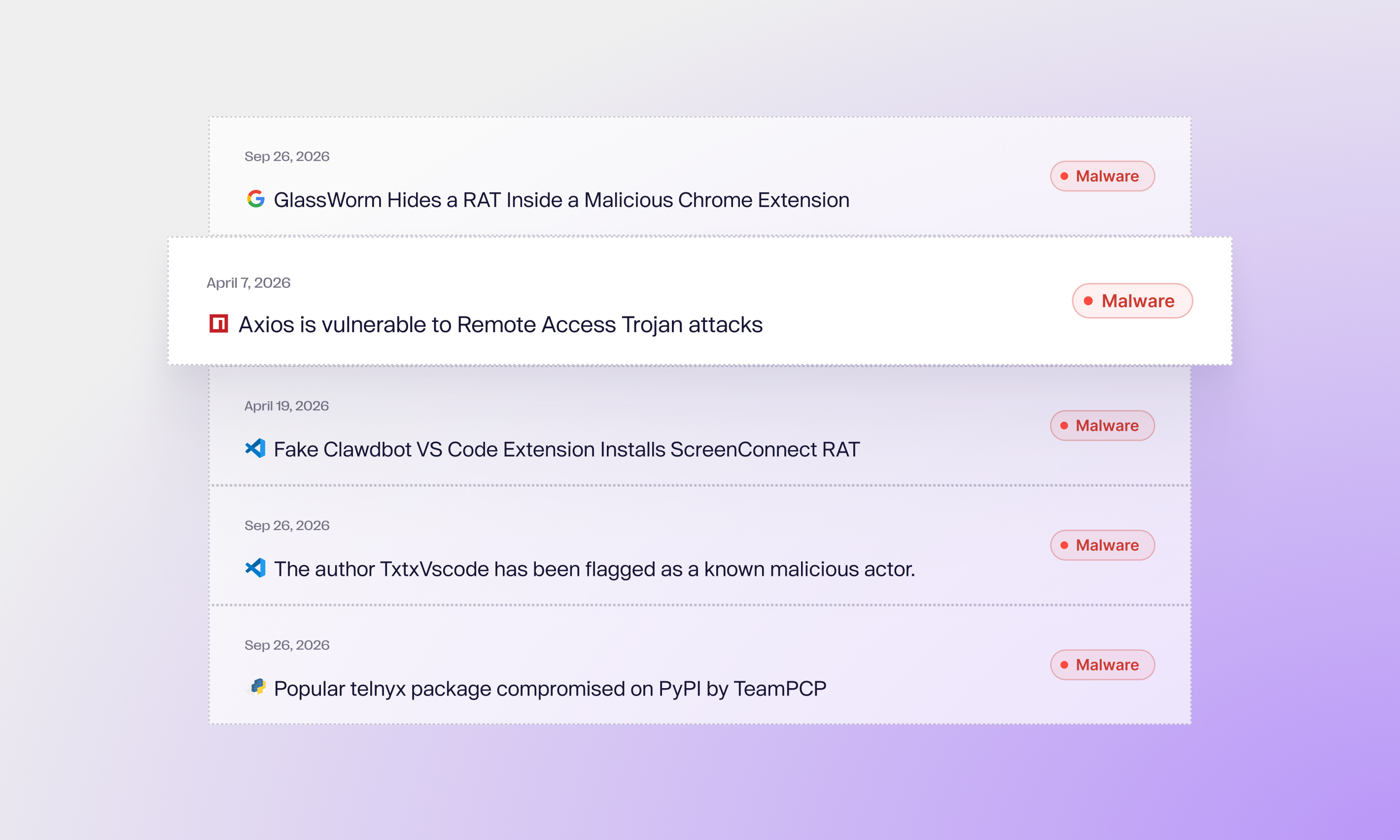
Developer devices are under attack
Aikido protects developer devices from supply chain attacks
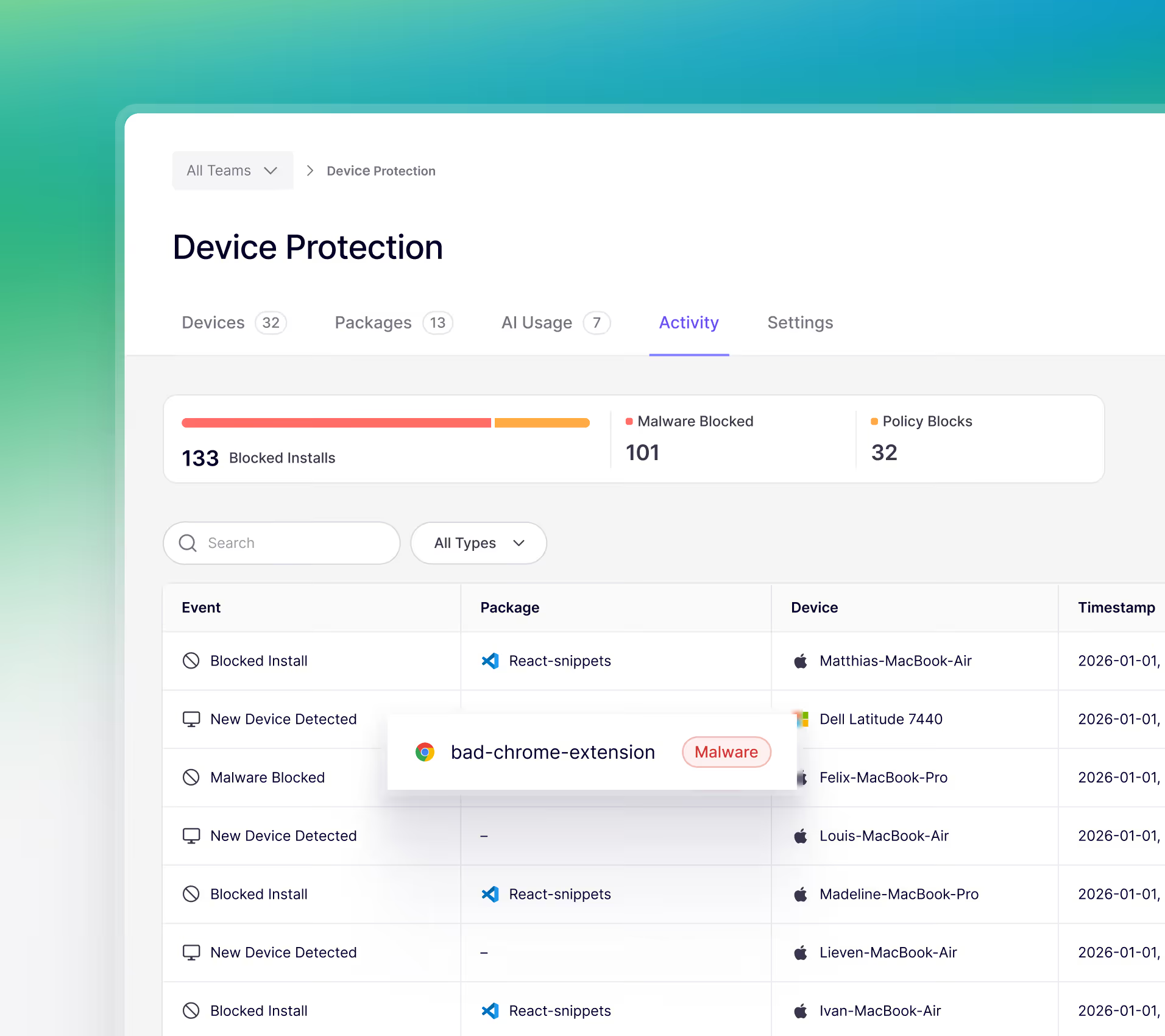
Discover risk
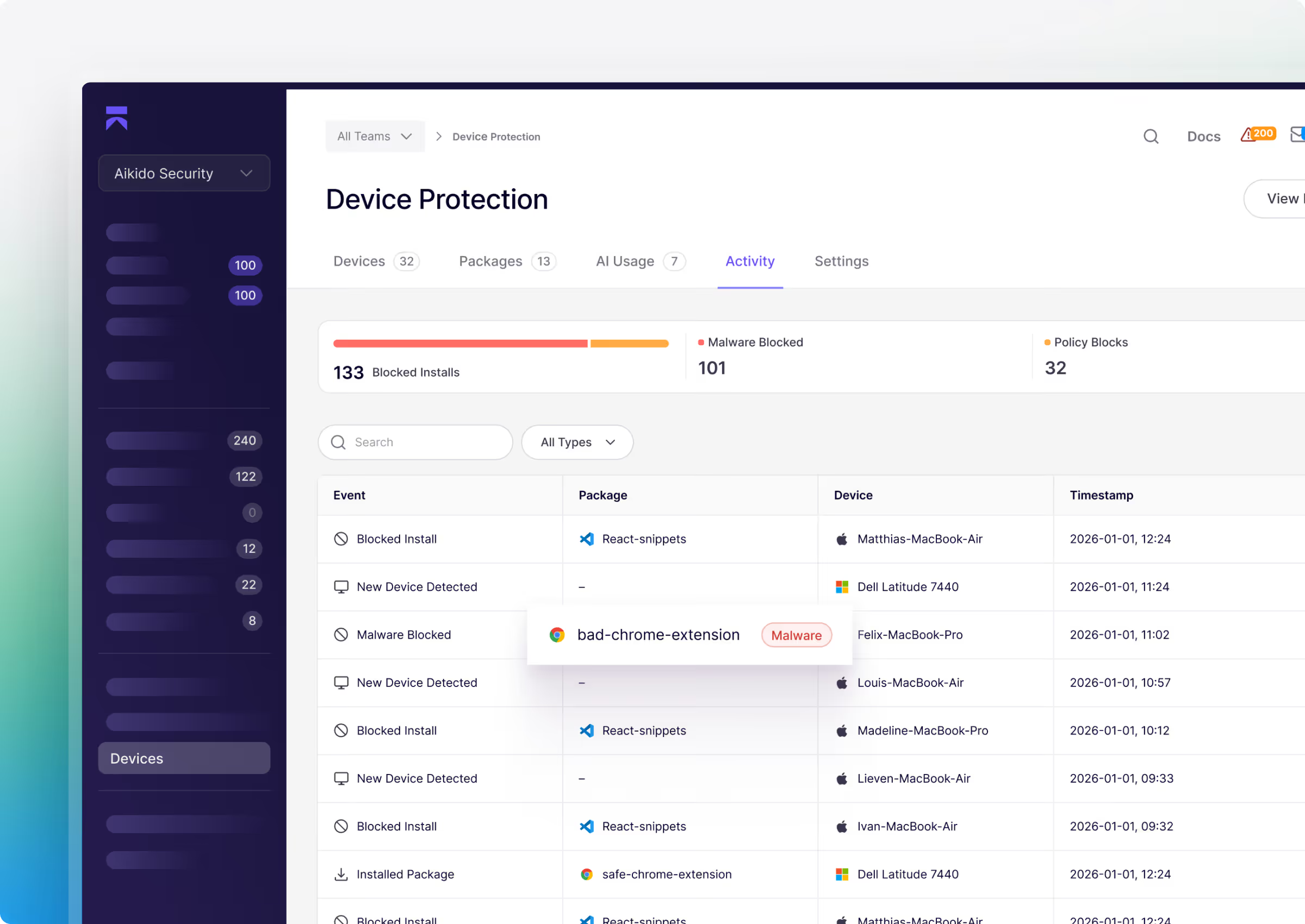
Every package, extension, plug-in, and install gets reviewed by Aikido. See what's on every machine.
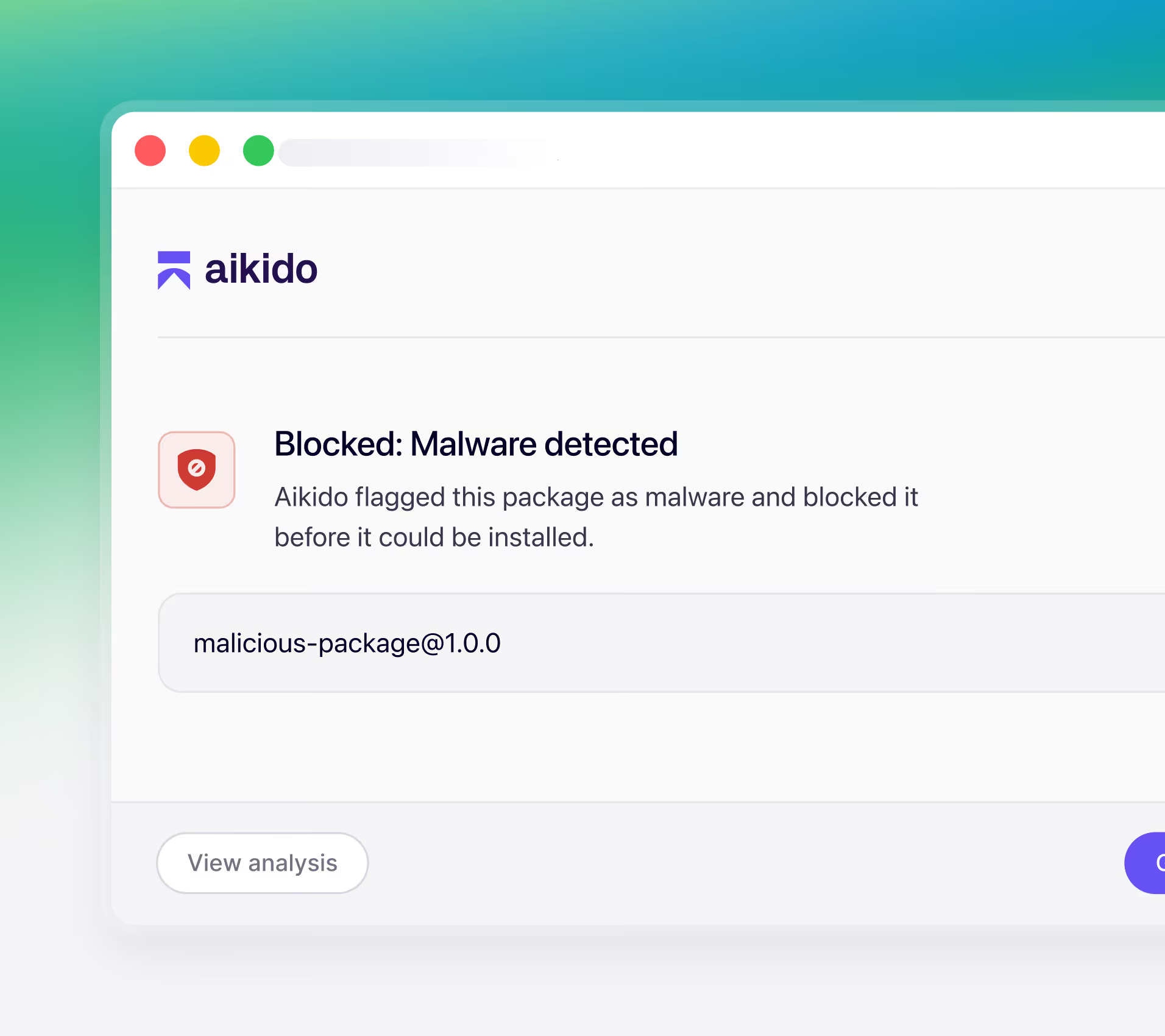
Prevent attacks
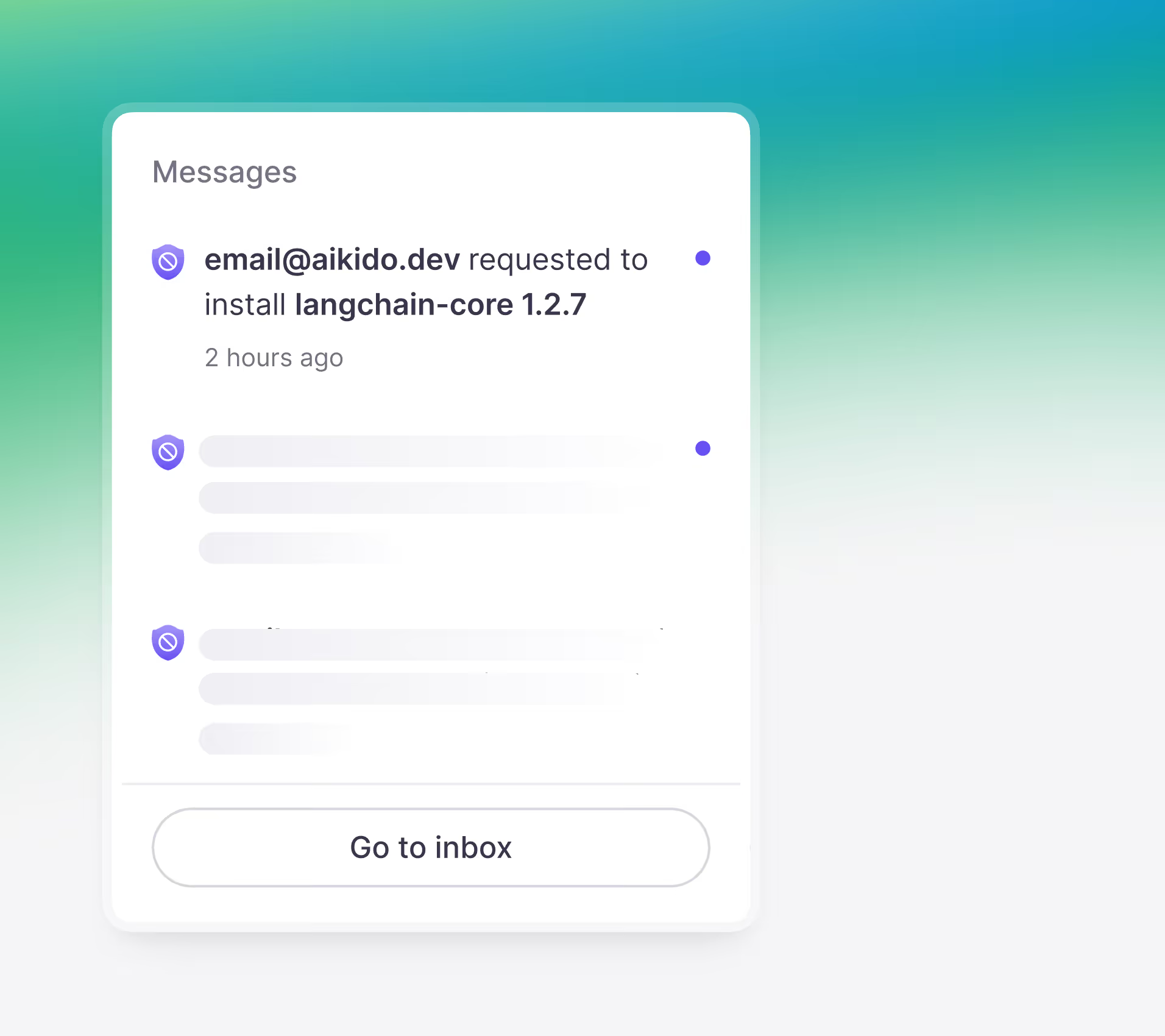
Malicious installs are blocked before they touch the device. Prevent attacks before they happen.
Full coverage across developer ecosystems





Aikido Device Protection
explained in under 5 minutes
Known malware is blocked before it touches the filesystem.
Not flagged after. Not quarantined later. Stopped before it's downloaded.
Protect every install. Build fearlessly.
Developer devices are prime targets, secure yours.
See Aikido in action
Enter your work email to view the video
.avif)
Control device installs from one place
Real-time malware blocking
Aikido actively detects and blocks malware before it hits the device
Extension governance
Scan and control IDE and browser extensions installed by developers. Block malicious extensions automatically.
Continuous monitoring
Check every install as it happens and after. If something turns bad, you know.
Group-based policies
Set different policies for different teams. Developers get flexibility, security teams get control.
Request & approval workflow
Route team requests, define exceptions, and accept new installs in one click
Catch typosquatting out of the box
Every new package is scanned on first request, so typosquatting packages that carry malware are caught and stopped, no configuration required.
Domain blocking
The device firewall lets you block specific domains so devices can't reach them. Block sites like ClawHub, npm mirrors, and other sites you don't want on work machines.

" It's not a case of people deploying insecure code to production anymore; even at install they're getting GitHub credentials exposed. You need something on the device that can stop it before things are installed, not just deployed. Aikido Device Protection is a real game changer. "
Dan SherwoodManaging Director at Khaos Control Solutions

“The fastest time we fixed a vulnerability was just 5 seconds after detection. That is efficiency.”
Aufar SukmajayaBack End Developer

Get up and running in a few minutes
.avif)
.avif)
.avif)
.avif)
Protect every install. Build fearlessly.
Developer devices are prime targets, secure yours.

FAQs about Device Protection

Every package published to npm, PyPI, and other registries is scanned automatically by Aikido Intel using a combination of static analysis, behavioral rules, and AI. Suspicious packages are flagged and reviewed by Aikido's in-house research team. Confirmed threats are pushed to every connected workstation in real time. For a live view of what we're detecting, visit the Aikido Intel feed.
Aikido device protection offers broad protection across many ecosystems, while a private registry is best when you need tight control within one specific ecosystem.
It intercepts HTTP traffic at the kernel level, including TLS-encrypted traffic by adding a local CA, and it is designed to work in a chain with other traffic inspection solutions.
More in depth info: https://help.aikido.dev/aikido-device-protection/miscellaneous-aikido-endpoint/how-does-endpoint-protection-work
Device Protection operates at the package, extension, and AI layer. It complements EDR rather than replacing it. EDR catches threats after they are running. Aikido stops them from running in the first place.
Network blocks are coarse and easy to route around. A developer on a personal hotspot can bypass them entirely. Aikido operates at the workstation level, per developer, per tool. You get granular control and a real audit trail.
Minimum package age holds installs of recently published packages. The default is 48 hours. This stops a common supply chain attack. An attacker publishes malicious code to npm or PyPI and tries to get developers to install it before the community can flag it.
Aikido observes traffic at the workstation level regardless of which account a developer is using. If a tool is making outbound calls to an AI service, Aikido sees it. This is true whether it is a corporate license or a personal account.
Device Protection is available on MacOS, Windows and Linux. Supported Linux operating systems are available in the help docs. WSL support will be available in Q4 2026.
Traditional virus scanners such as Norton, McAfee, and Crowdstrike Falcon primarily inspect compiled binaries for known malware signatures, while Device Protection focuses on the modern, non-binary attack surface, including JavaScript packages, IDE extensions, browser plugins, and AI skills marketplaces. These plain-text, interpreted artifacts can slip past traditional scanners, yet still run with full access to the developer environment and, by extension, the software supply chain.