Aikido

Aikido is the #1 Koi alternative for Device protection

Block malicious browser extensions, IDE plugins, and code libraries. Device Protection gives you visibility and control over the software packages installed on your dev's devices.

Your data won't be shared · No CC required
Trusted by 50k+ orgs
|
Loved by 100k+ devs
|
4.7/5
KOI GAPS

Major areas where Aikido wins compared to Koi

Aikido Security
Koi
Pricing
Transparant pricing on our pricing page
Pricing locked behind long, extensive sales cycles.
Aikido uses simple, flat seat-based pricing - so you’re paying for active users, not passive code. All core security and quality features are included by default. No hidden modules, no surprise add-ons. You know exactly what you’re getting and what it costs, even as your codebase grows.
SonarQube’s pricing is based on the number of lines of code (LOC) in your repository. This model scales poorly for larger codebases or monorepos, where inactive or legacy code can still trigger higher costs. Hidden pricing tiers for enterprise features (e.g. SAST, Secrets detection, IaC scanning) make it hard to predict total cost.
Time to setup
Setup in minutes
Days or weeks, depending on the sales cycle.
Aikido is cloud-native and designed to integrate into your workflow in minutes. GitHub, GitLab, Bitbucket, whatever you use. There’s no infrastructure to maintain, no database to back up, no server to babysit. Connect your repo, set your rules, done.
SonarQube often requires self-hosting, manual configuration, and dedicated infra. Installing updates or plugging into CI/CD can be time-consuming, with the risk of version mismatches or rule degradation. Teams often assign someone just to manage it.
Product availability
Device Protection is included in our Basic plan
Koi Endpoint protection is bundled into a Palo Alto enterprise suite.
Aikido was built with developer ergonomics at the core. Alerts are prioritized based on exploitability, not just rule violations. You see issues directly in your PRs, with code suggestions you can apply or ignore. Developers don’t have to leave their workflow or interpret vague findings - just fix what matters.
The UI and user experience in SonarQube often feel dated. Findings can be overwhelming, with minimal prioritization or real-time context. Developers are forced to sift through dozens of alerts, many of which aren’t actionable or security-relevant.
Real-time malware blocking
Blocks malicious installs on the device, before they land.
Relies on your SWG, EDR, or MDM to block or remediate after the fact.
Aikido offers true full-stack coverage - from static code to open source dependencies, container images, IaC templates, exposed secrets, even live application behavior (DAST). Instead of stitching together five tools, you get unified visibility and actionability in one.
SonarQube is mostly focused on first-party code analysis. It covers basic SAST and some secrets detection, but lacks depth in cloud-native security: no IaC scanning, no container scanning, no DAST, no CSPM. Attempts to add these recently feel bolted-on.
Supply-chain defences
Default 48-hour minimum package age stops "publish-and-pray" malware before it spreads.
No equivalent countermeasure advertised.
Aikido applies exploitability filters, dependency reachability analysis, and developer intent heuristics to avoid crying wolf. If we flag it, it’s because it can actually be hit or abused - not just because a rule fired. This means fewer false positives, better signal-to-noise, and fewer ignored alerts.
SonarQube rules can feel more like a glorified linter - flagging style violations or best practices without understanding context. It’s easy to end up with 100s of alerts and no sense of priority. There’s limited effort to distinguish between real vulnerabilities and cosmetic suggestions.
Off-network protection
The on-device agent catches install traffic even on personal hotspots.
Network-based enforcement can be bypassed by tethering.
Aikido includes code-level fix suggestions, inline explanations, and links to learn more. In many cases, we auto-generate patch recommendations you can apply directly in your PR. It’s not just about finding issues - it’s about getting them fixed fast.
SonarQube shows the issue, but fixing it is up to the developer. Often there’s little to no explanation or context - just “this line is bad.” You’re expected to decipher the rule or look up the best practice yourself.
Platform
Device Protection ships alongside a wide breathe of security tools. Explore our platform for more.
Point solution for endpoint software governance only.
Aikido iterates fast. Rules are shipped weekly, often in response to real-world attack patterns. We respond to emerging threats (e.g. dependency supply chain attacks, API misuse, etc.) with immediate rule coverage and alerts. Your protection keeps pace with the threat landscape.
New rules and engines in SonarQube can take months to roll out. Because their platform spans many products (SonarQube, SonarCloud, etc.), updates can lag behind what modern stacks demand.

Developer devices are under attack

Option 1) Lock everything down
Private registries. Approval queues. Weeks of friction, while developers route around it.
Option 2) Do nothing
Leave developer workstations unsecured, risk leaking credentials, tokens, and source code.
Option 3) Aikido Device Protection
See and govern what runs on each device. Block attacks automatically.
HOW IT WORKS

Aikido protects developer devices from supply chain attacks
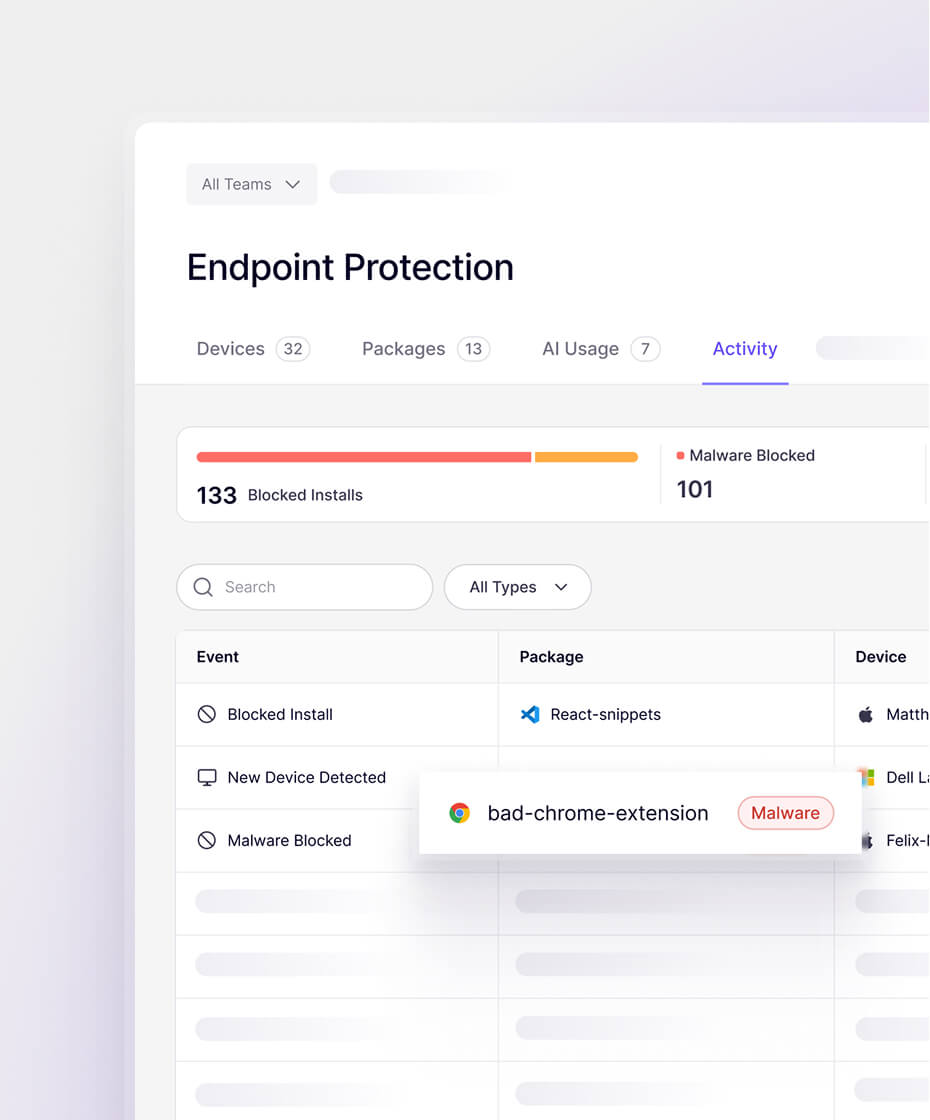
Discover risk

Every package, extension, plug-in, and install gets reviewed by Aikido. See what's on every machine.
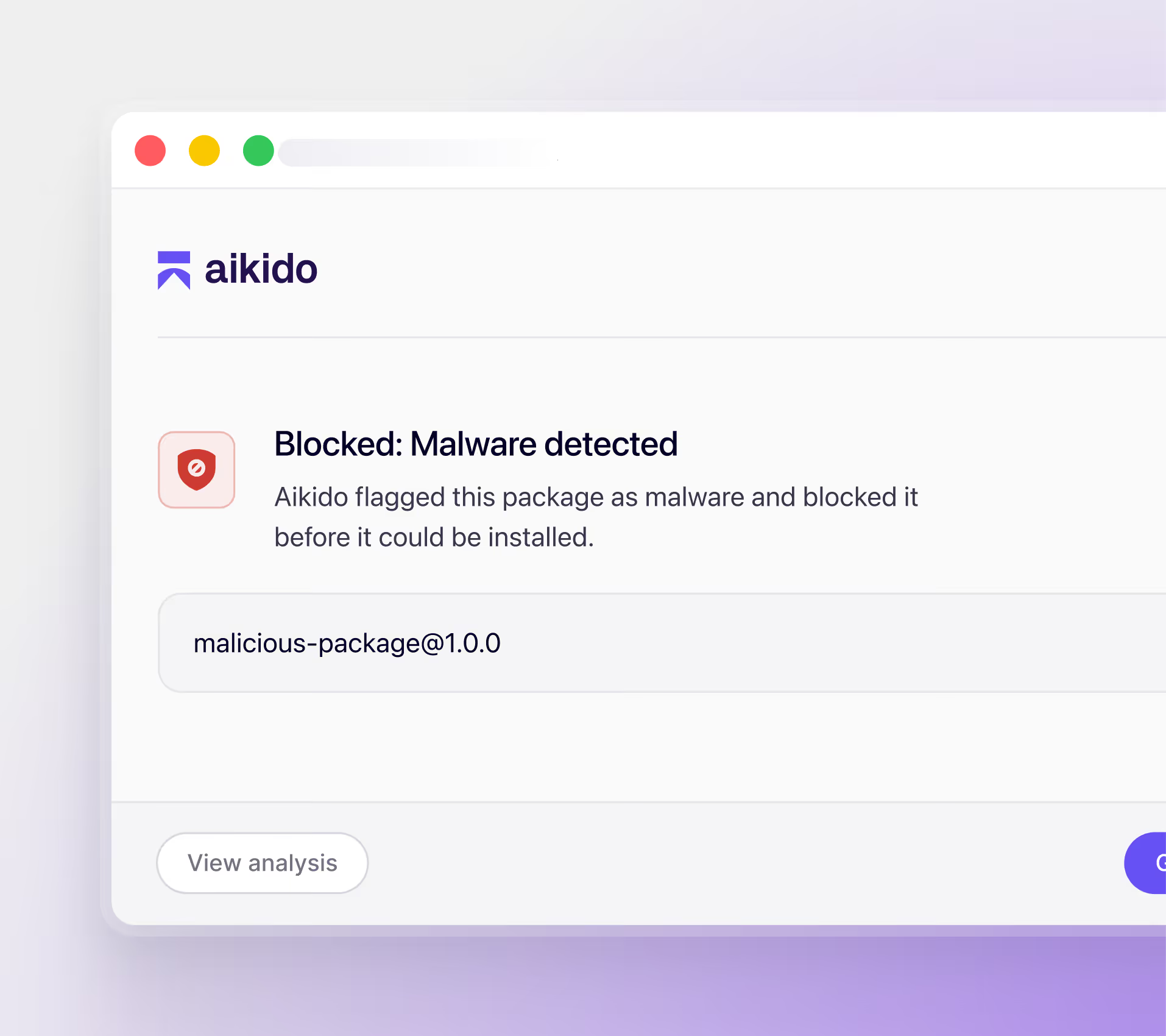
Prevent attacks

Malicious installs are blocked before they touch the device. Prevent attacks before they happen.
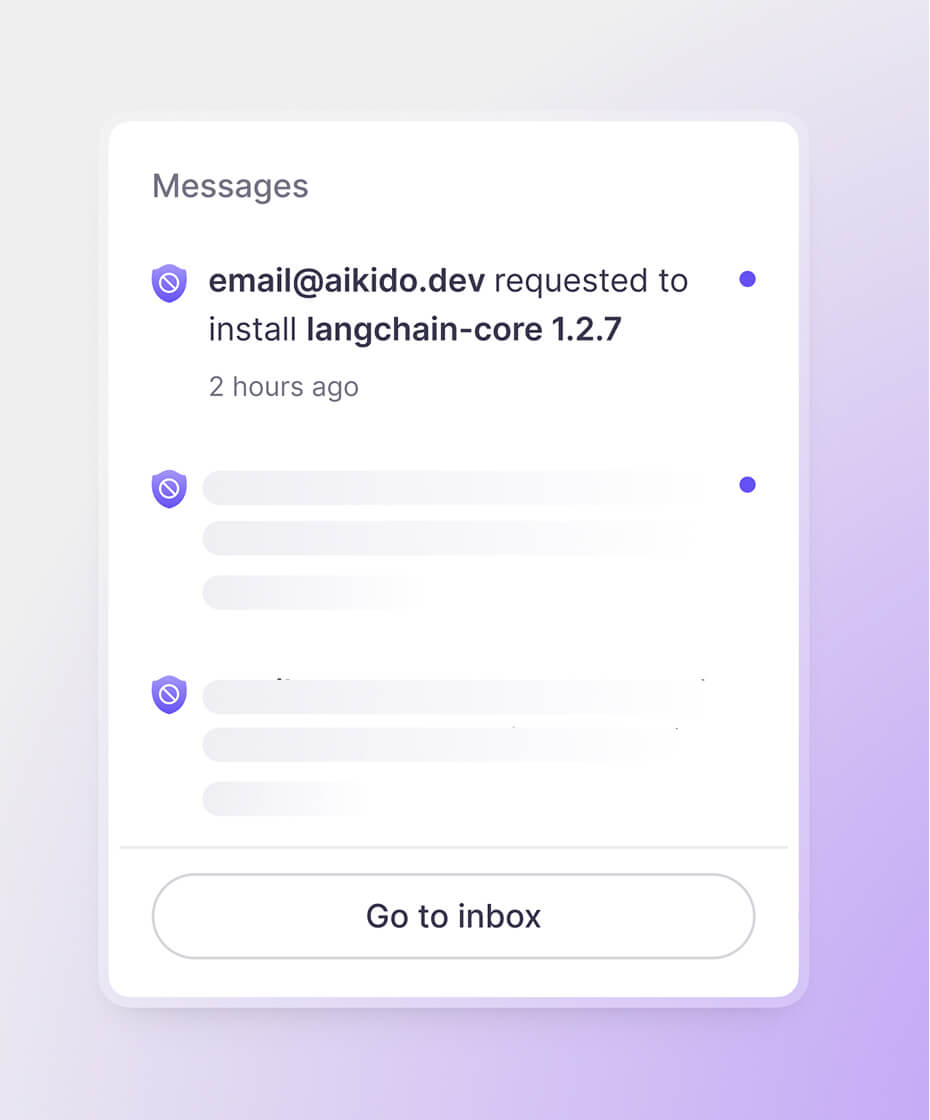
Enable developers

Set team policies, exceptions, and approval flows. Keep developers building.

SOURCES

Full coverage across developer ecosystems

Package Registries

NPM
Maven
PyPi
NuGet
Go
Ruby
(Soon)
Rust
(Soon)
PhP
(Soon)

IDE & Browser Extensions

JetBrains
VS 
Code
OpenVSX
Firefox
Visual
Studio
Chrome
Cursor
Windsurf

AI Tools & Models

Gemini
OpenAI
Github
Copilot
xAI
MCP
Servers
Claude Code
Skills.sh
CAPABILITIES

Control device installs from one place

Real-time malware blocking

Aikido actively detects and blocks malware before it hits the device

Extension governance

Scan and control IDE and browser extensions installed by developers. Block malicious extensions automatically.

Continuous monitoring

Check every install as it happens and after. If something turns bad, you know.

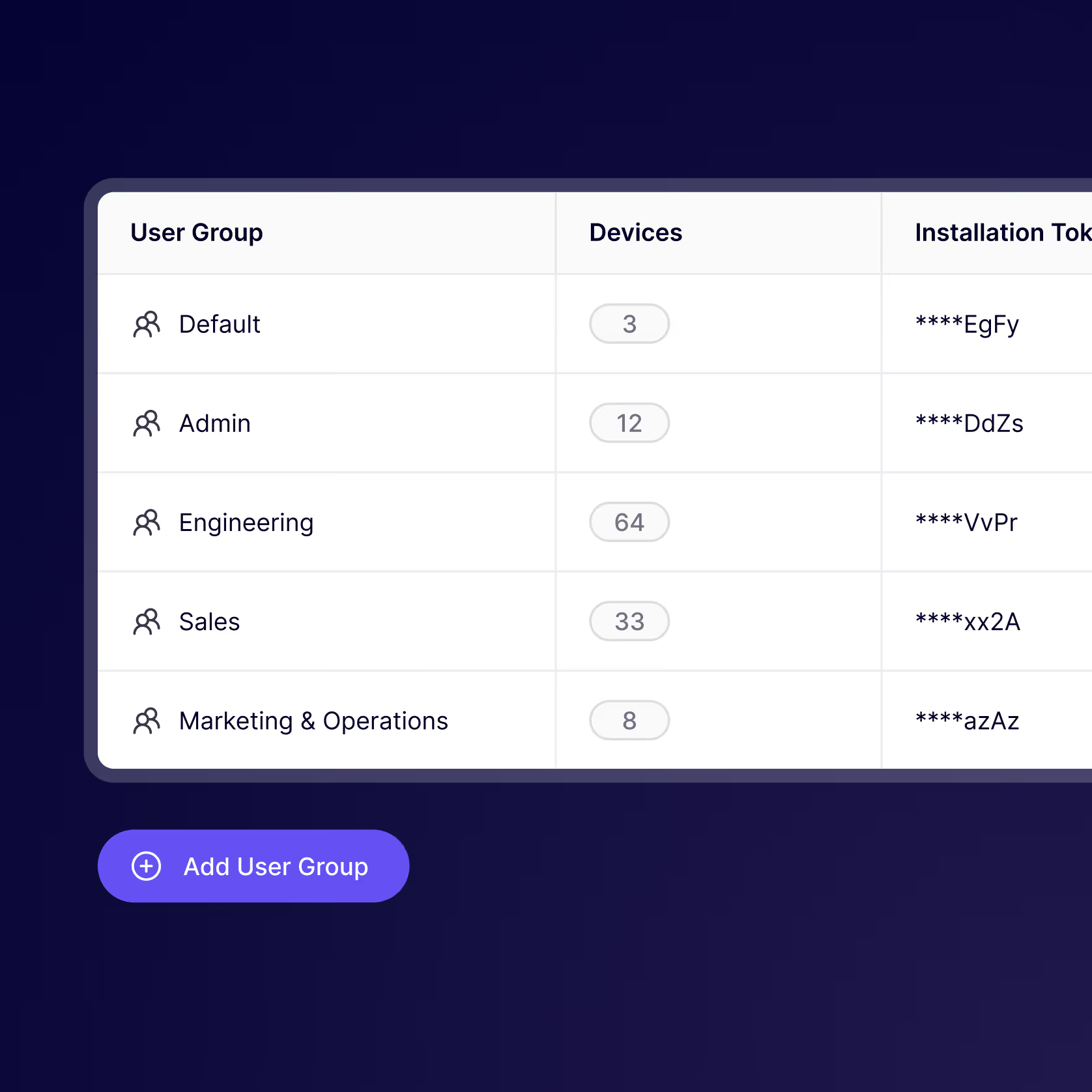
Group-based policies

Set different policies for different teams. Developers get flexibility, security teams get control.

Request & approval workflow

Route team requests, define exceptions, and accept new installs in one click

Bulk actions

Block, uninstall, or adjust policies across devices in one click. No need to chase individual devices.

SETUP

Get up and running in a few minutes
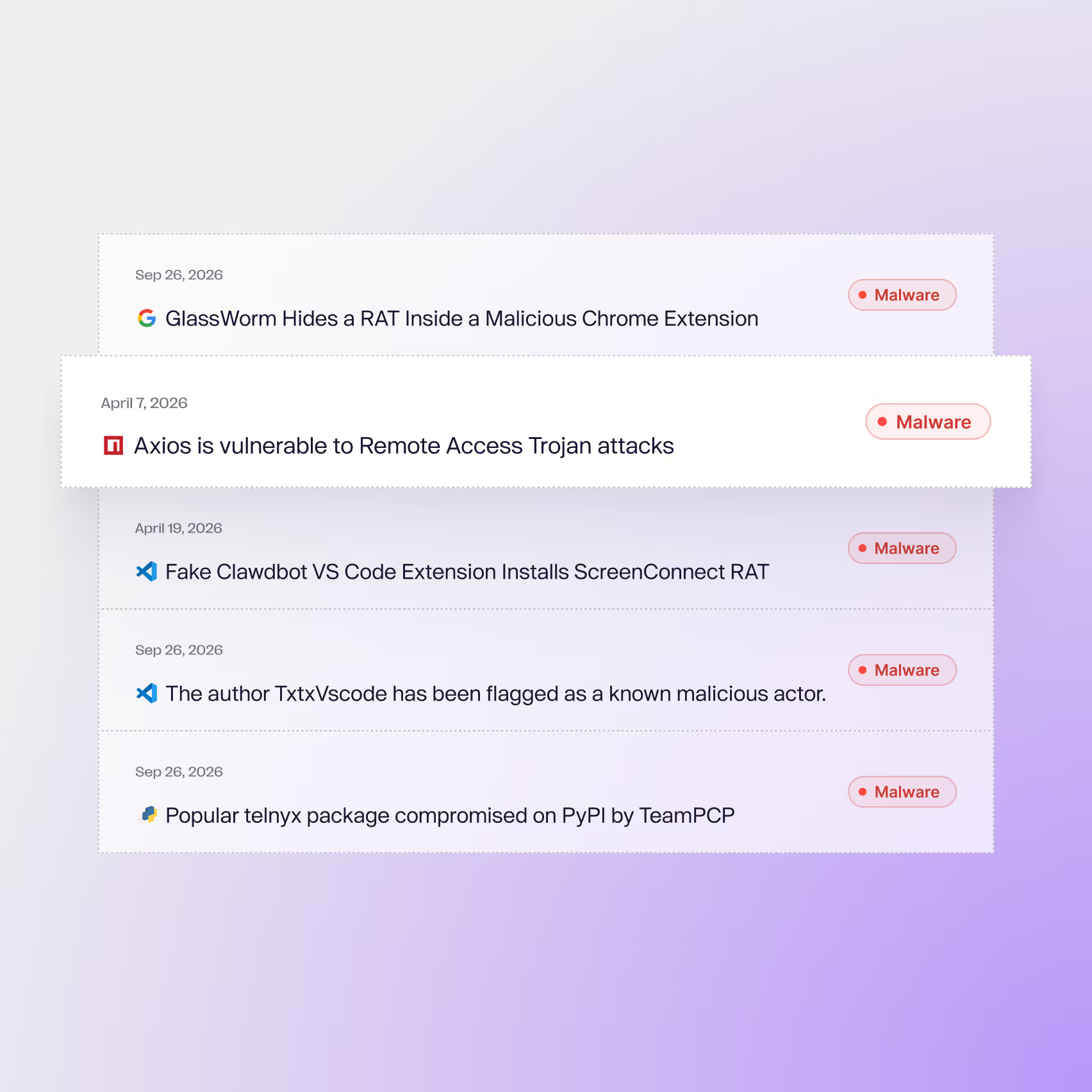
Step 1

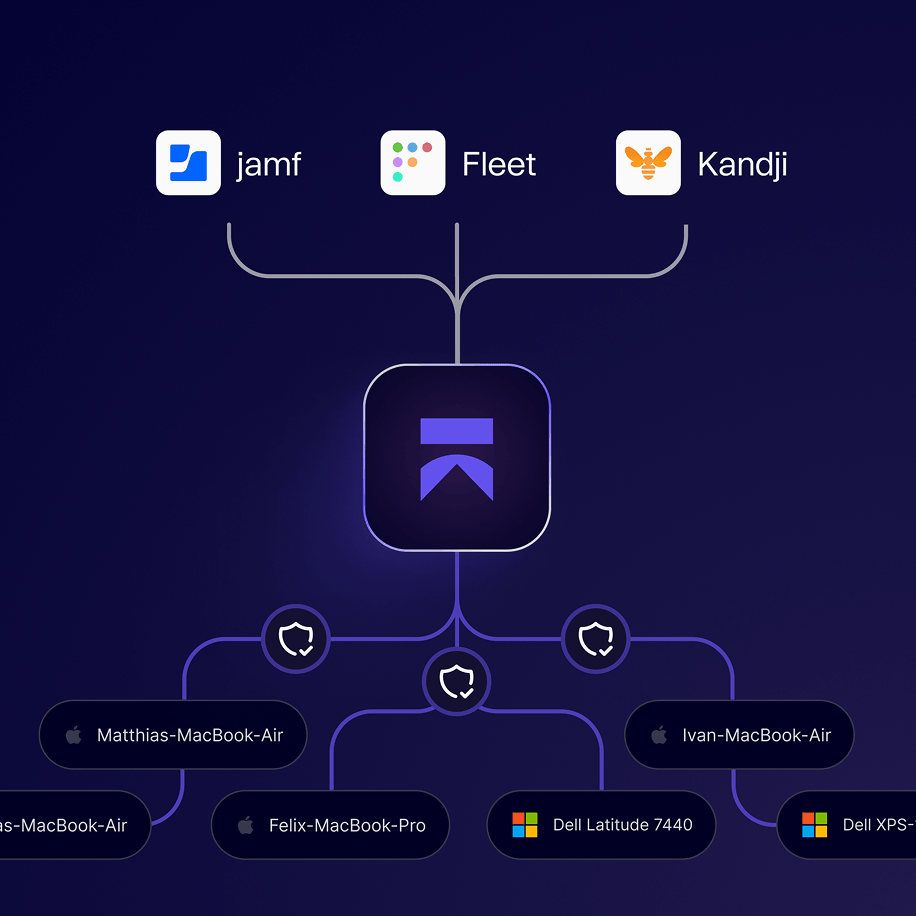
Deploy to workstations

Deploy through the MDMs like Jamf, Fleet, or Iru. No new infrastructure. Manage global and team-level permissions in the Aikido platform.

Step 2

Configure teams and ecosystems

Choose which registries and marketplaces to monitor. Set minimum package age, allowlists, blocklists, and approval workflows. Apply different rules to different teams.

Step 3

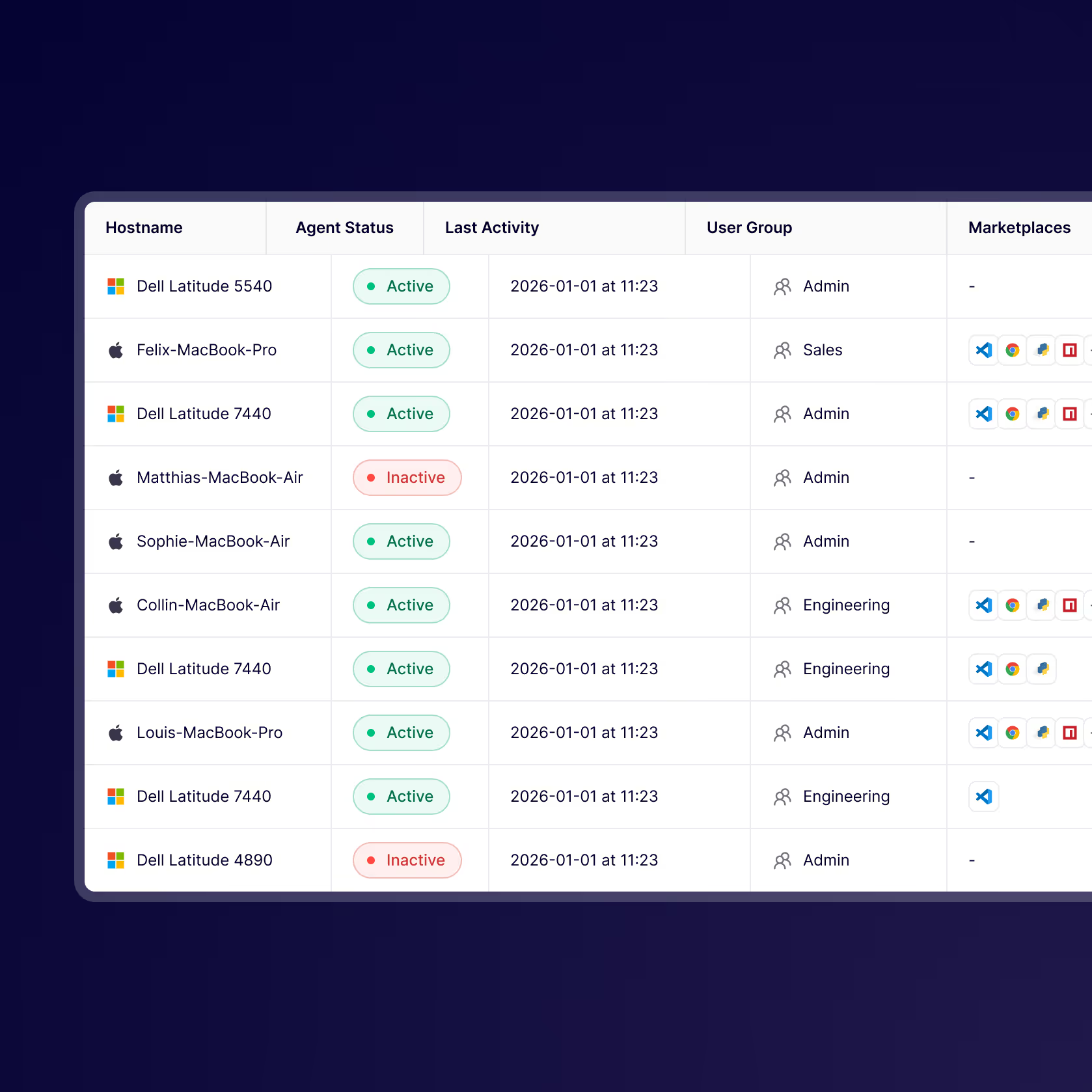
Monitor devices and take action

See every package, extension, and install across team devices. Manage requests and inspect activity from one place.

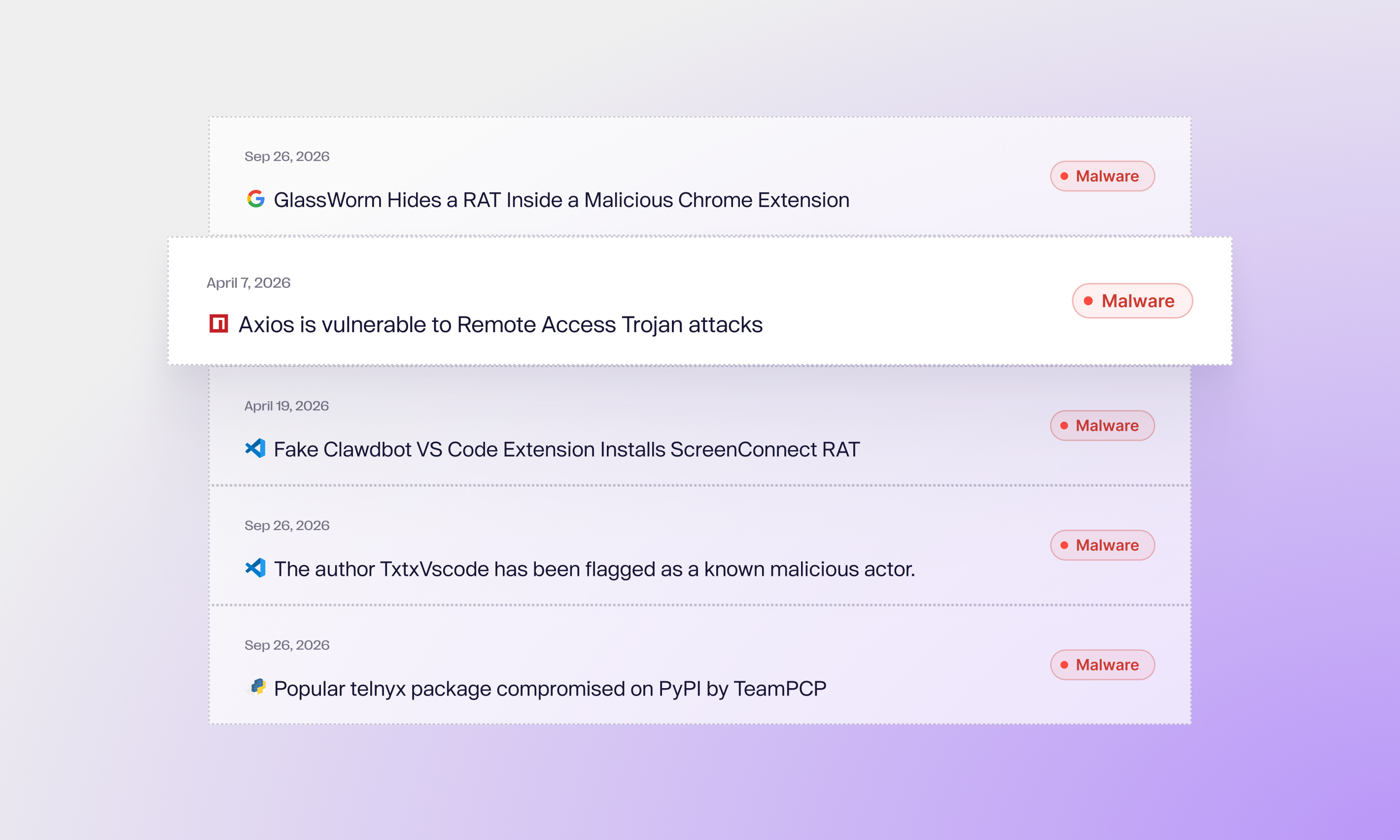
AIKIDO INTEL

Powered by our threat intelligence engine

Aikido Intel monitors the open internet, detecting malware in open-source ecosystems within minutes.

Supported by a dedicated team of security researchers and AI engineers.
View our Intel feed

Protect every install. Build fearlessly.

Developer devices are prime targets, secure yours.

Faq

Frequently Asked Questions

How are malicious packages detected?

Every package published to npm, PyPI, and other registries is scanned automatically by Aikido Intel using a combination of static analysis, behavioral rules, and AI. Suspicious packages are flagged and reviewed by Aikido's in-house research team. Confirmed threats are pushed to every connected workstation in real time. For a live view of what we're detecting, visit the Aikido Intel feed.

How does Aikido device protection compare to using a private registry (for example, NuGet)?

Aikido device protection broader protection across many ecosystems, while a private registry is best when you need tight control within one specific ecosystem.

How does Aikido device protection work technically?

It intercepts HTTP traffic at the kernel level, including TLS-encrypted traffic by adding a local CA, and it is designed to work in a chain with other traffic inspection solutions.

More in depth info: https://help.aikido.dev/aikido-endpoint-protection/miscellaneous-aikido-endpoint/how-does-endpoint-protection-work

How does Aikido interact with our existing EDR?

Aikido Endpoint operates at the package, extension, and AI layer. It complements EDR rather than replacing it. EDR catches threats after they are running. Aikido stops them from running in the first place.

How is this different from blocking AI tools at the network level?

Network blocks are coarse and easy to route around. A developer on a personal hotspot can bypass them entirely. Aikido operates at the workstation level, per developer, per tool. You get granular control and a real audit trail.

What is minimum package age and why does it matter?

Minimum package age holds installs of recently published packages. The default is 48 hours. This stops a common supply chain attack. An attacker publishes malicious code to npm or PyPI and tries to get developers to install it before the community can flag it.

What ecosystems are covered?

We are constantly adding new ecosystem coverage. You can find the current coverage in-app or in the docs.

What if developers use personal accounts or consumer AI tools?

Aikido observes traffic at the workstation level regardless of which account a developer is using. If a tool is making outbound calls to an AI service, Aikido sees it. This is true whether it is a corporate license or a personal account.

Does Aikido's device protection have Windows and Linux support?

Windows and Linux support will be available in Q2 2026.

What is the difference between Device Protection and a virus scanner like Nortons?

Traditional virus scanners such as Norton, McAfee, and Crowdstrike Falcon primarily inspect compiled binaries for known malware signatures, while Aikido Endpoint focuses on the modern, non-binary attack surface, including JavaScript packages, IDE extensions, browser plugins, and AI skills marketplaces. These plain-text, interpreted artifacts can slip past traditional scanners, yet still run with full access to the developer environment and, by extension, the software supply chain.